



B2B App
Built for brands, creators and agencies
TikTok slideshow templates give you a ready-made structure for a photo carousel: a hook slide, a few short points and a closing slide. In Remy you pick a real trending slideshow, Remy rewrites every slide for your brand from your Brand Brain, and you swap in your own photos before you post it.
Paste your website and Remy learns your brand.Add your website to start.
Add website


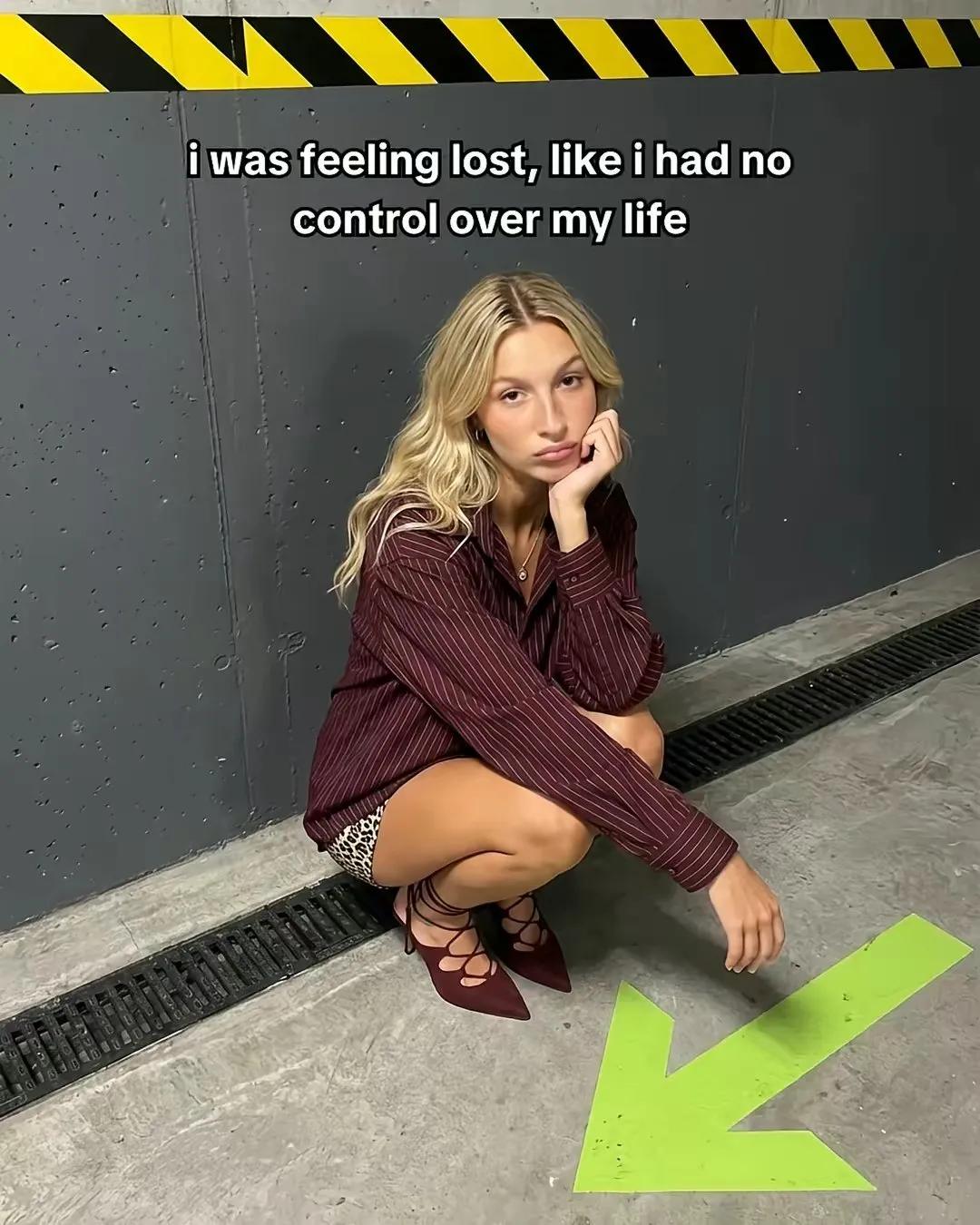




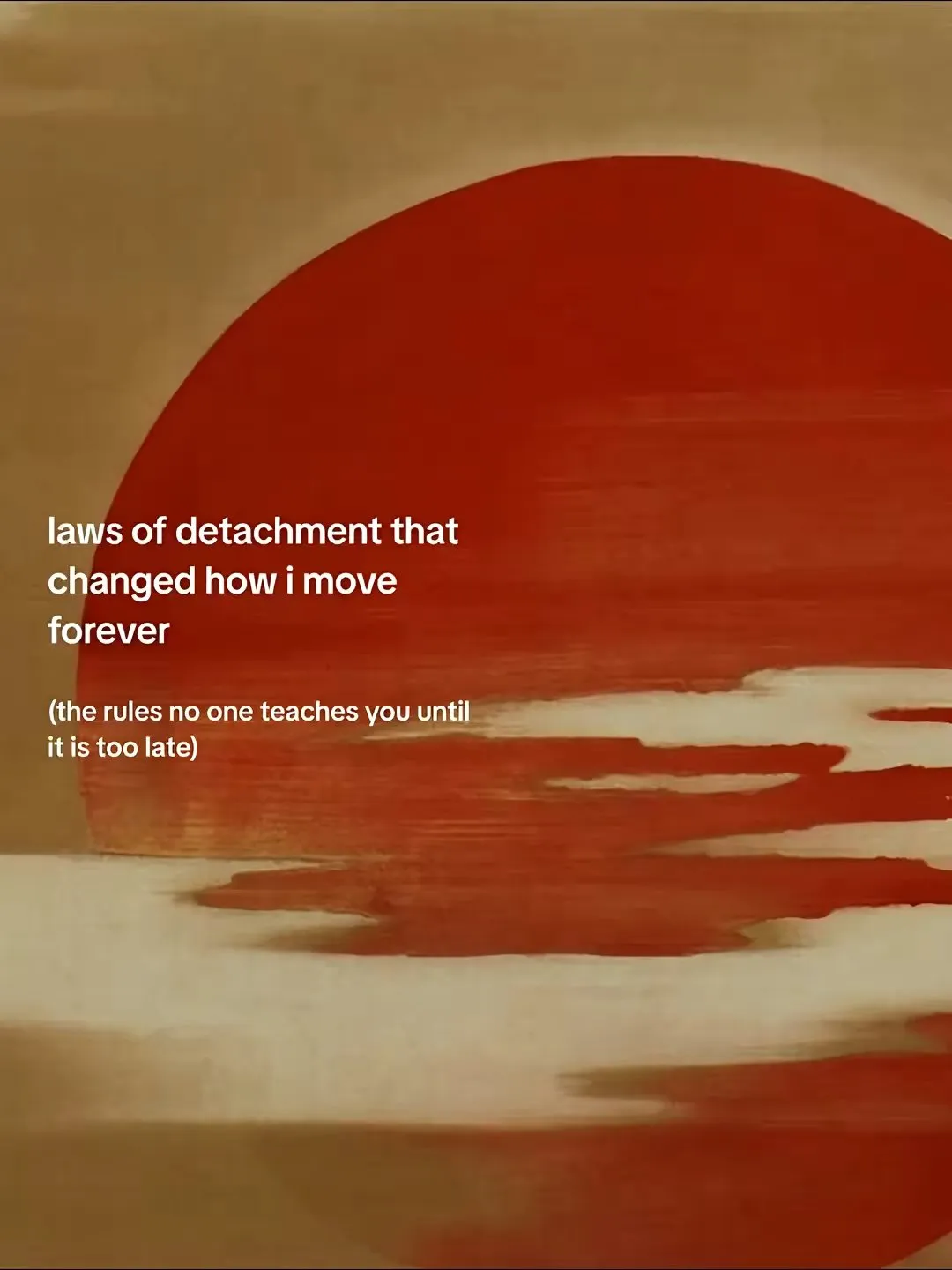
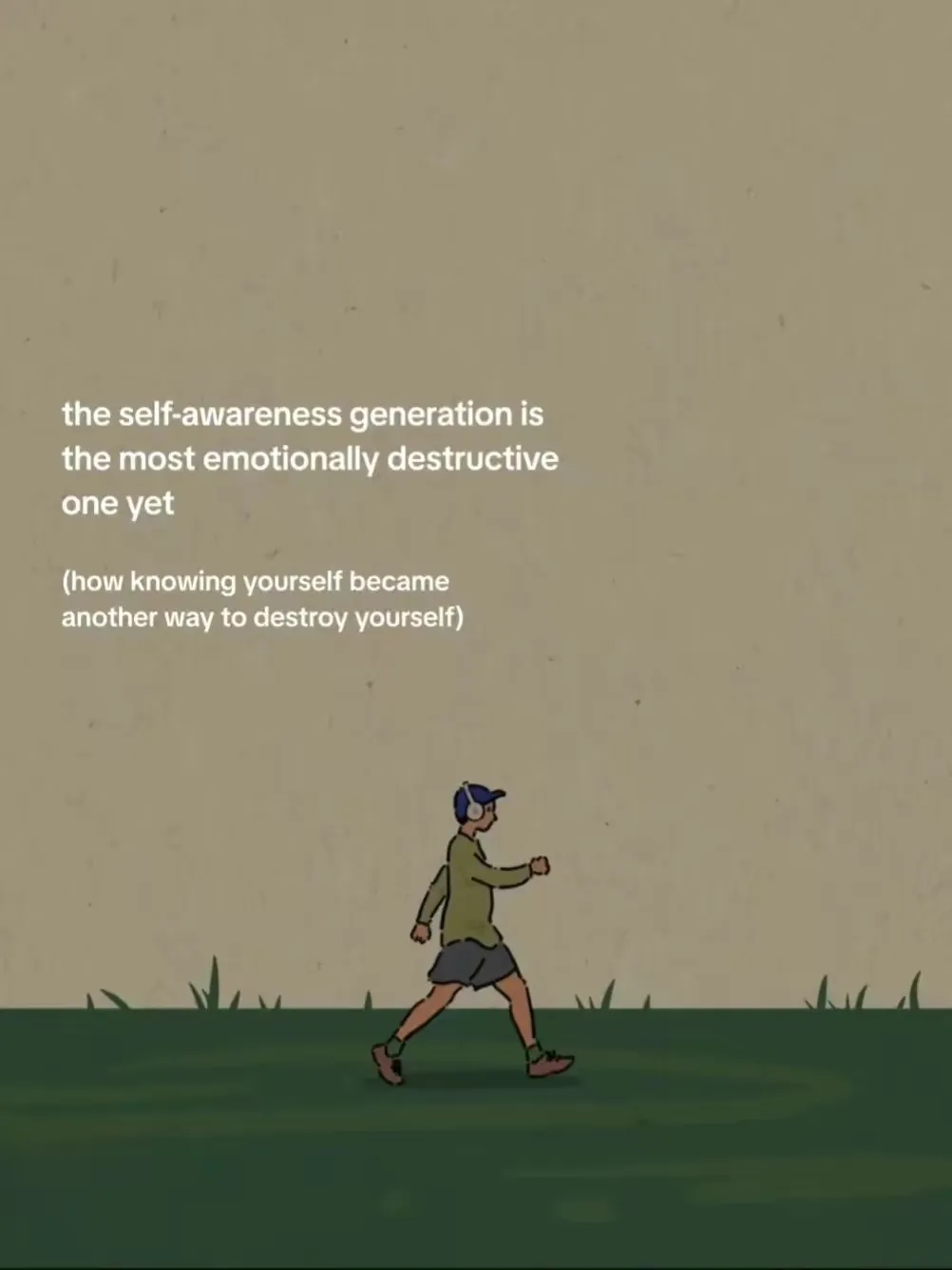
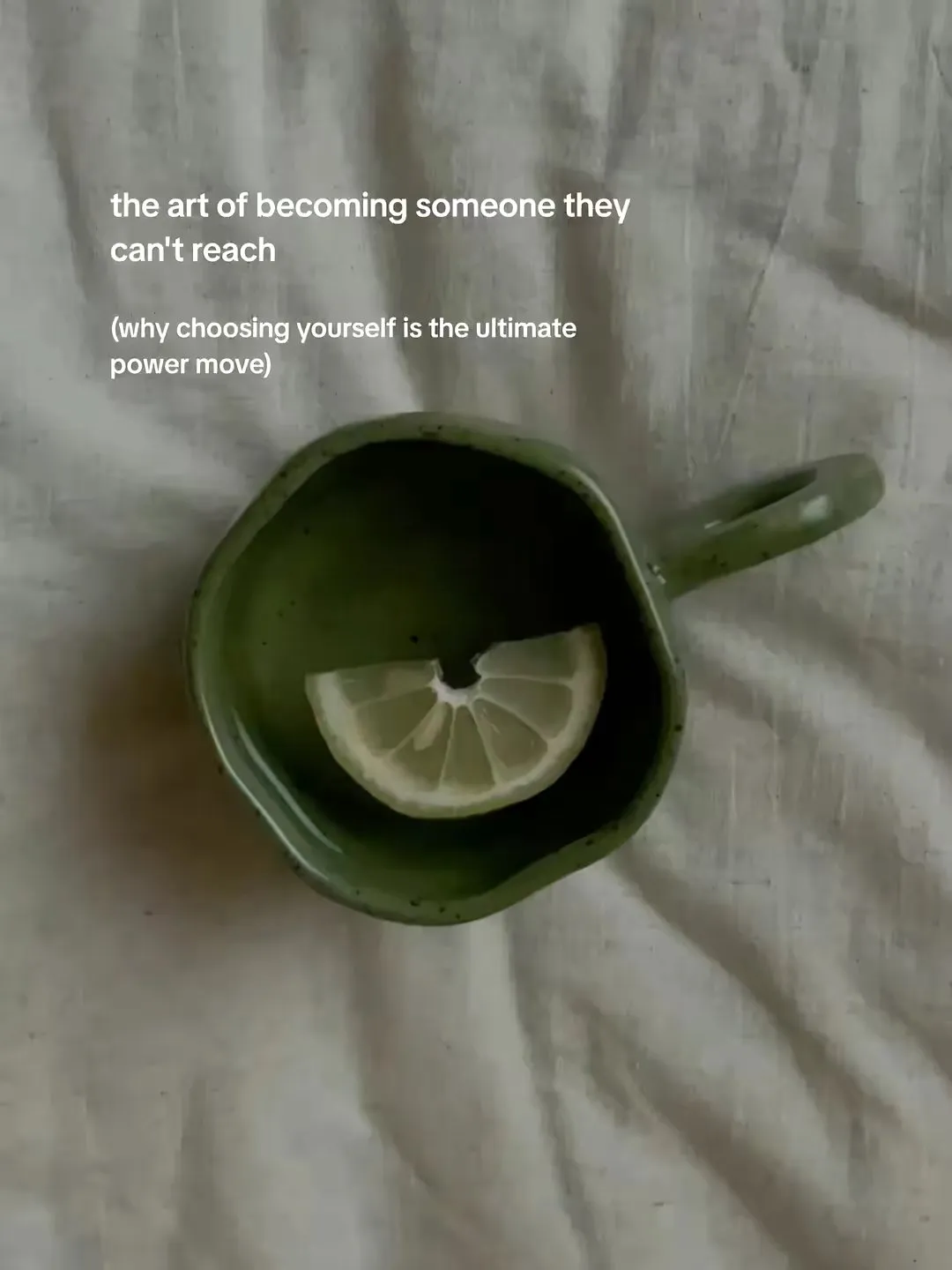







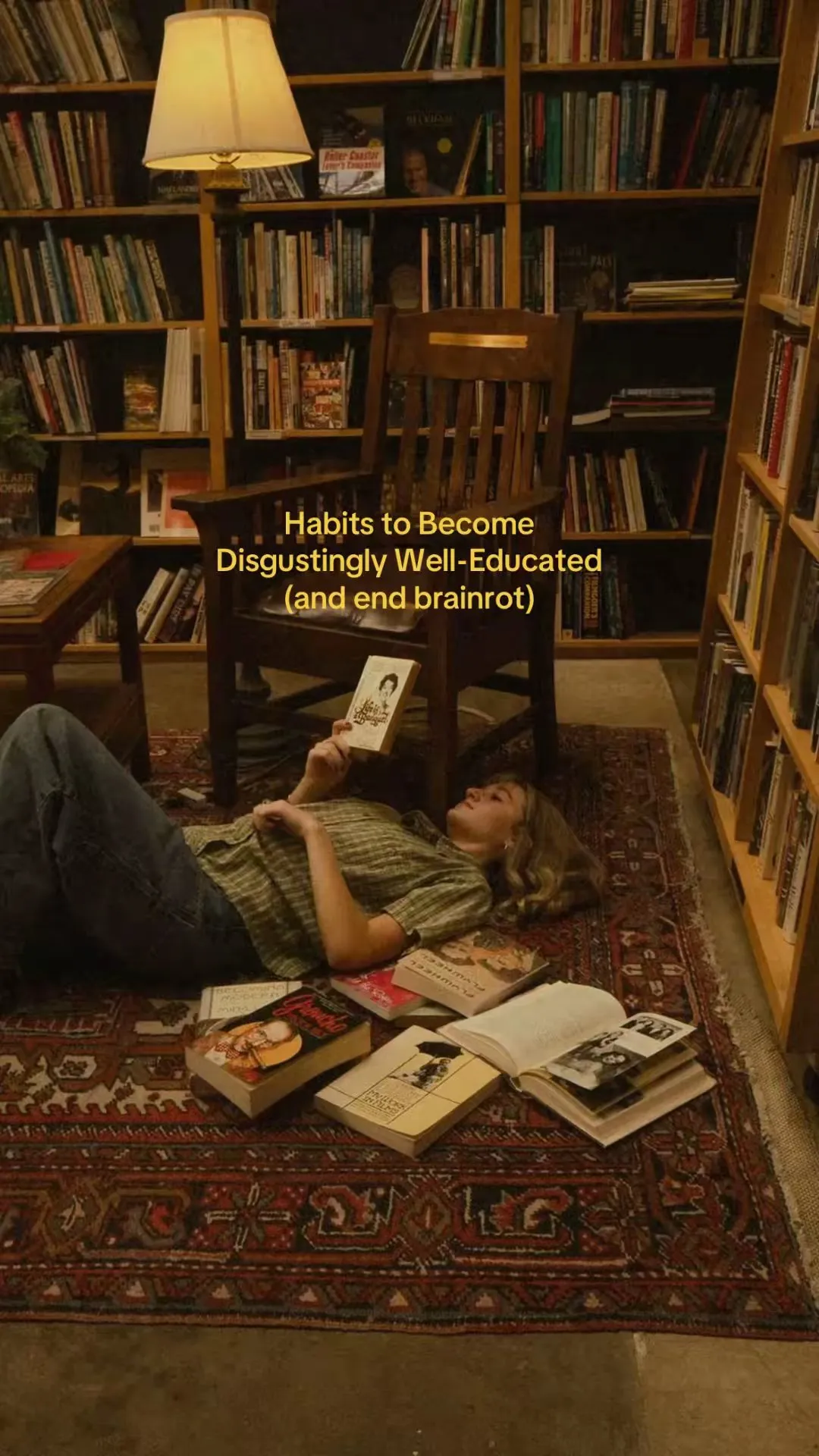

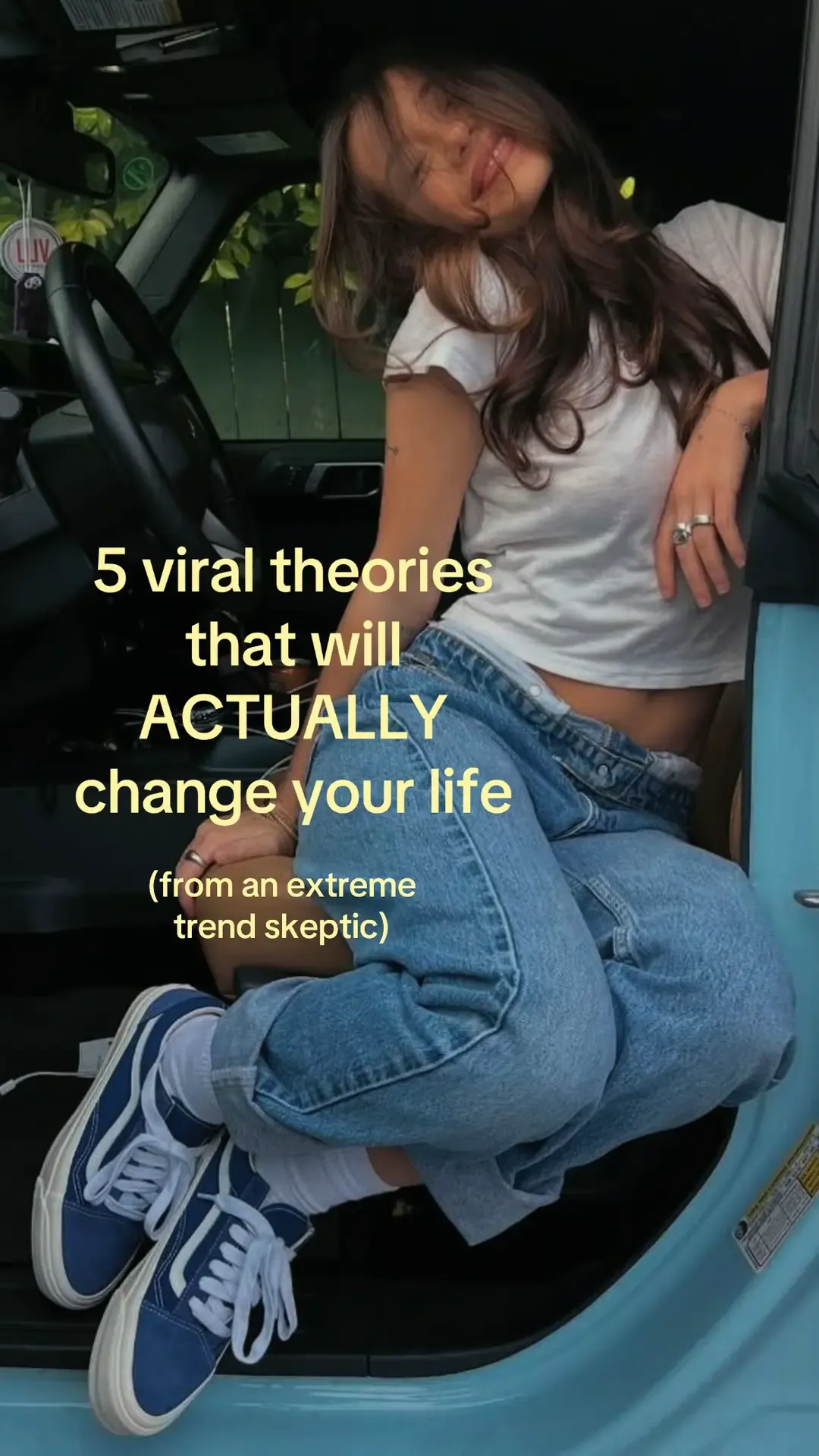

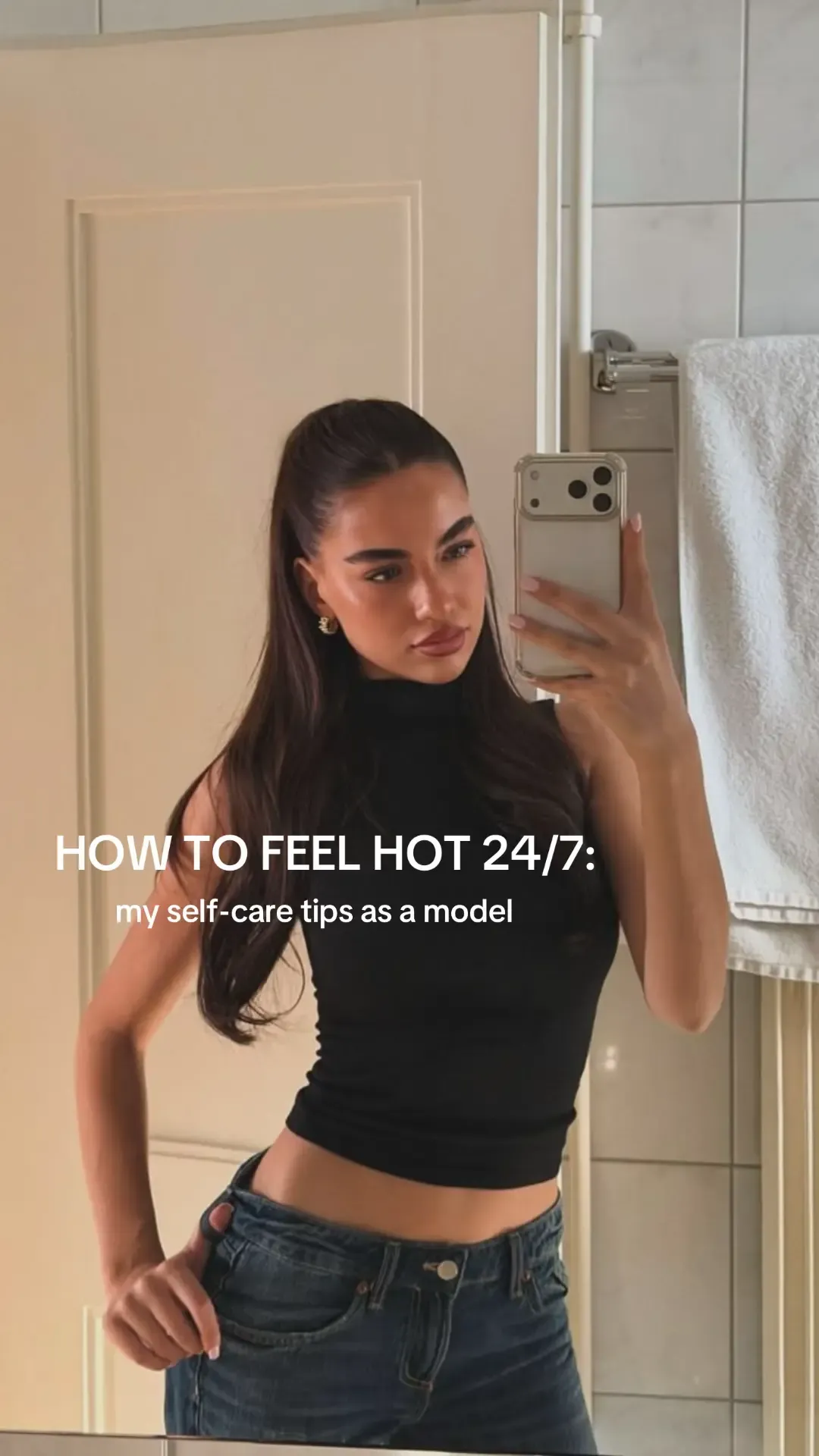







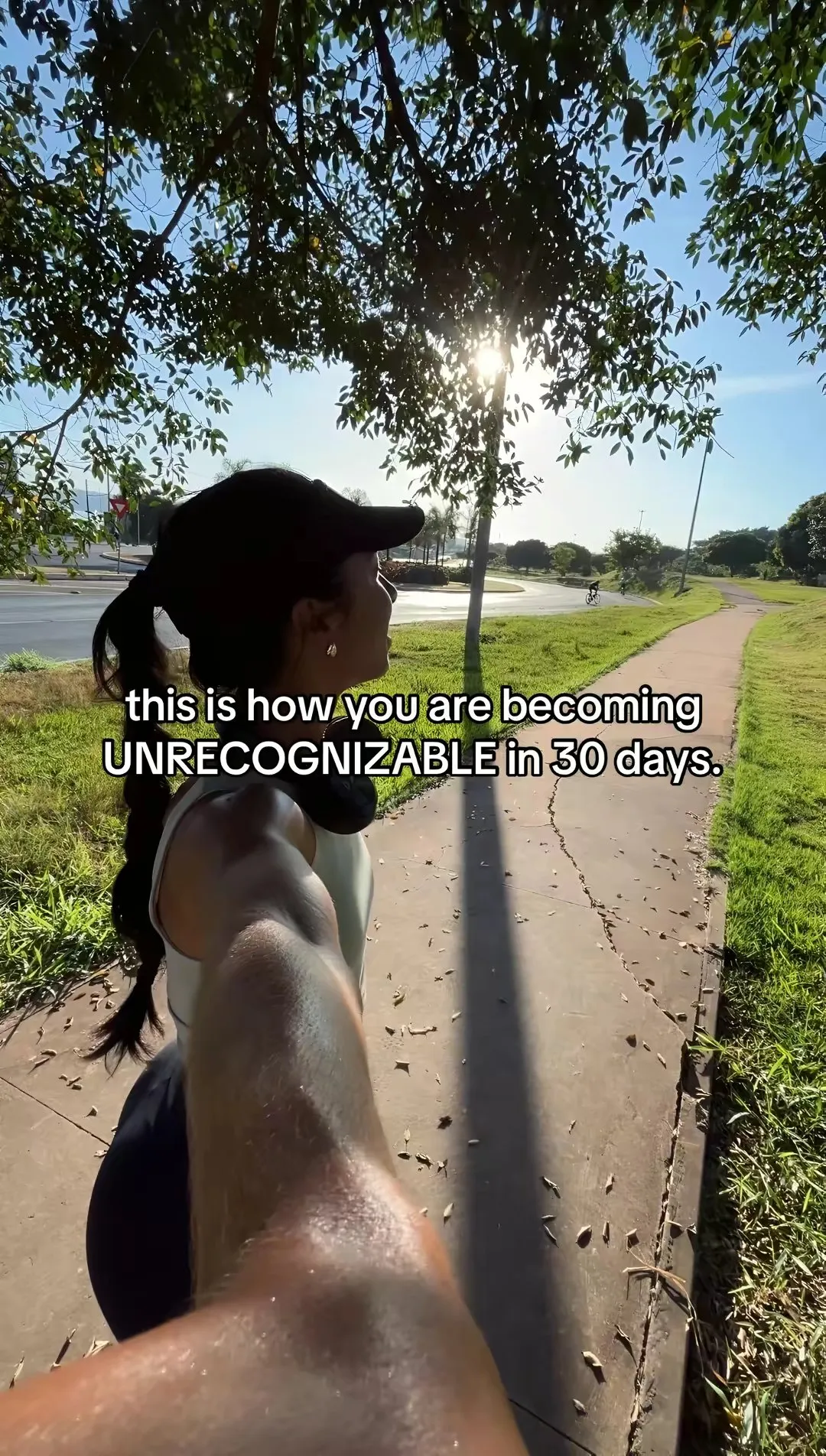
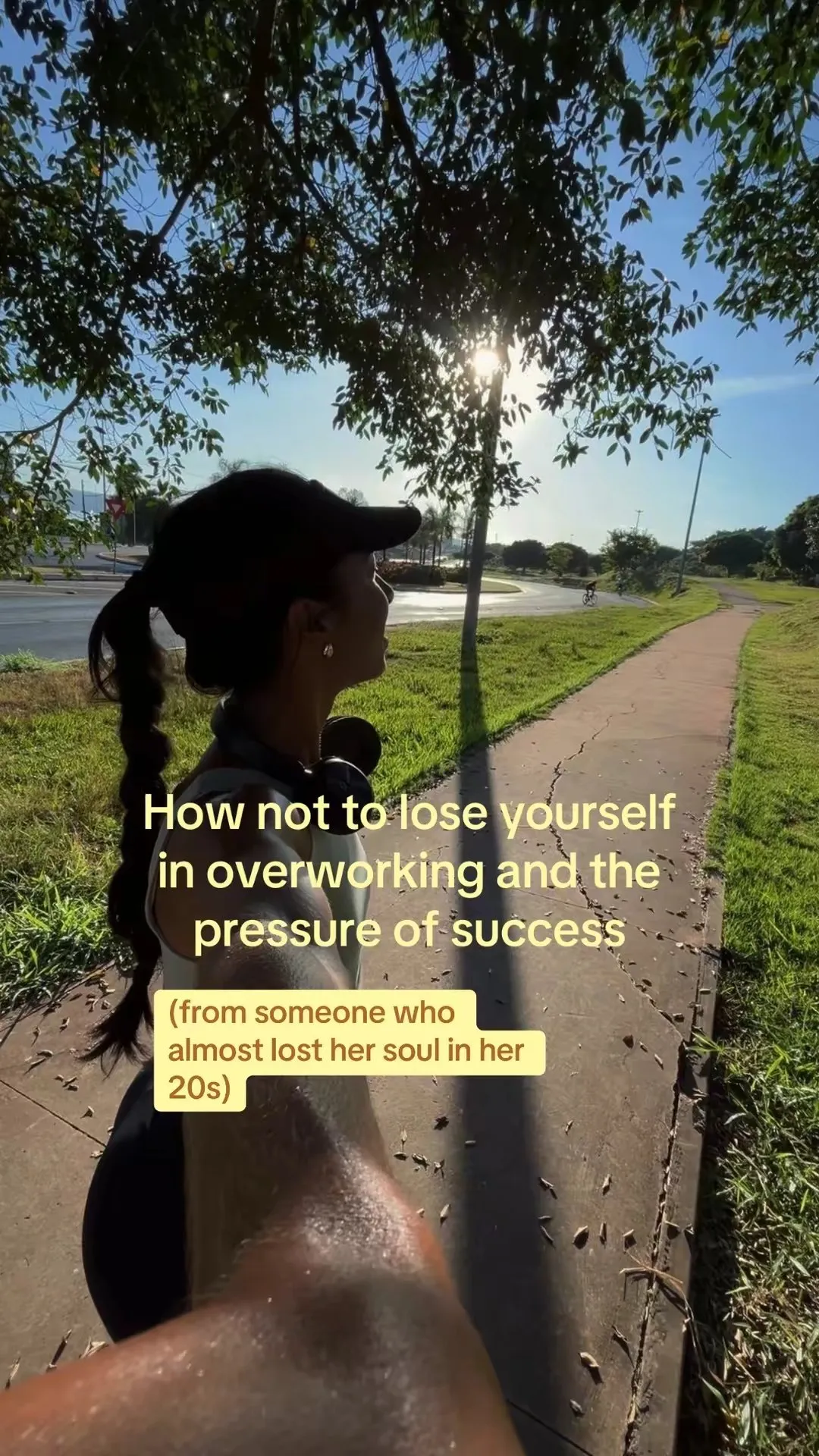


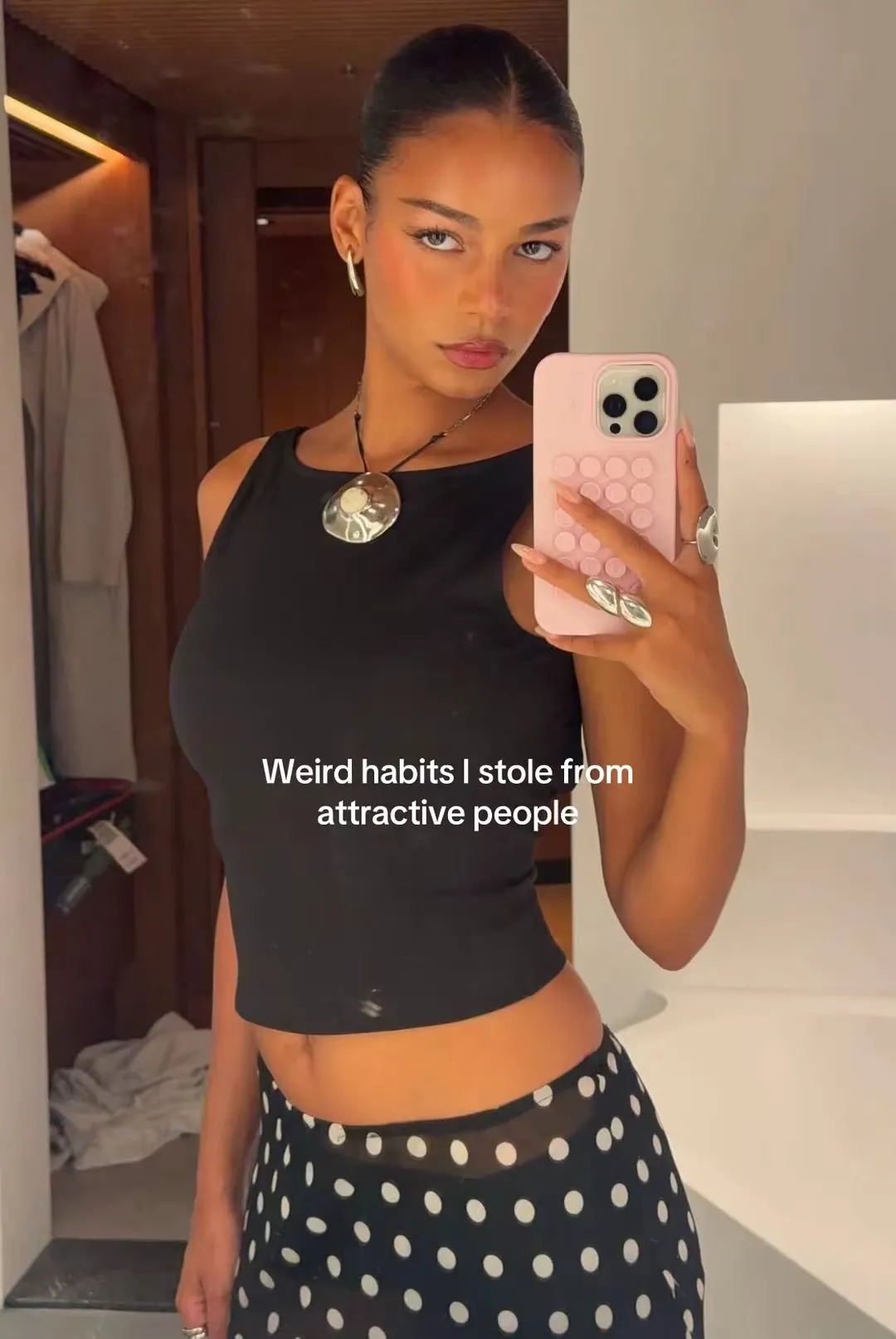
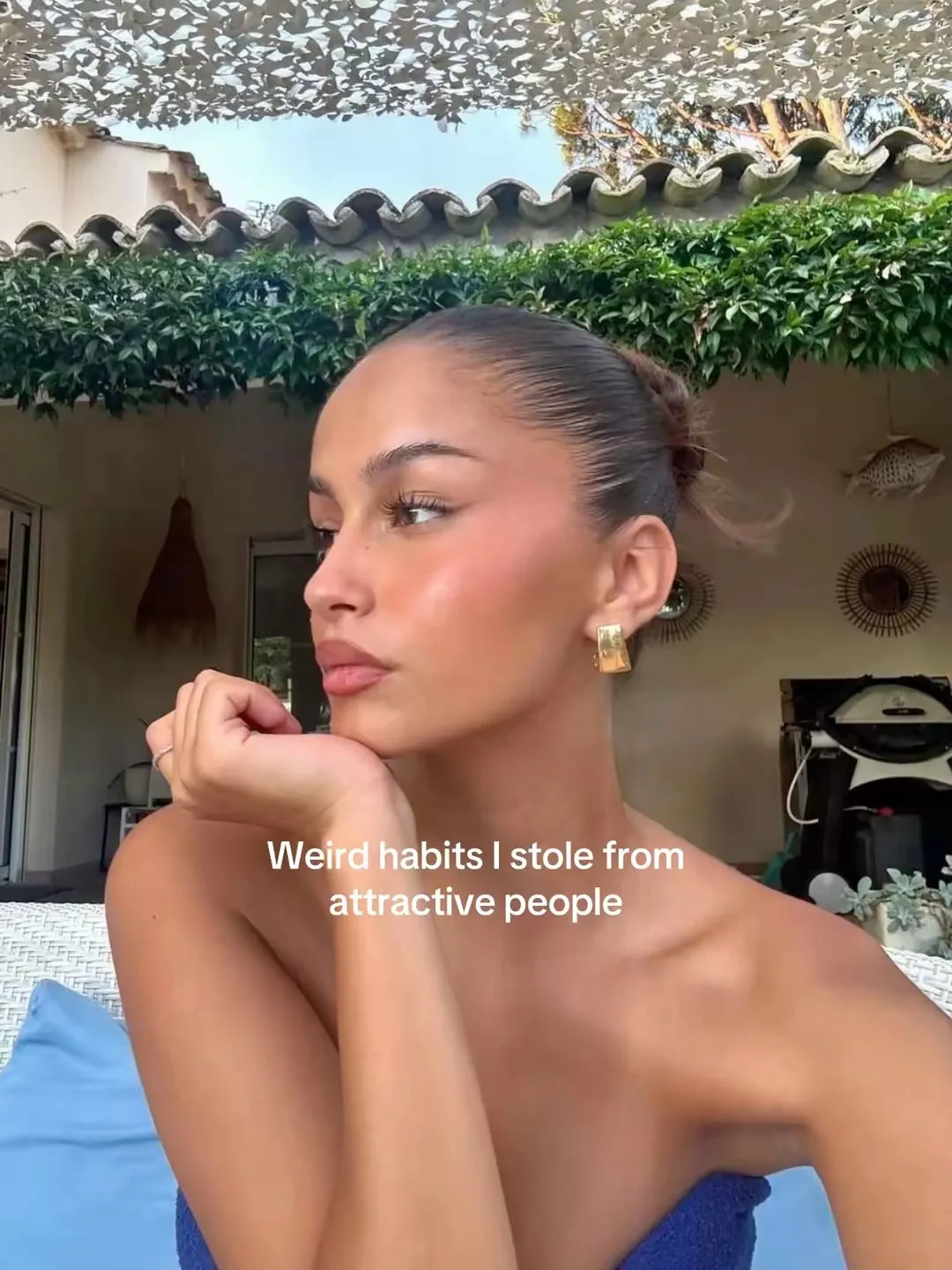




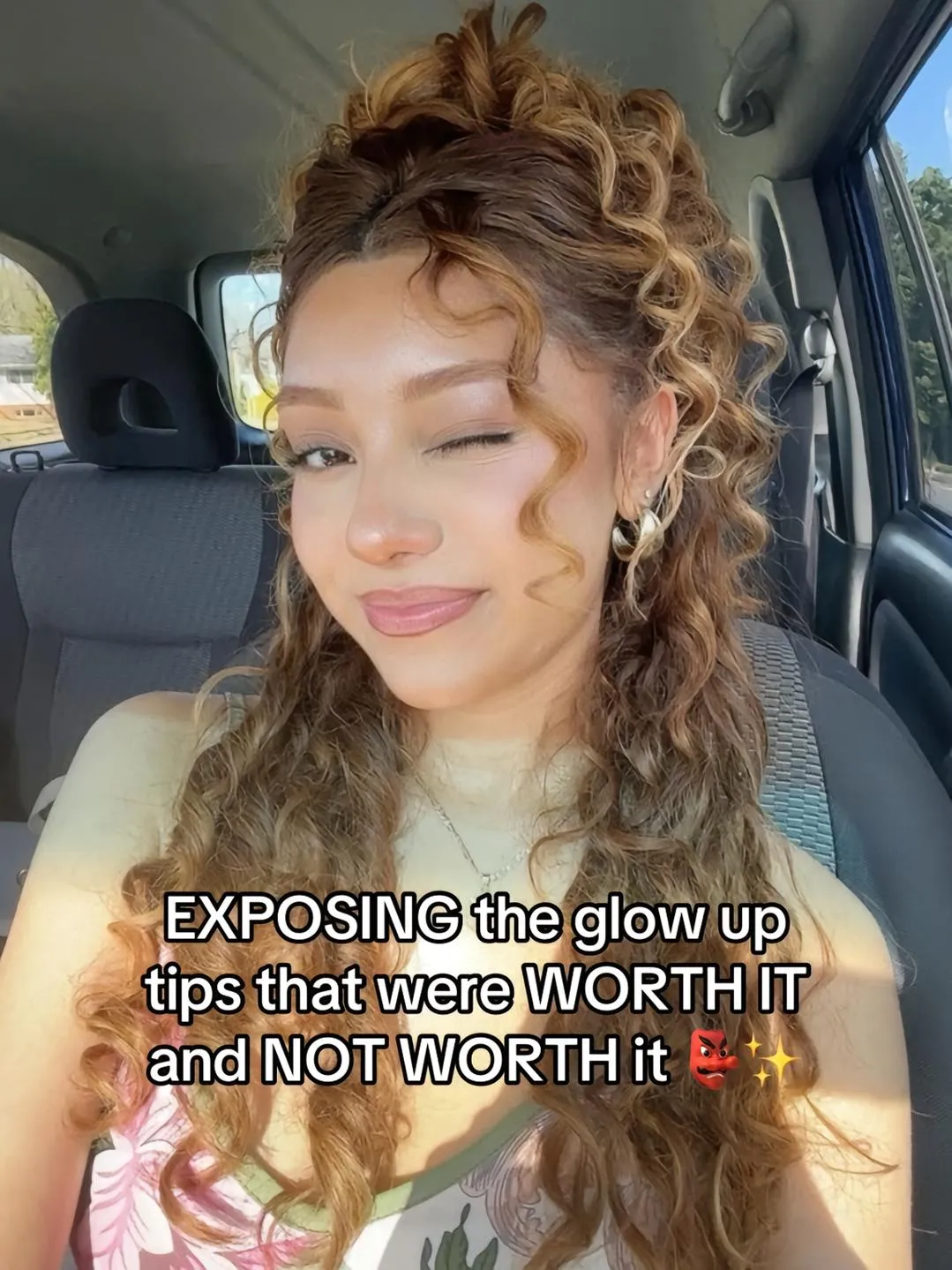
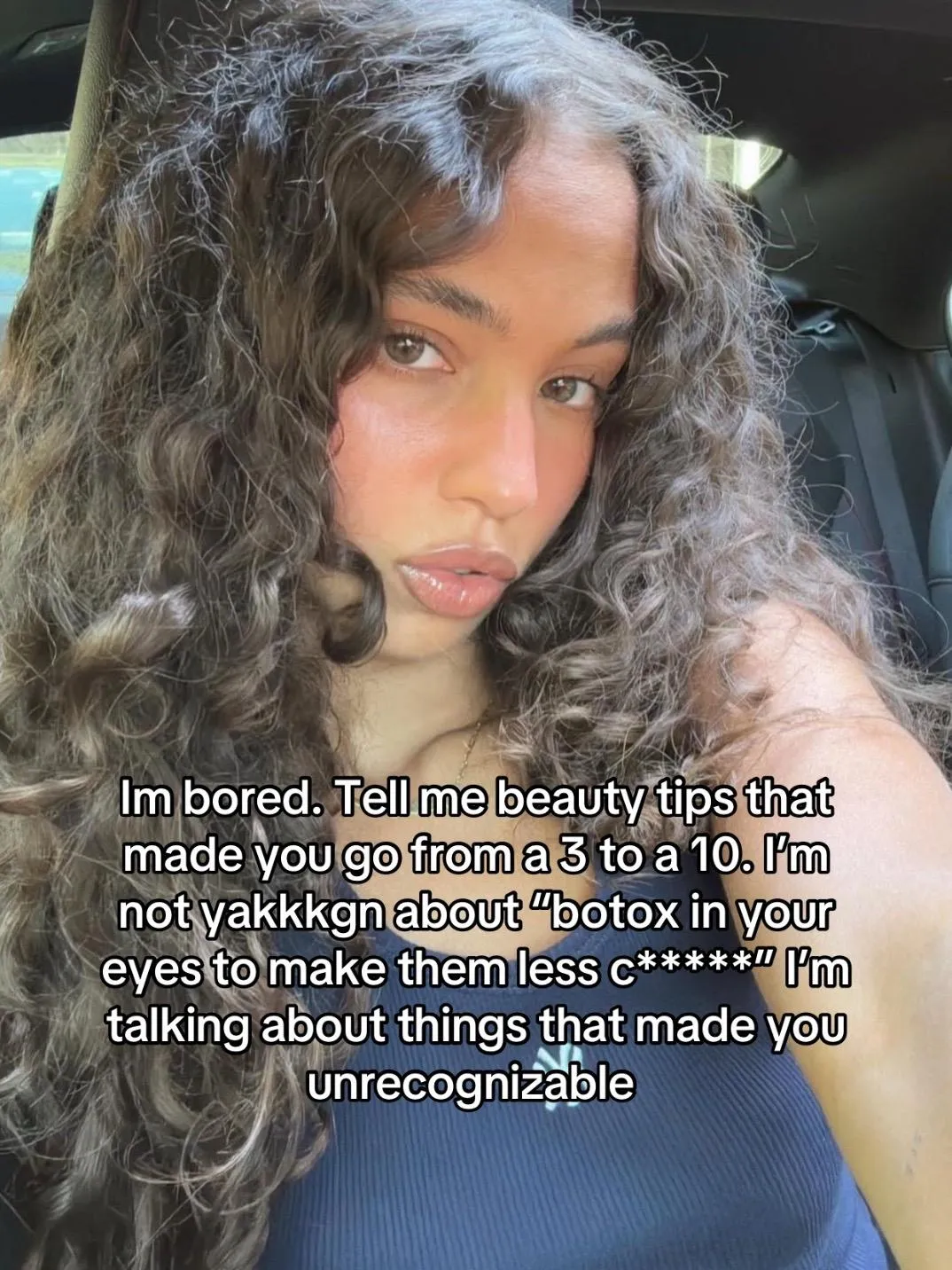
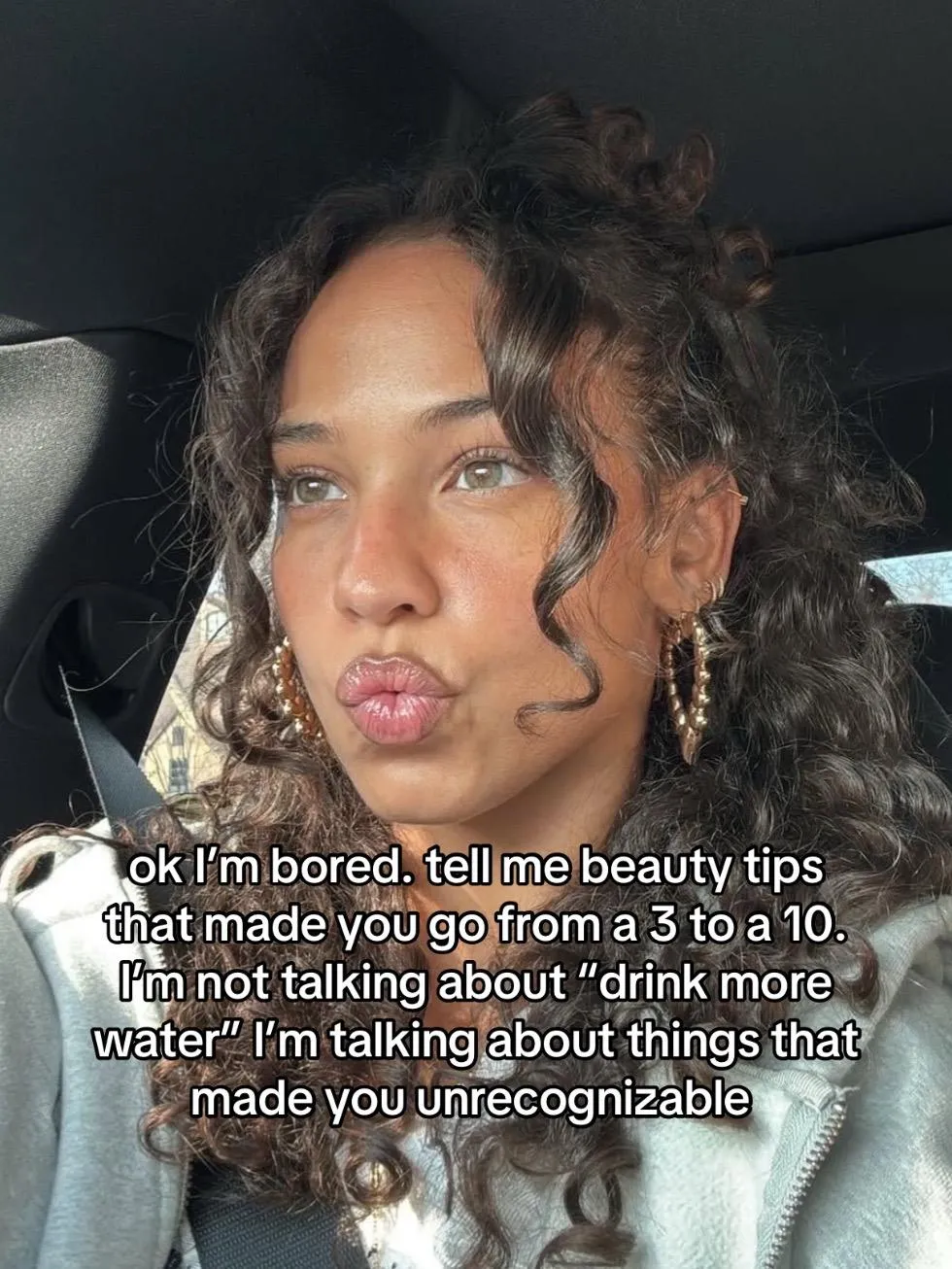

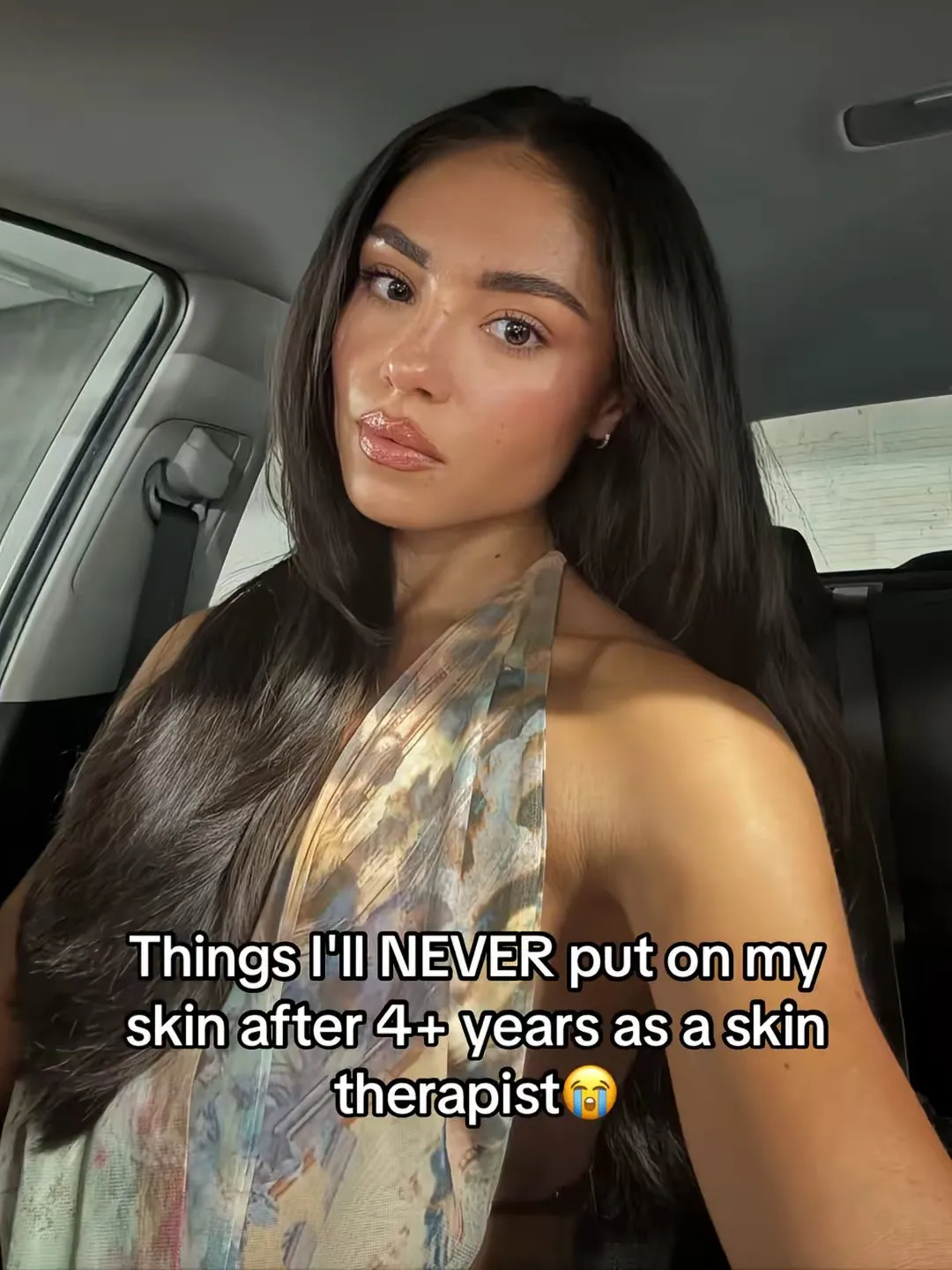


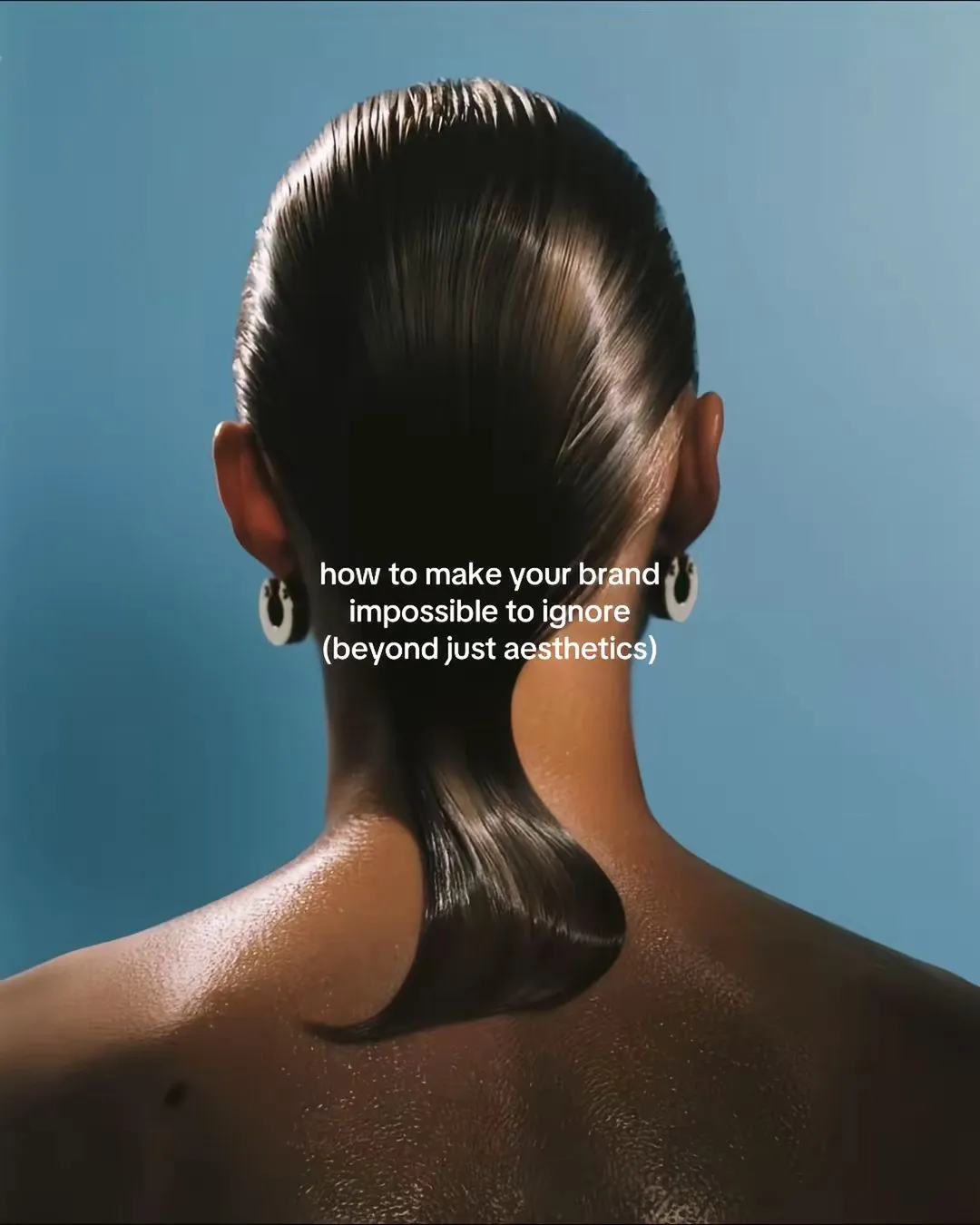



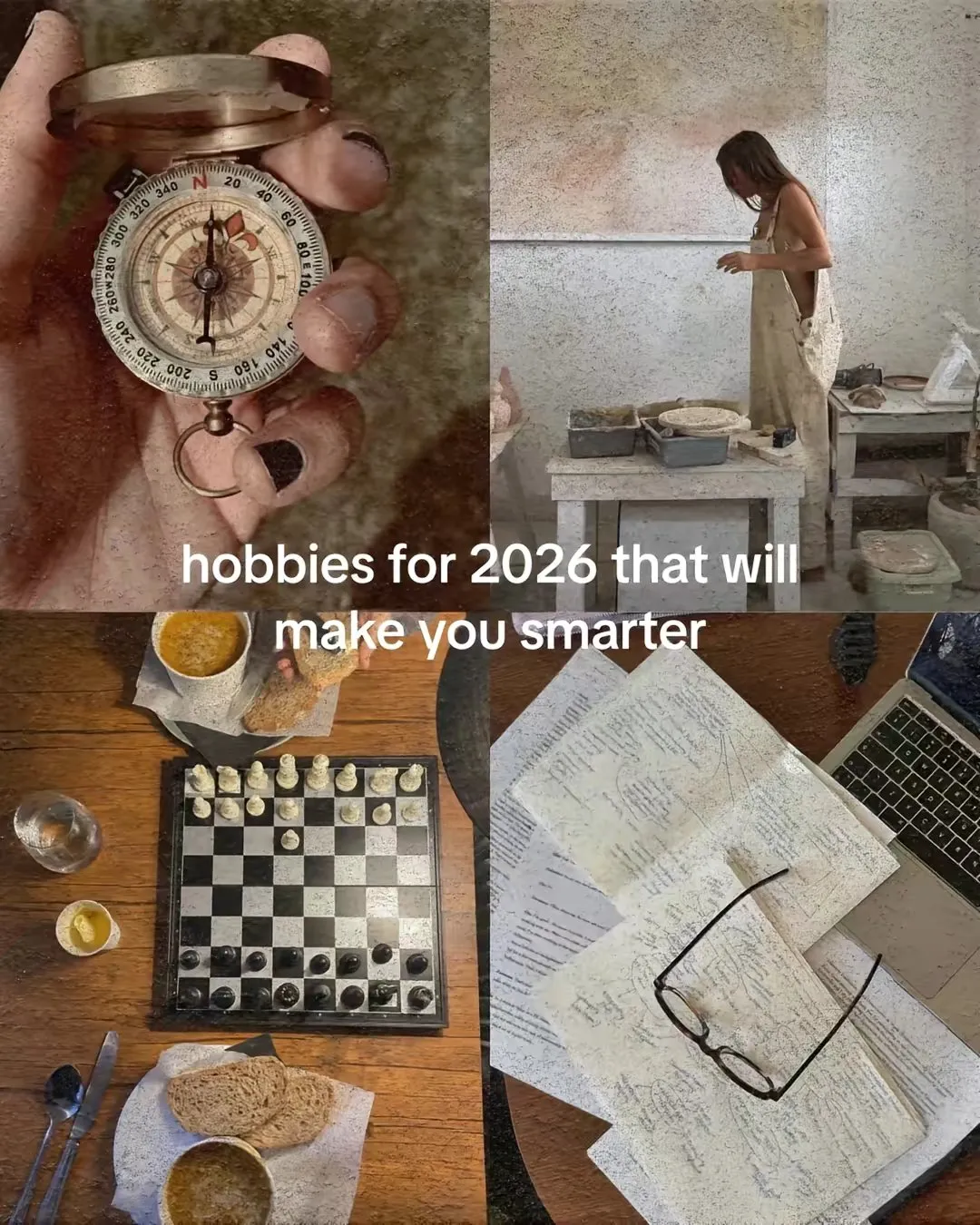
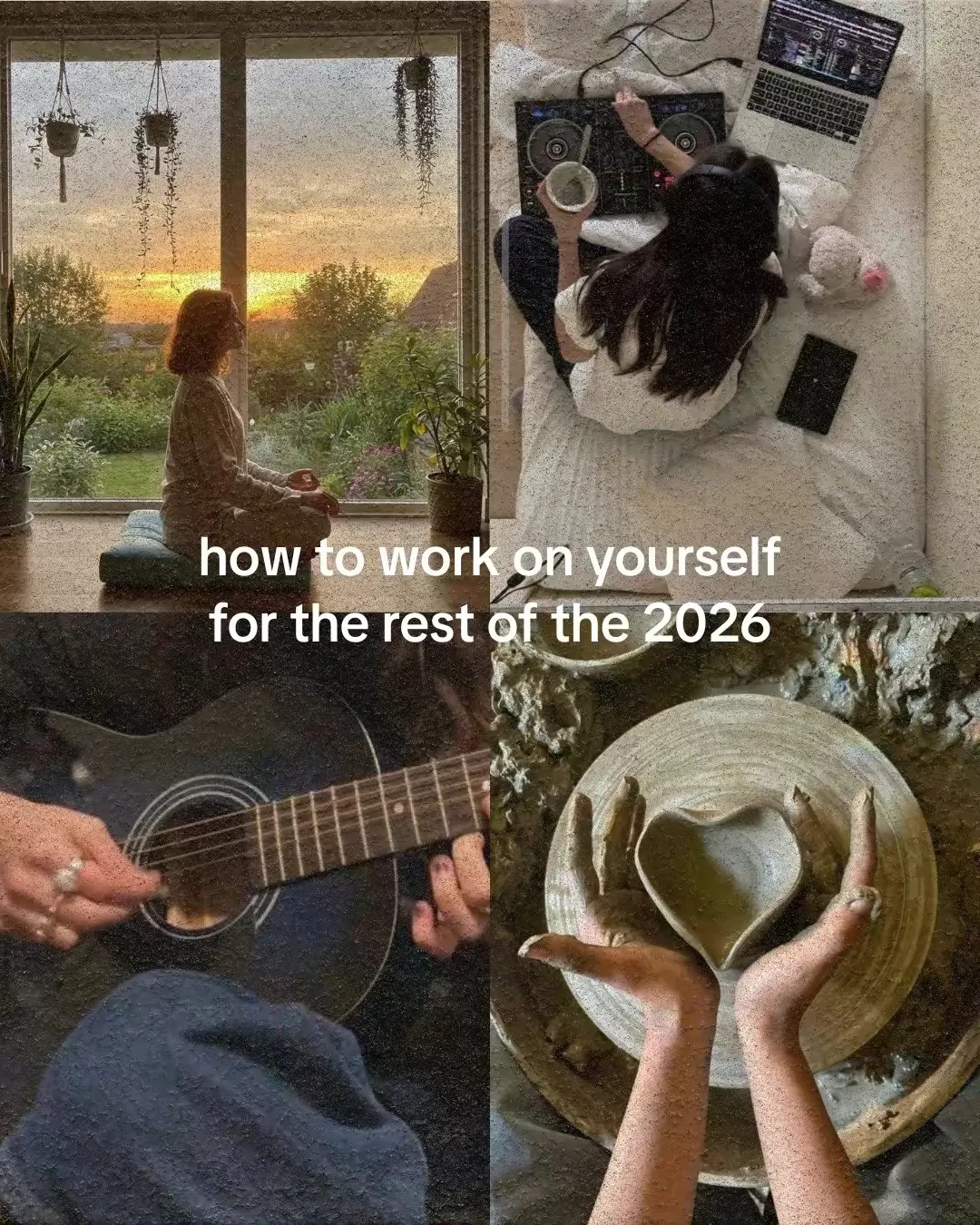
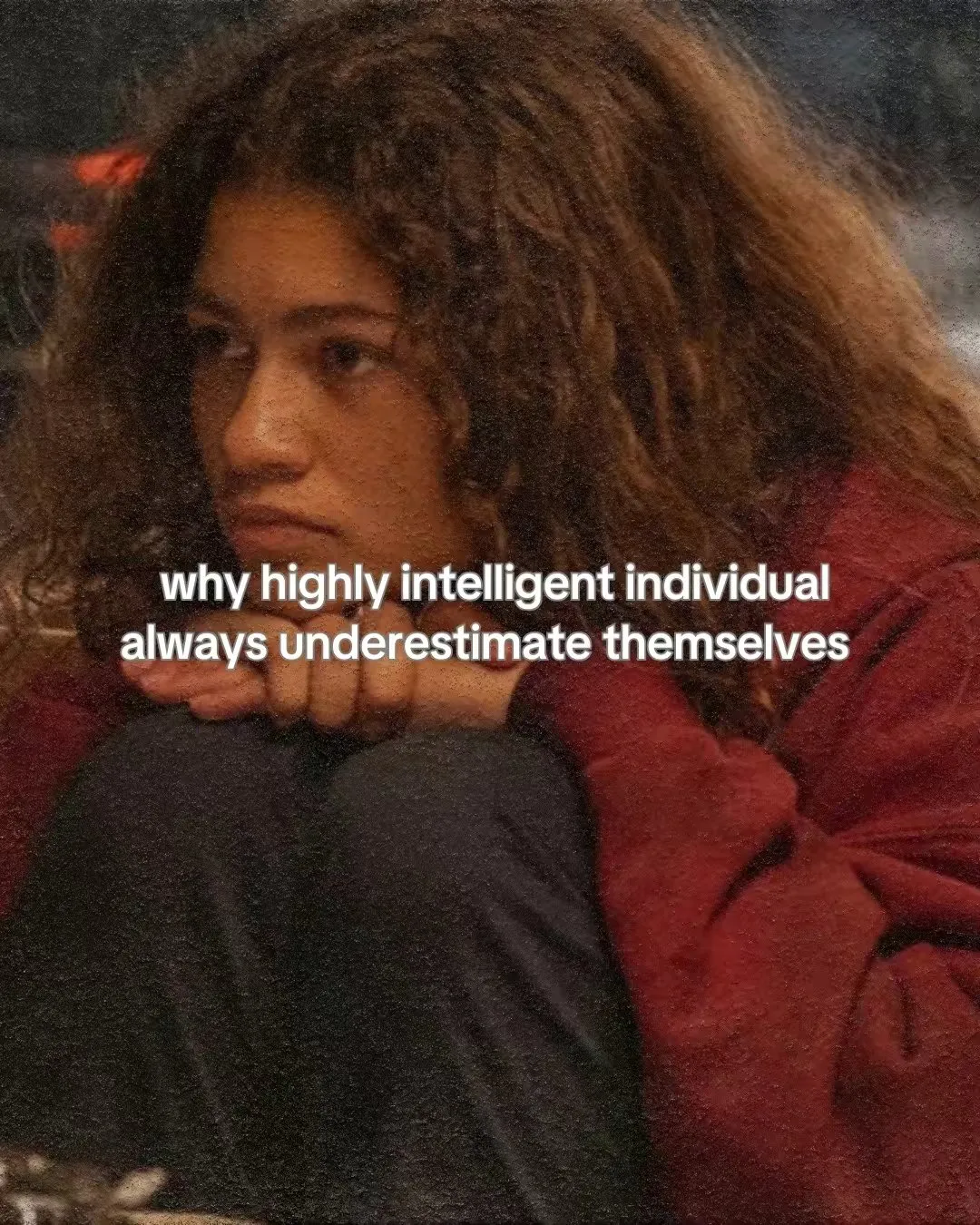





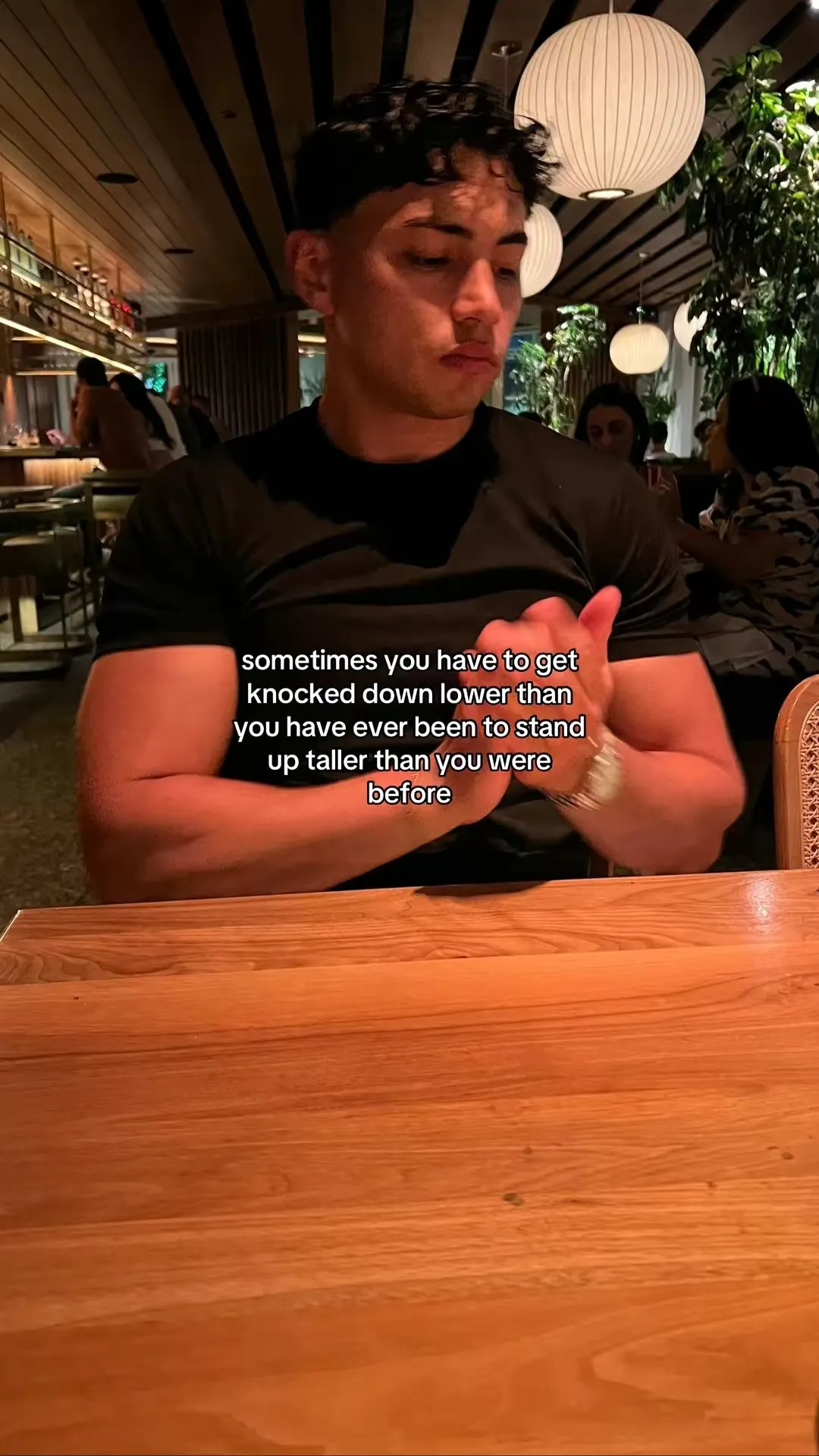

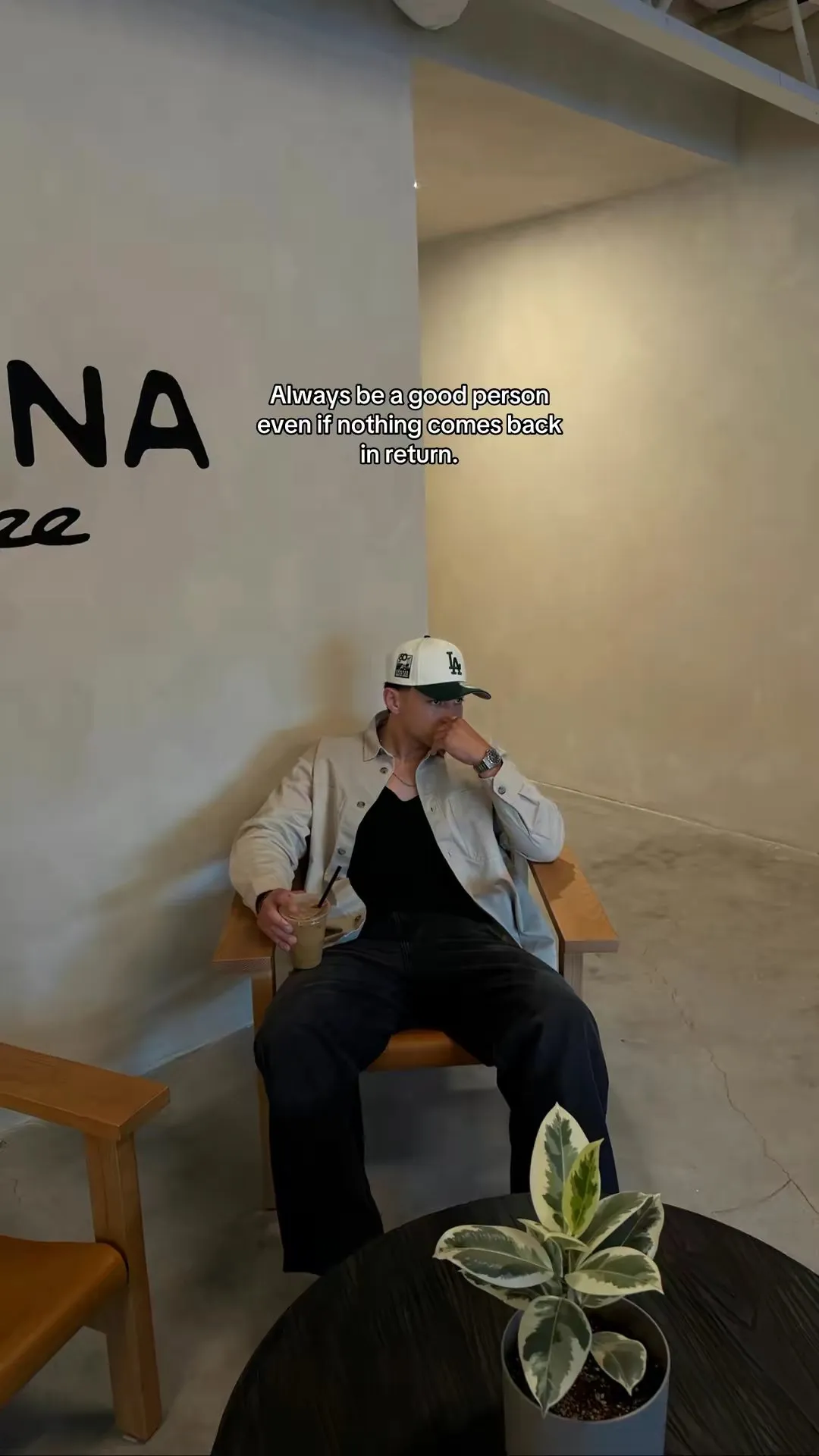
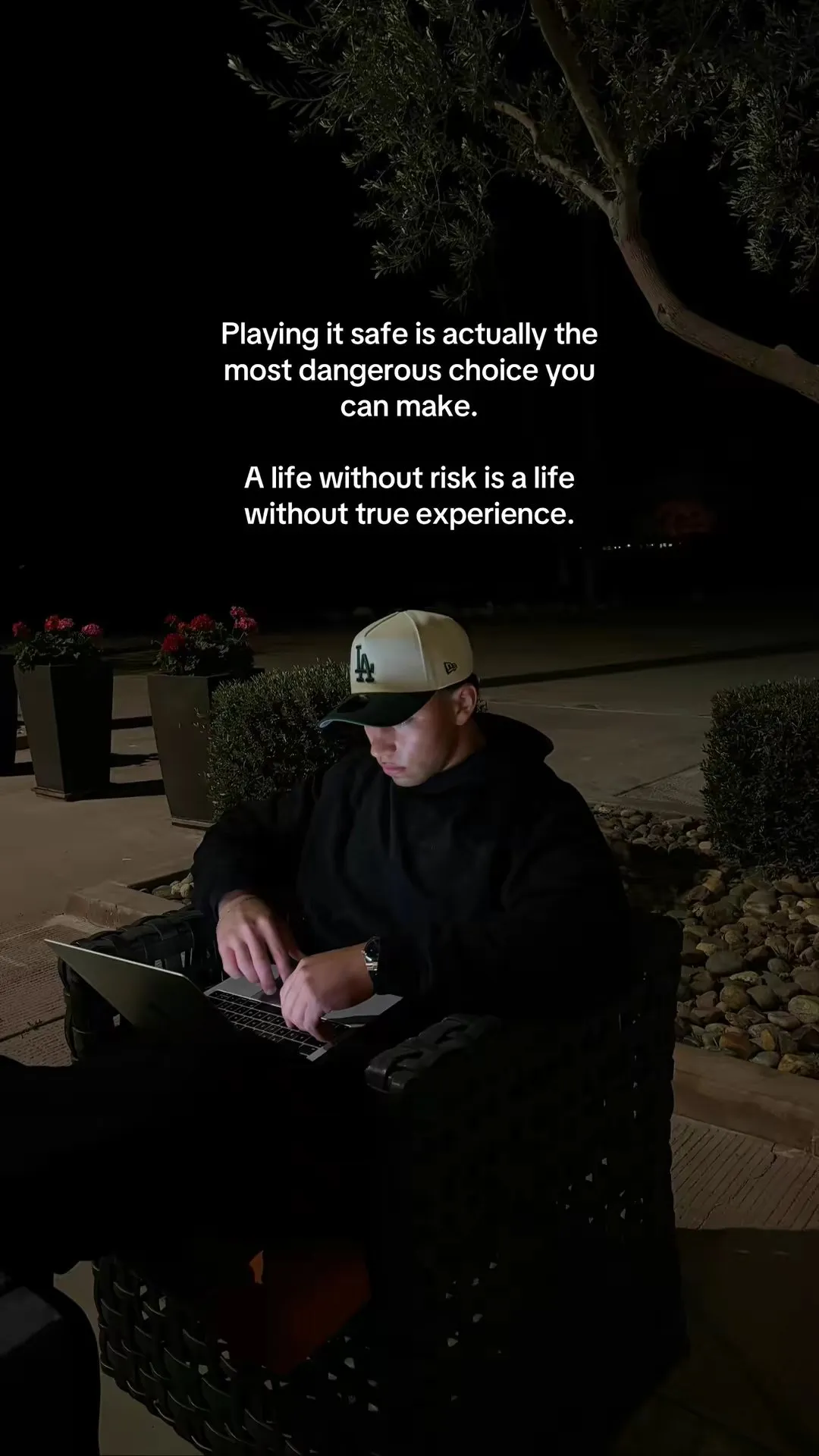
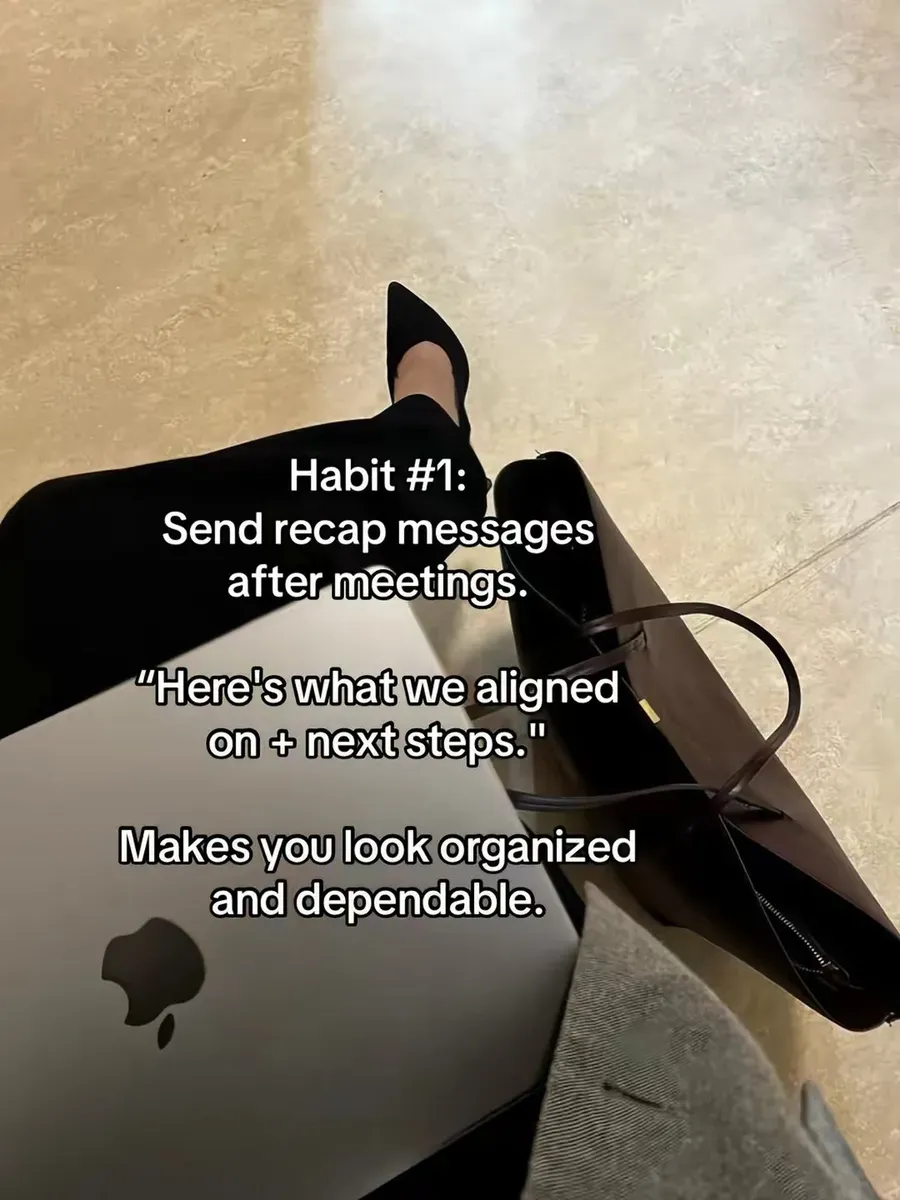
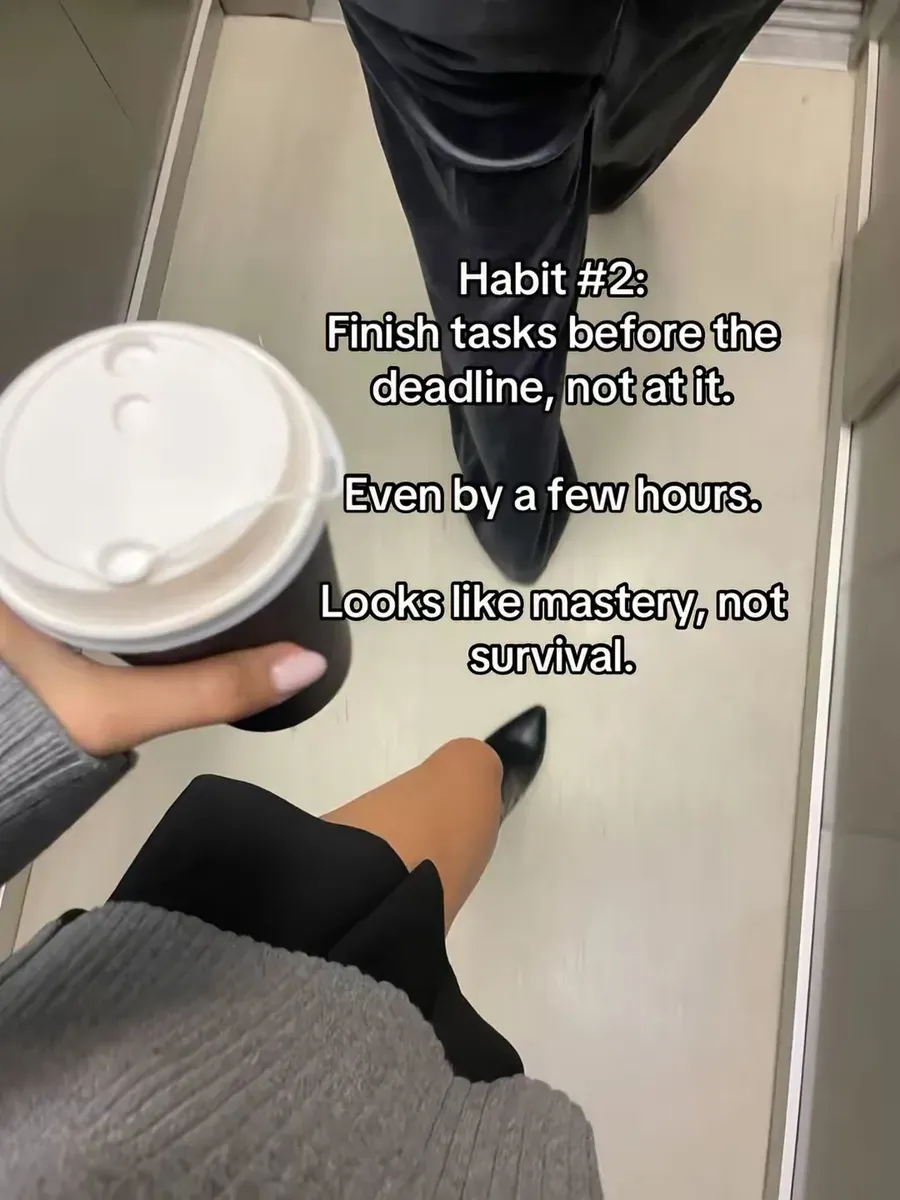
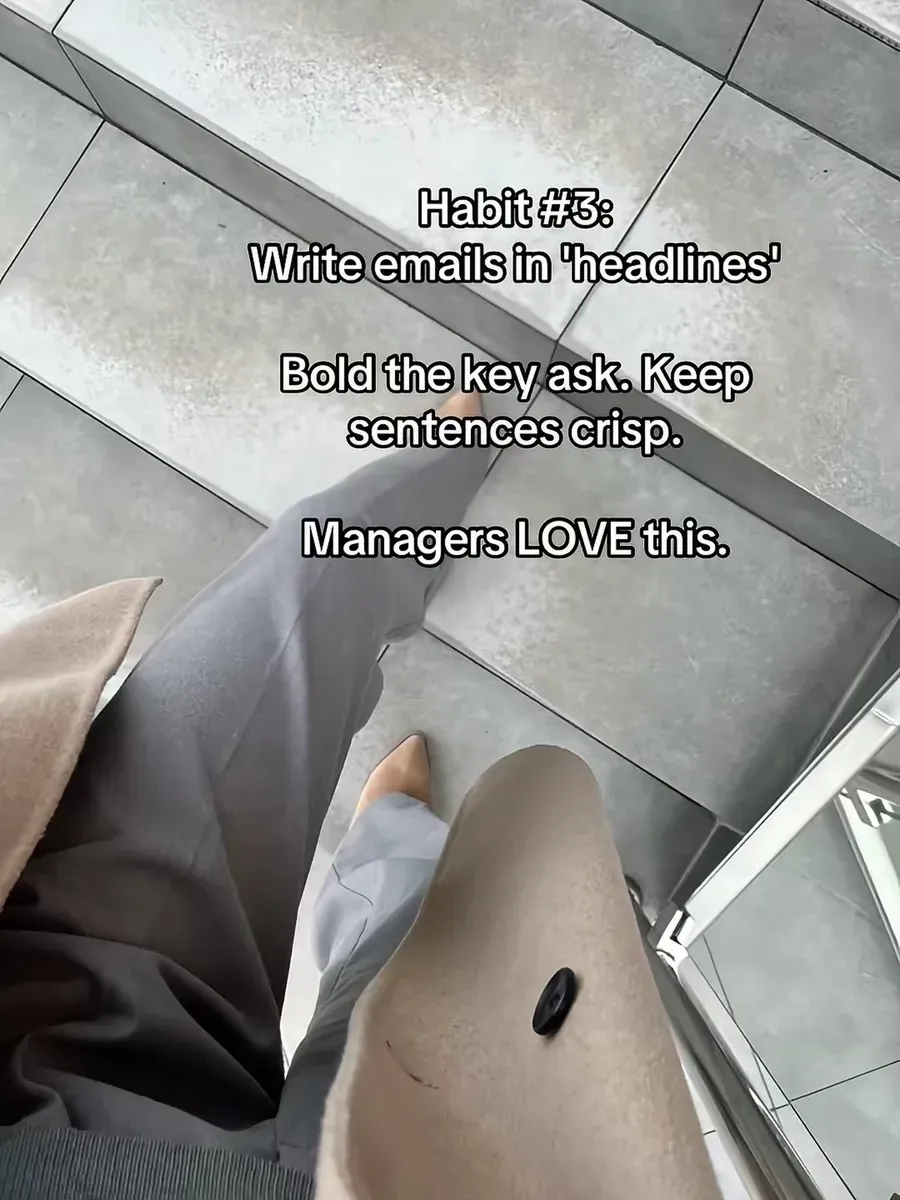
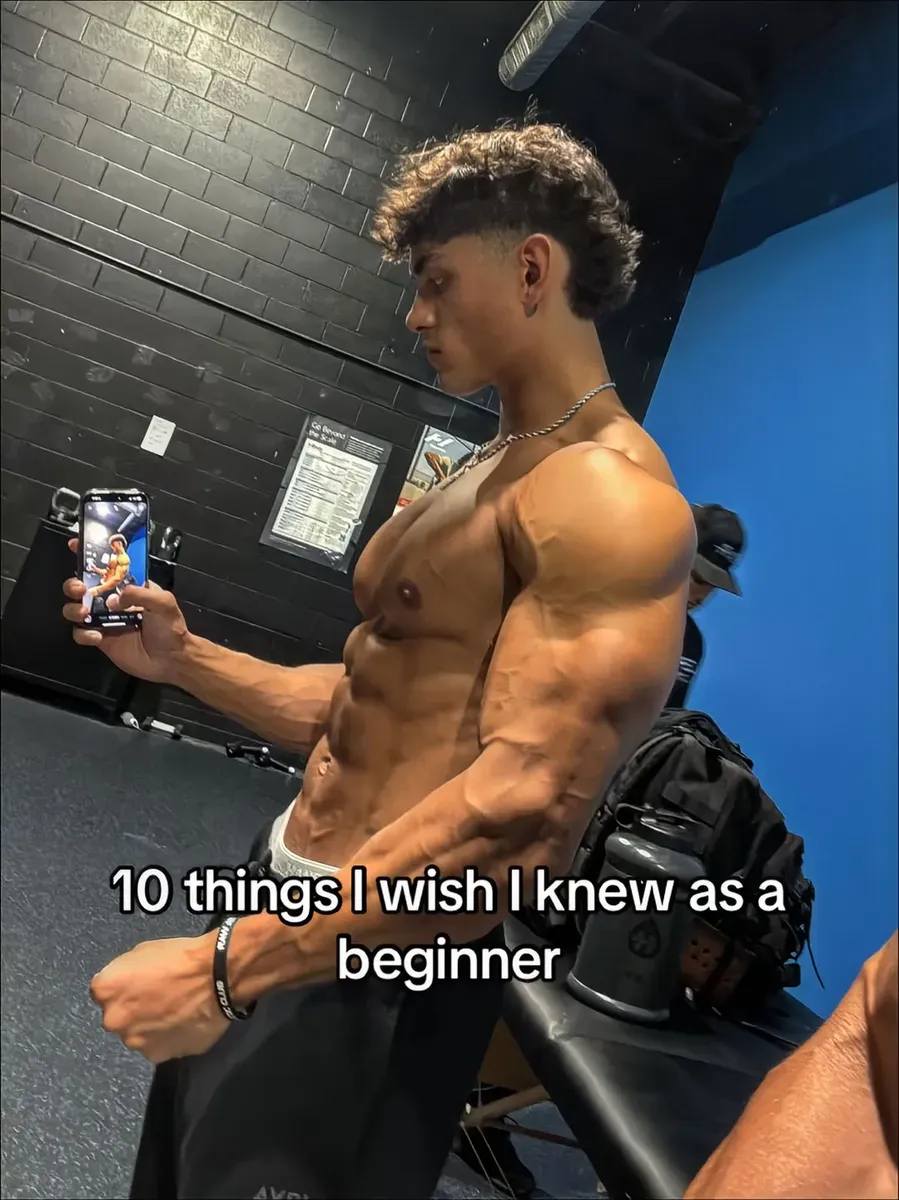
Real templates, the same ones you pick from in Remy. Choose one and Remy writes it for your brand.
B2B App

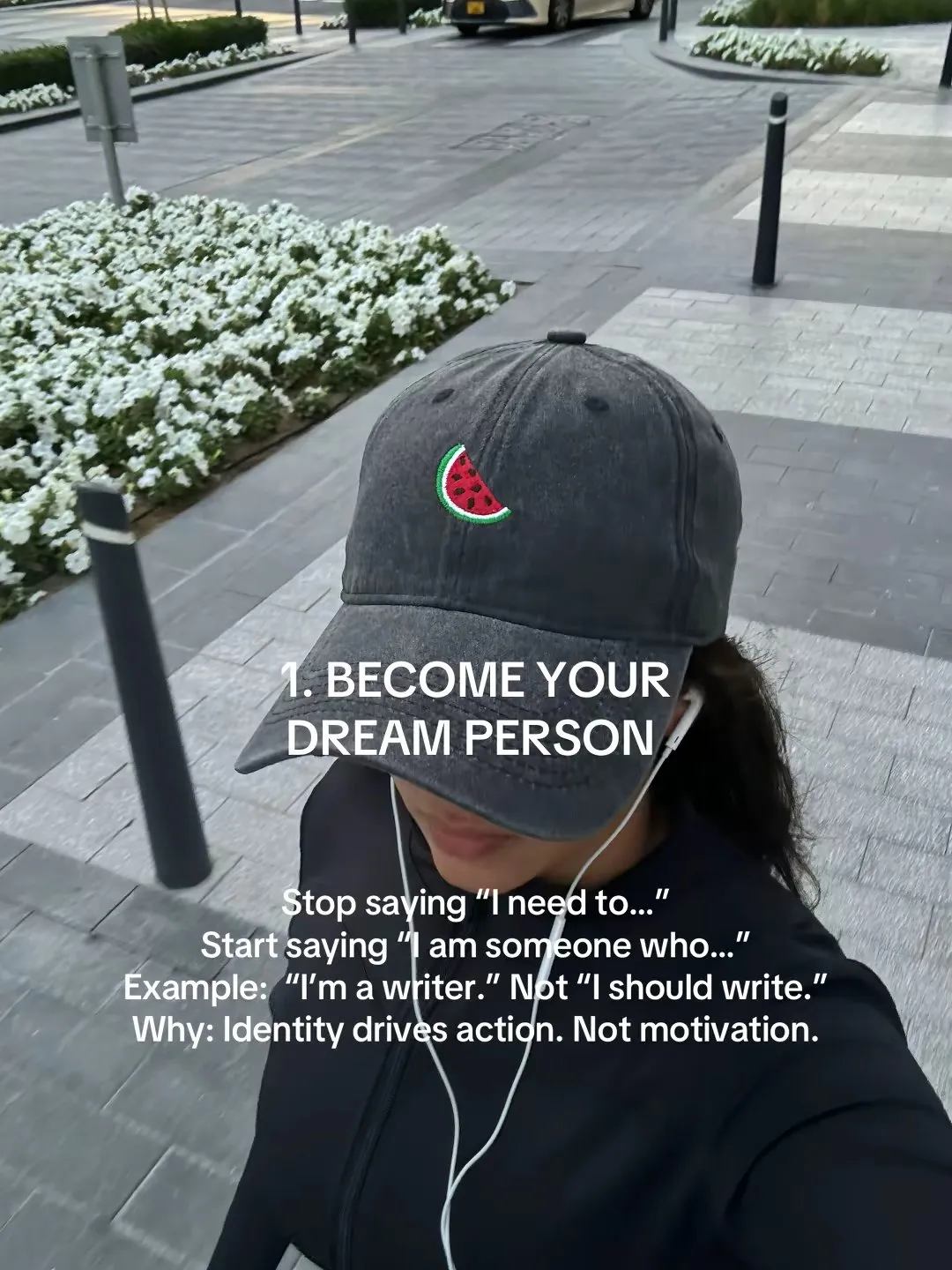
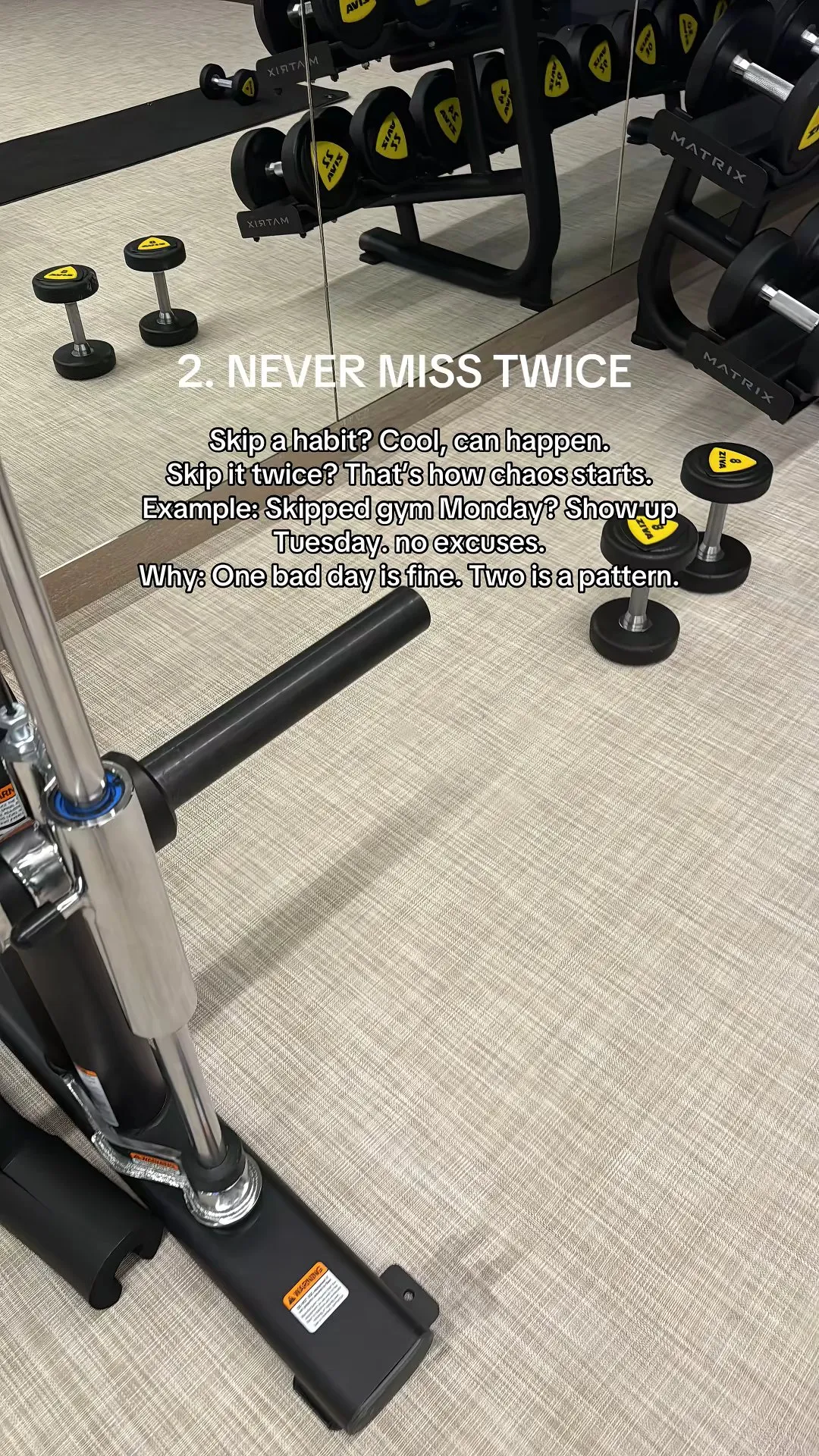
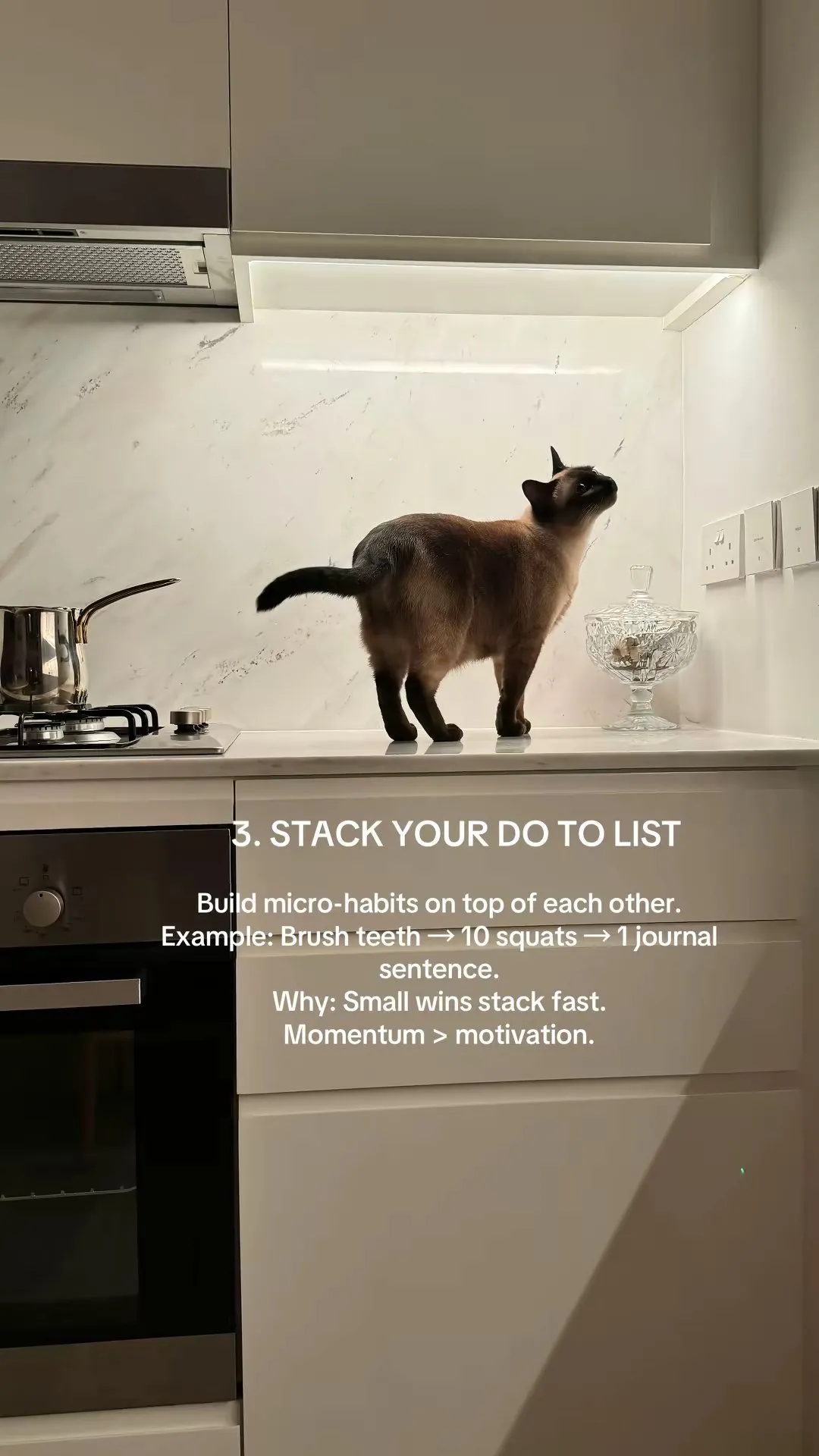
Productivity
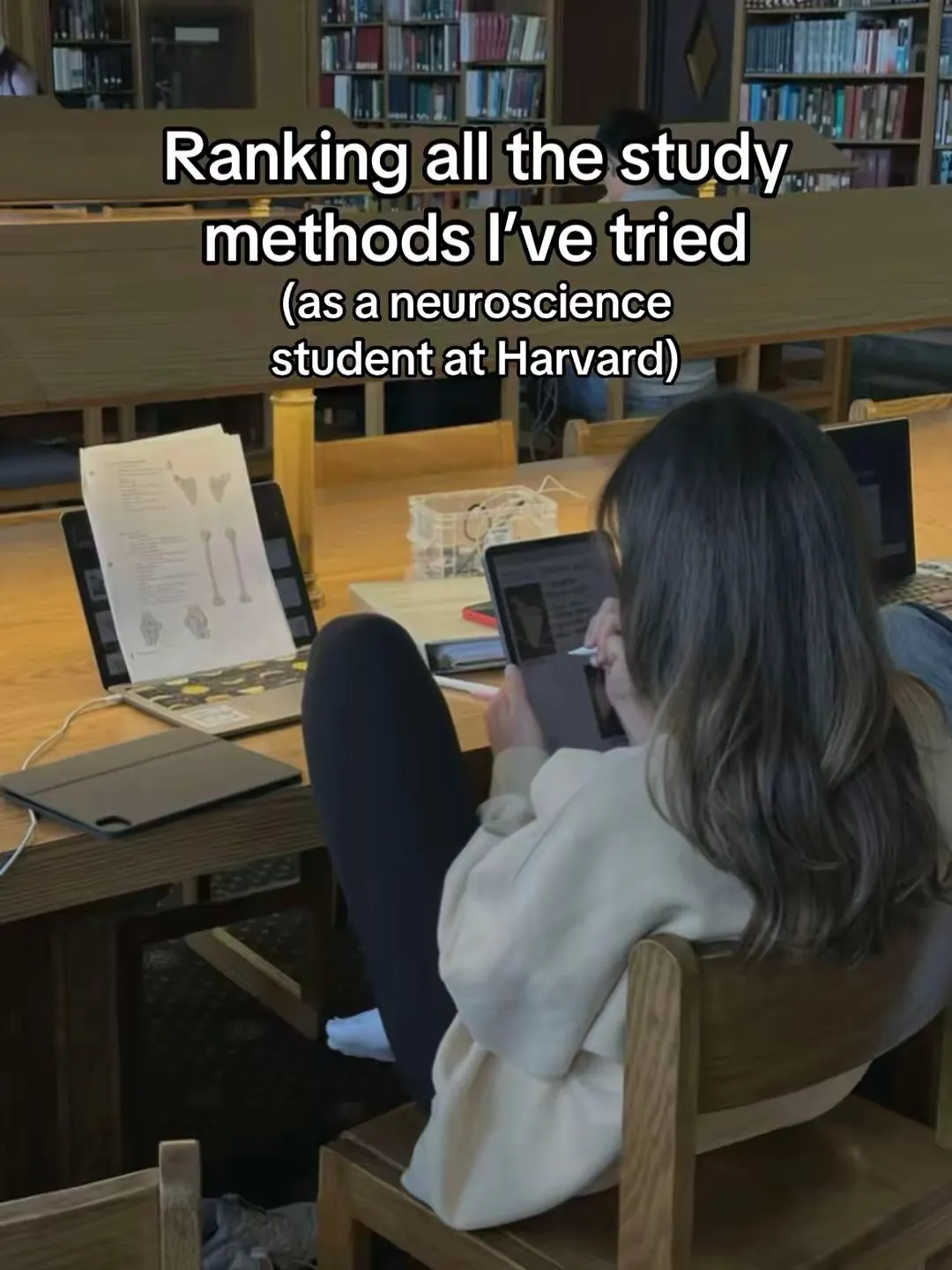
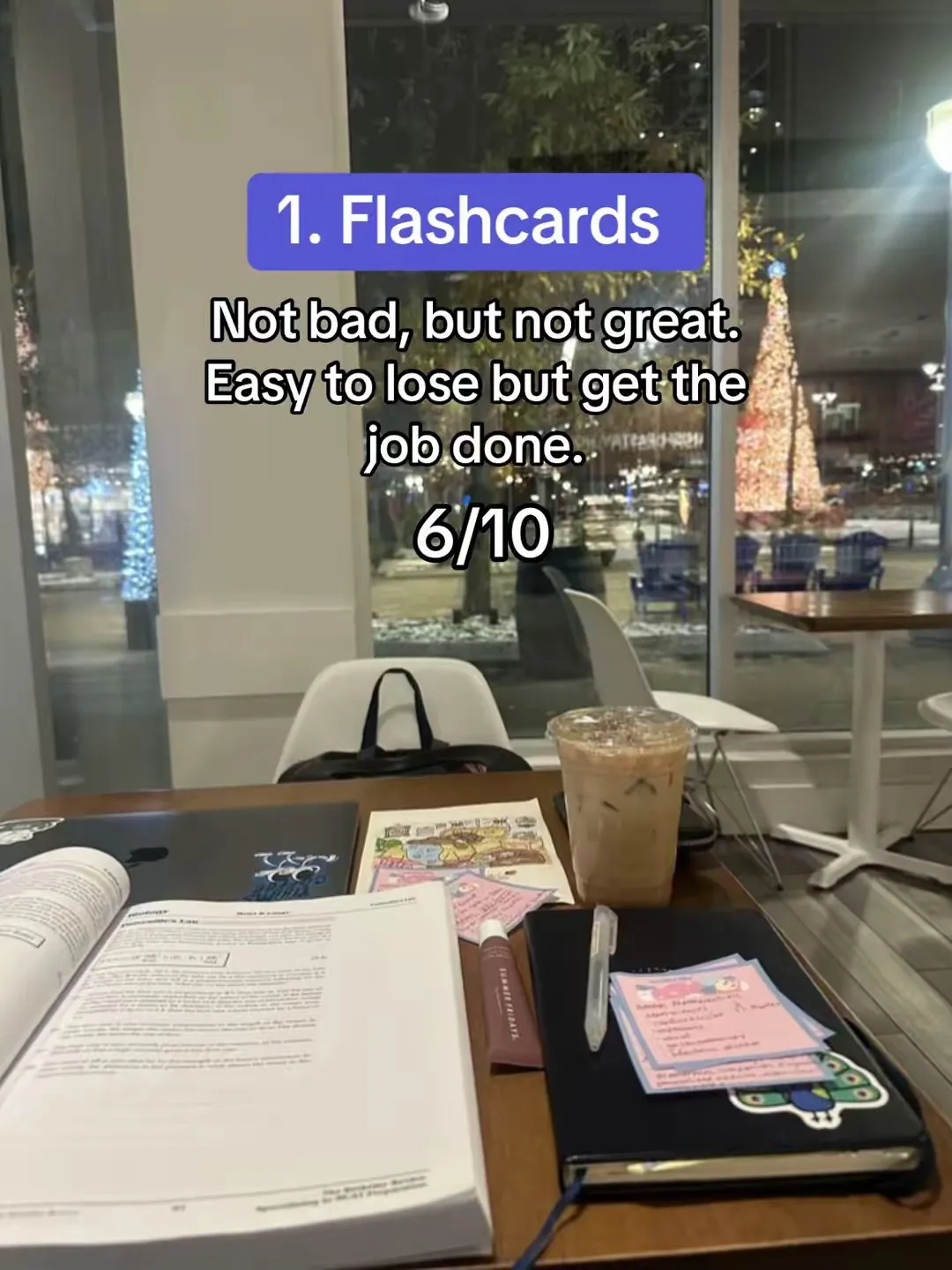


Study

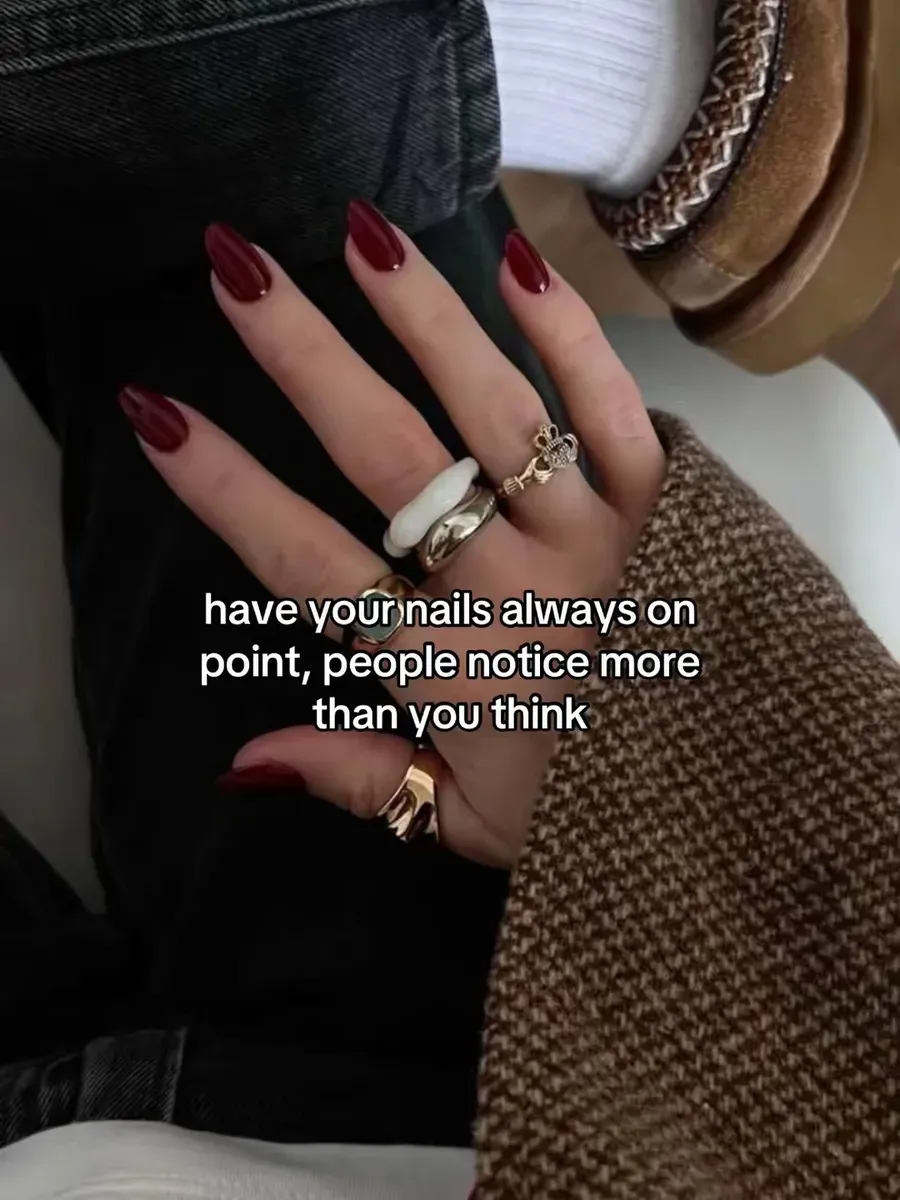


Beauty
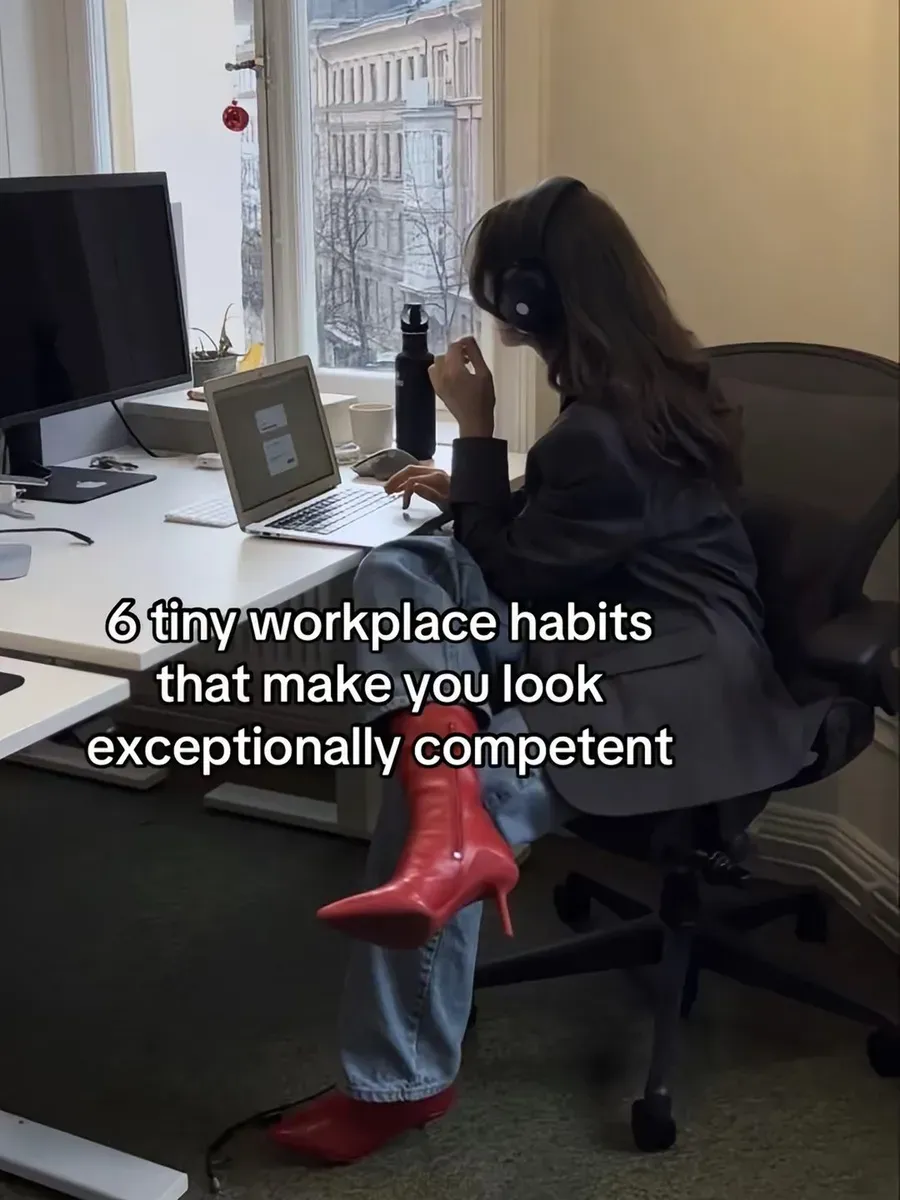
Career & Jobs
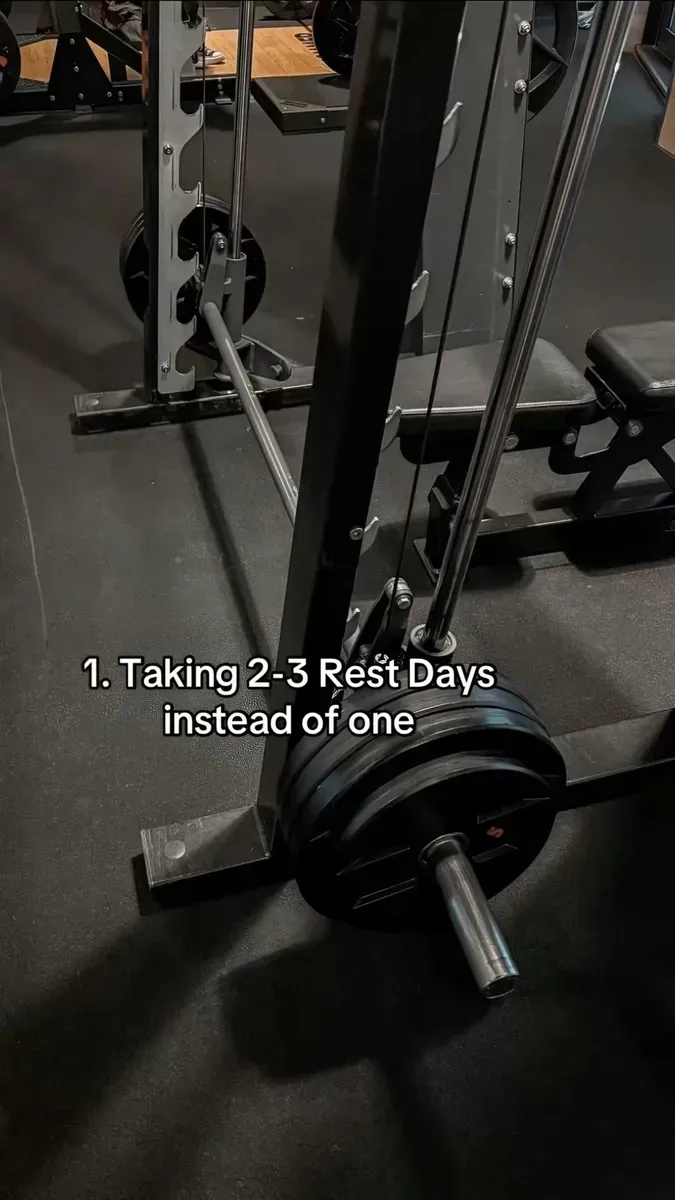
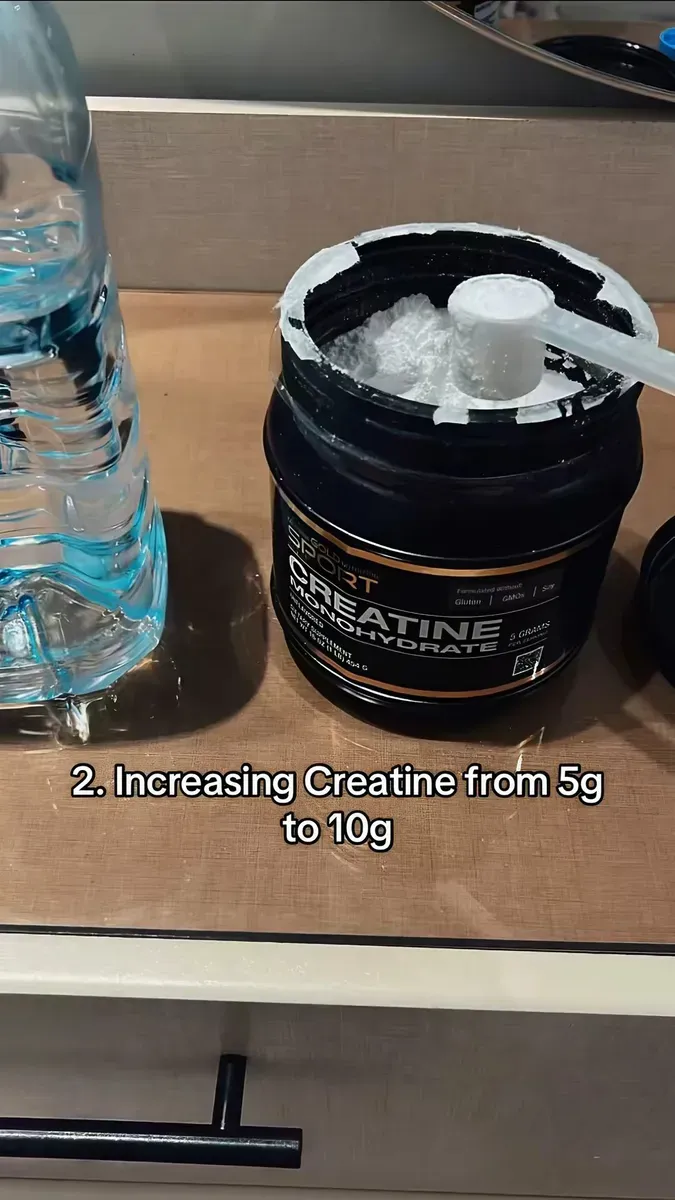
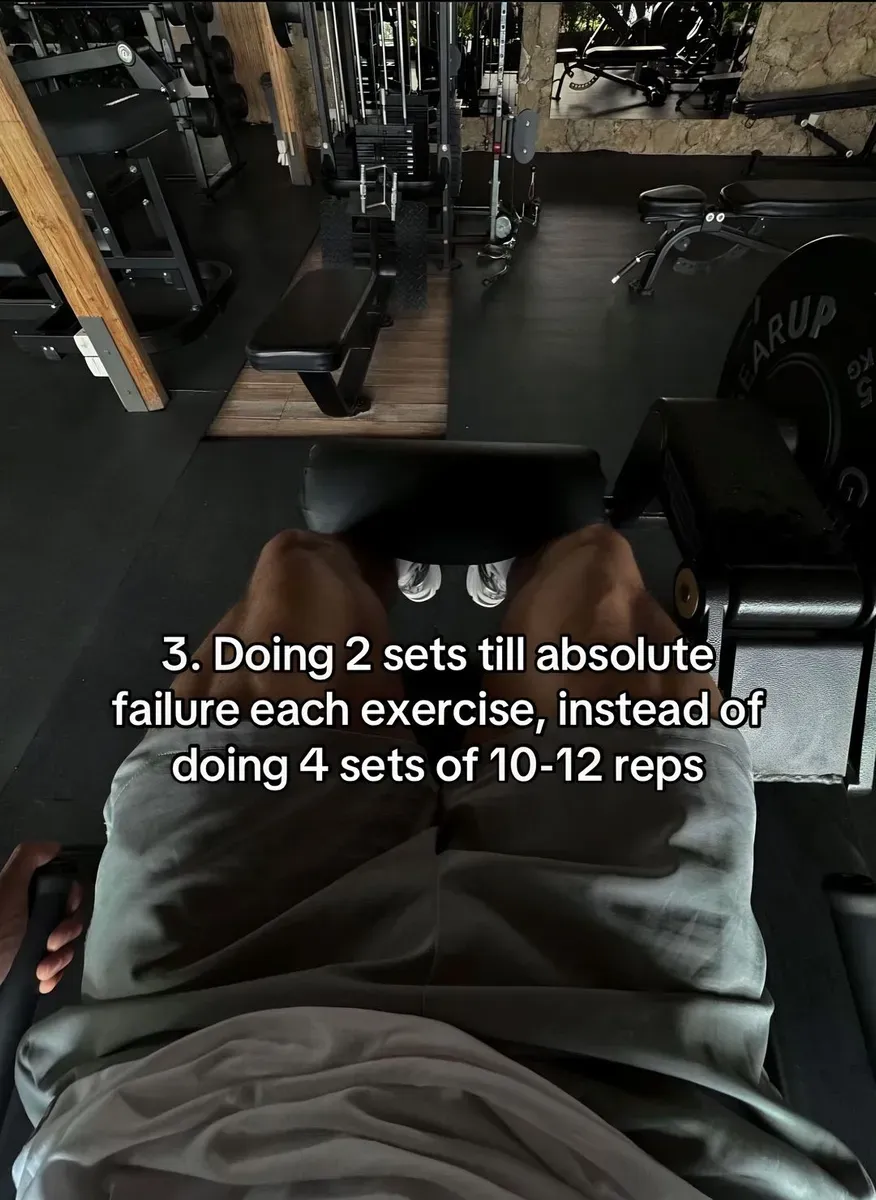
Fitness
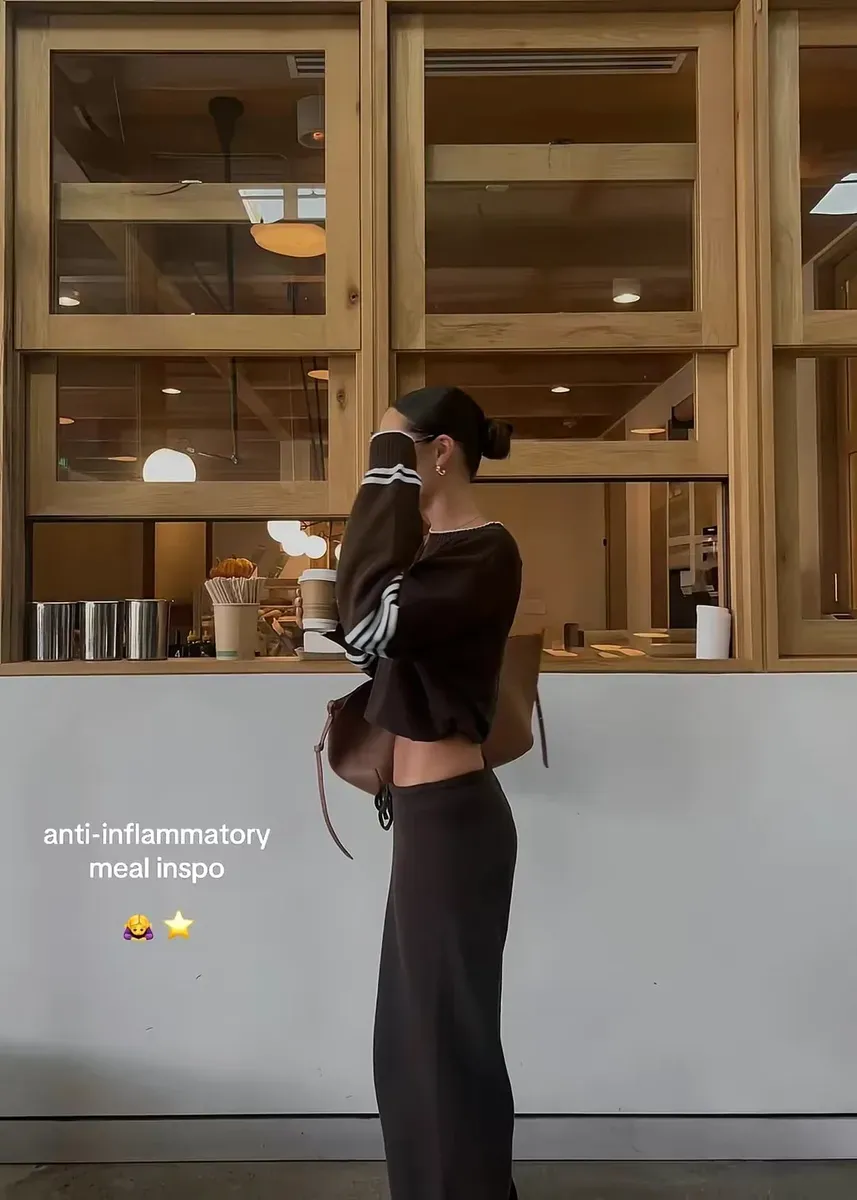
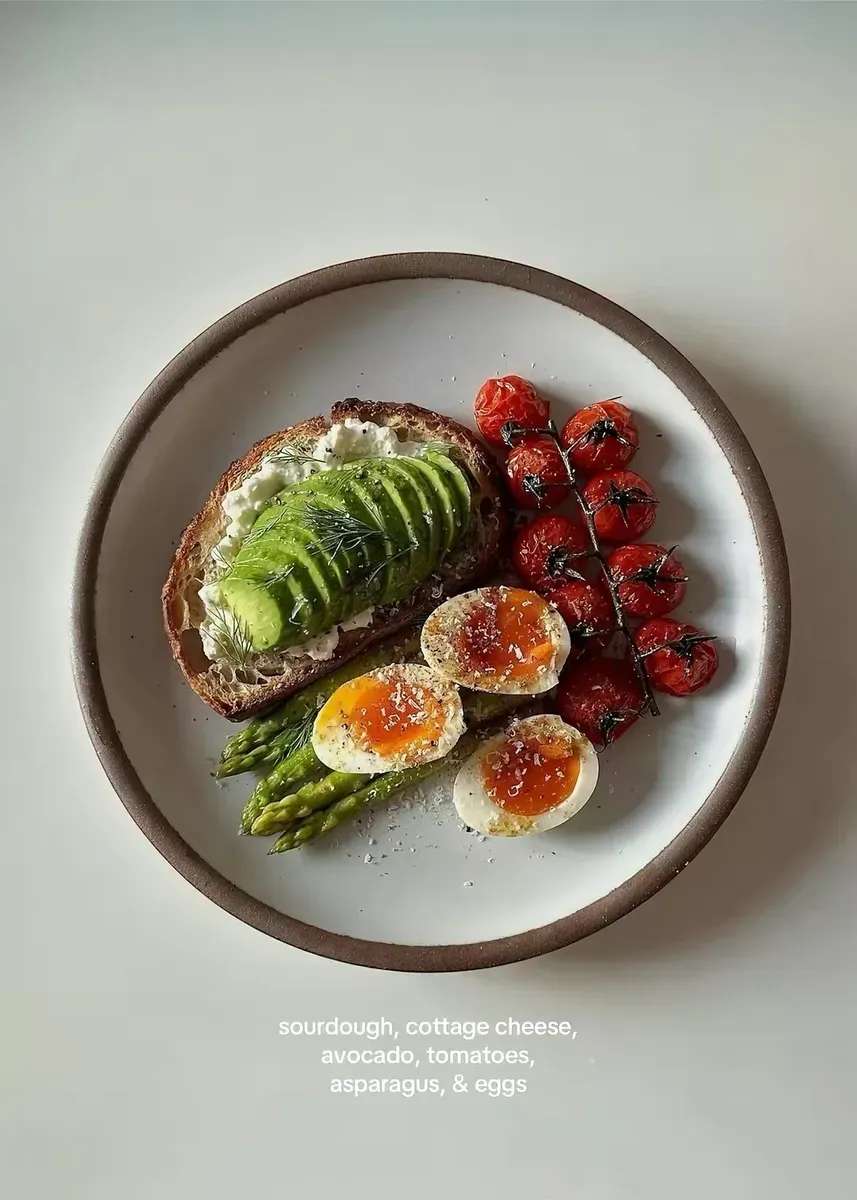
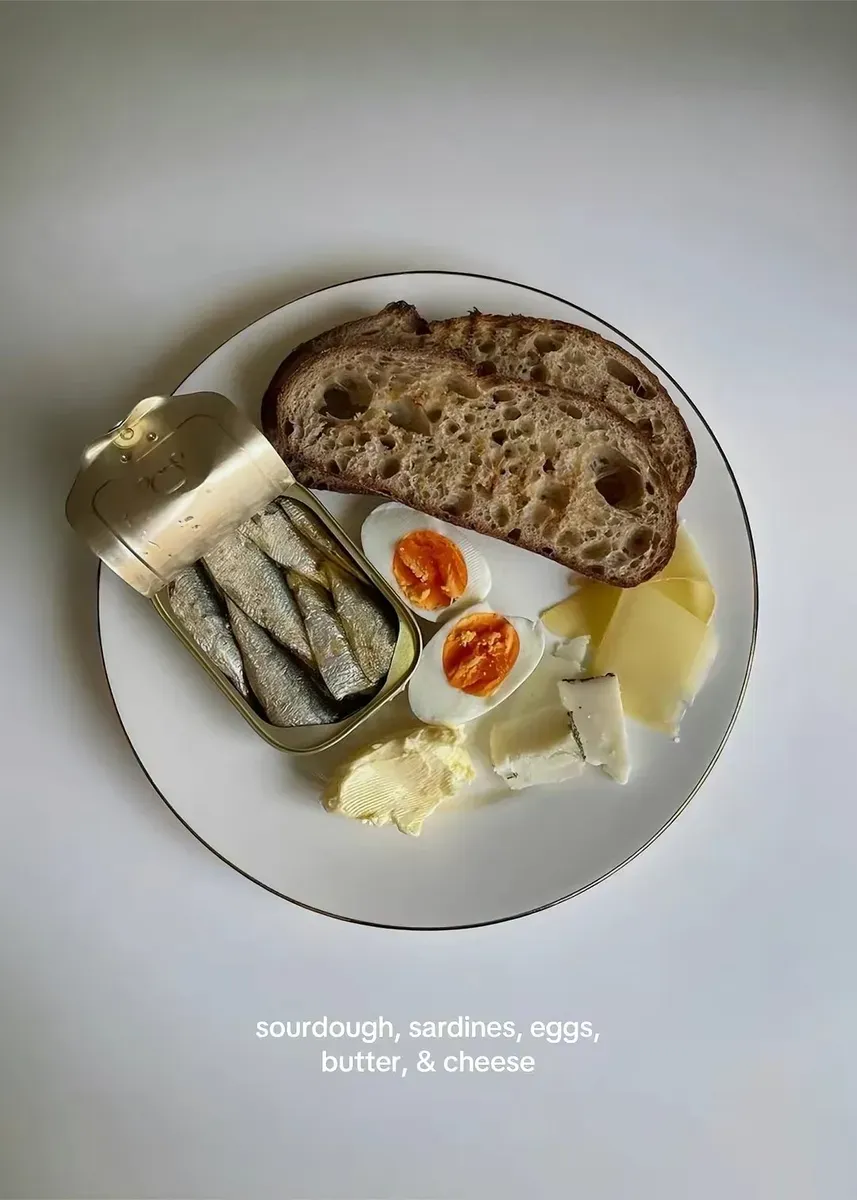
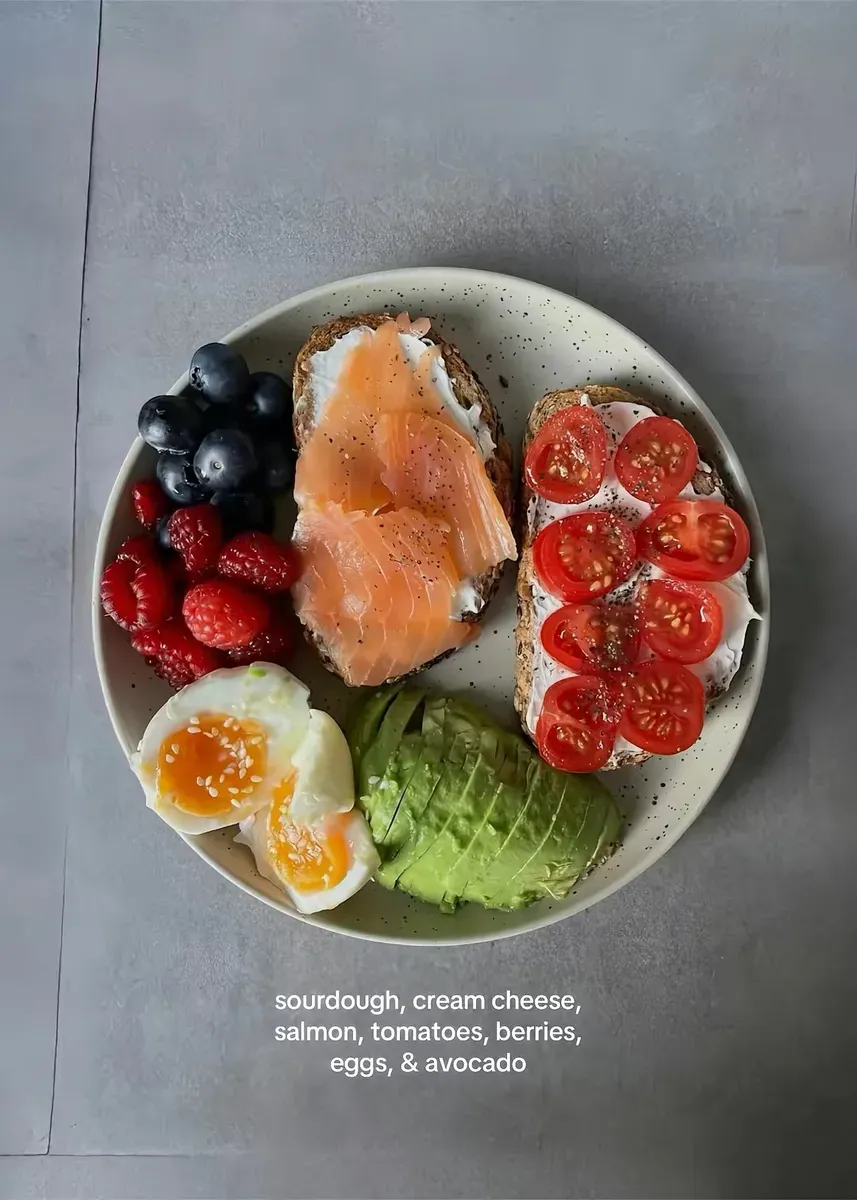
Health



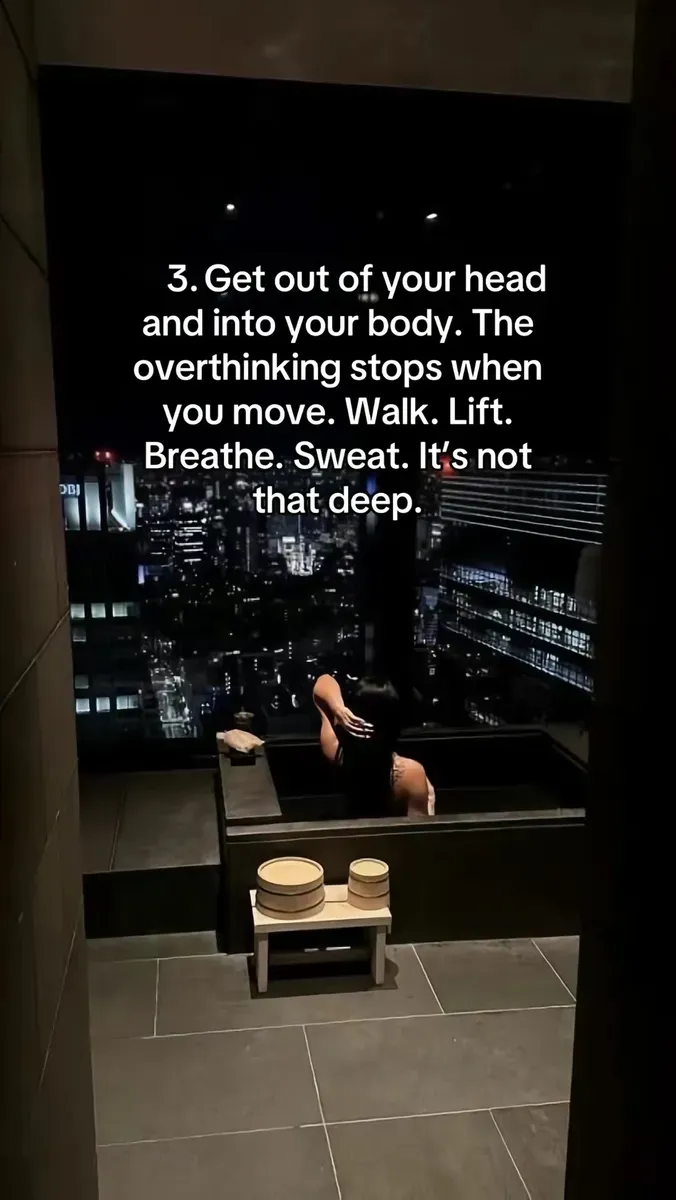
Mental Health
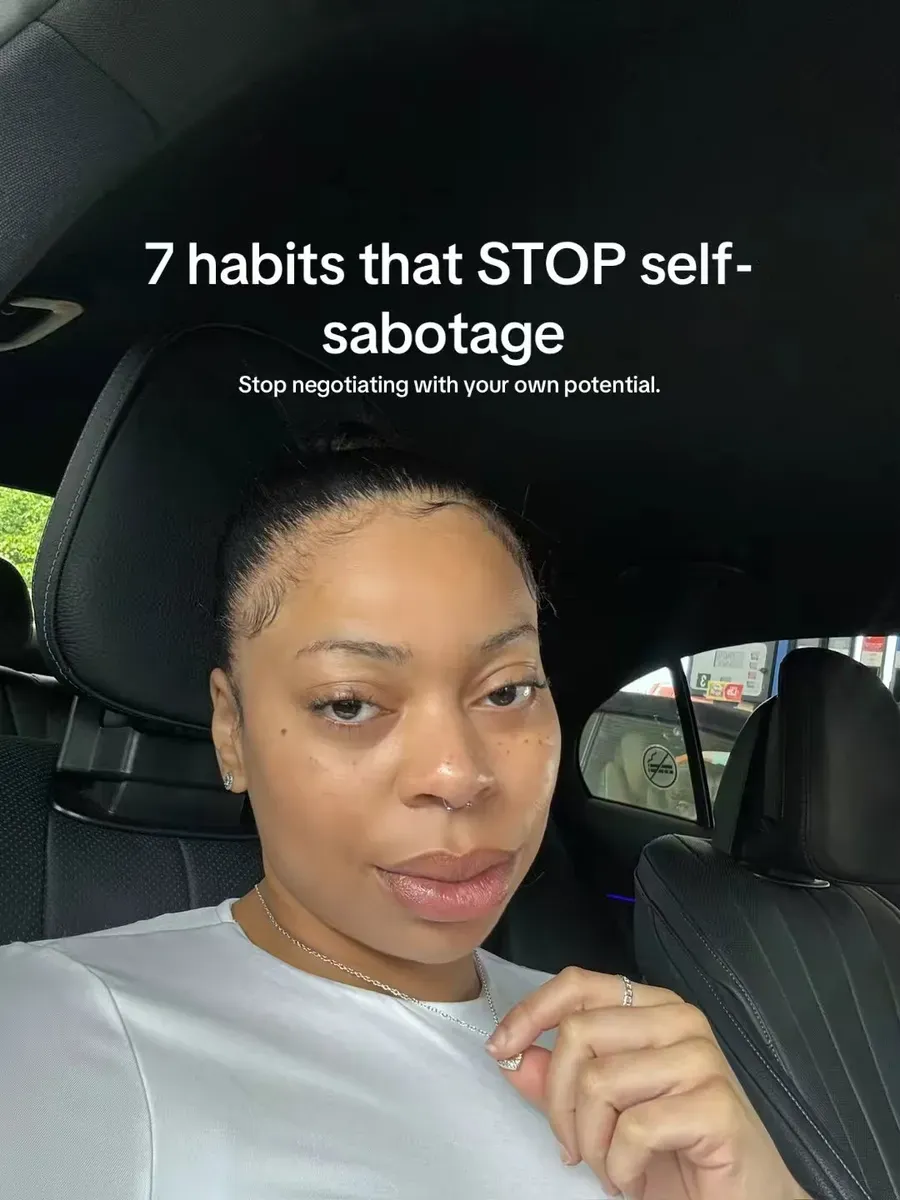
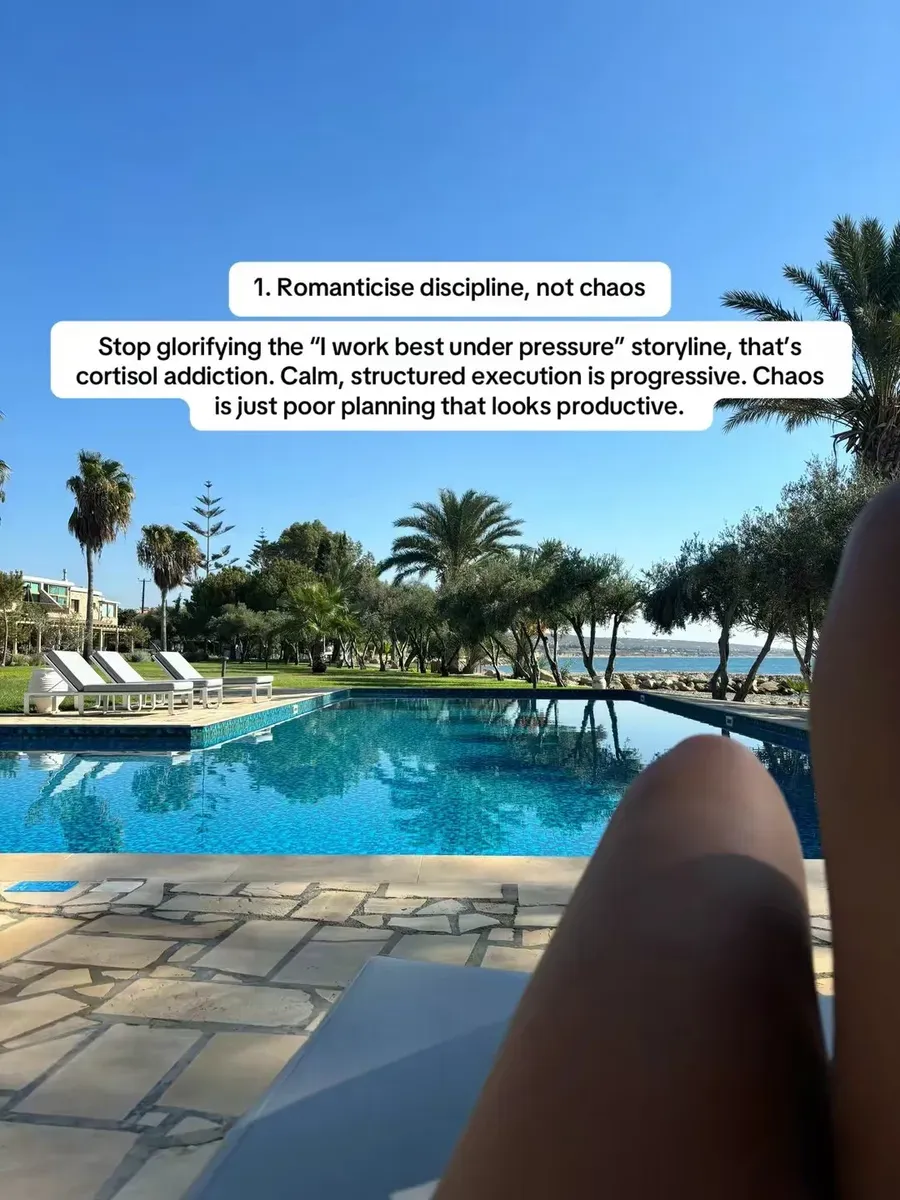
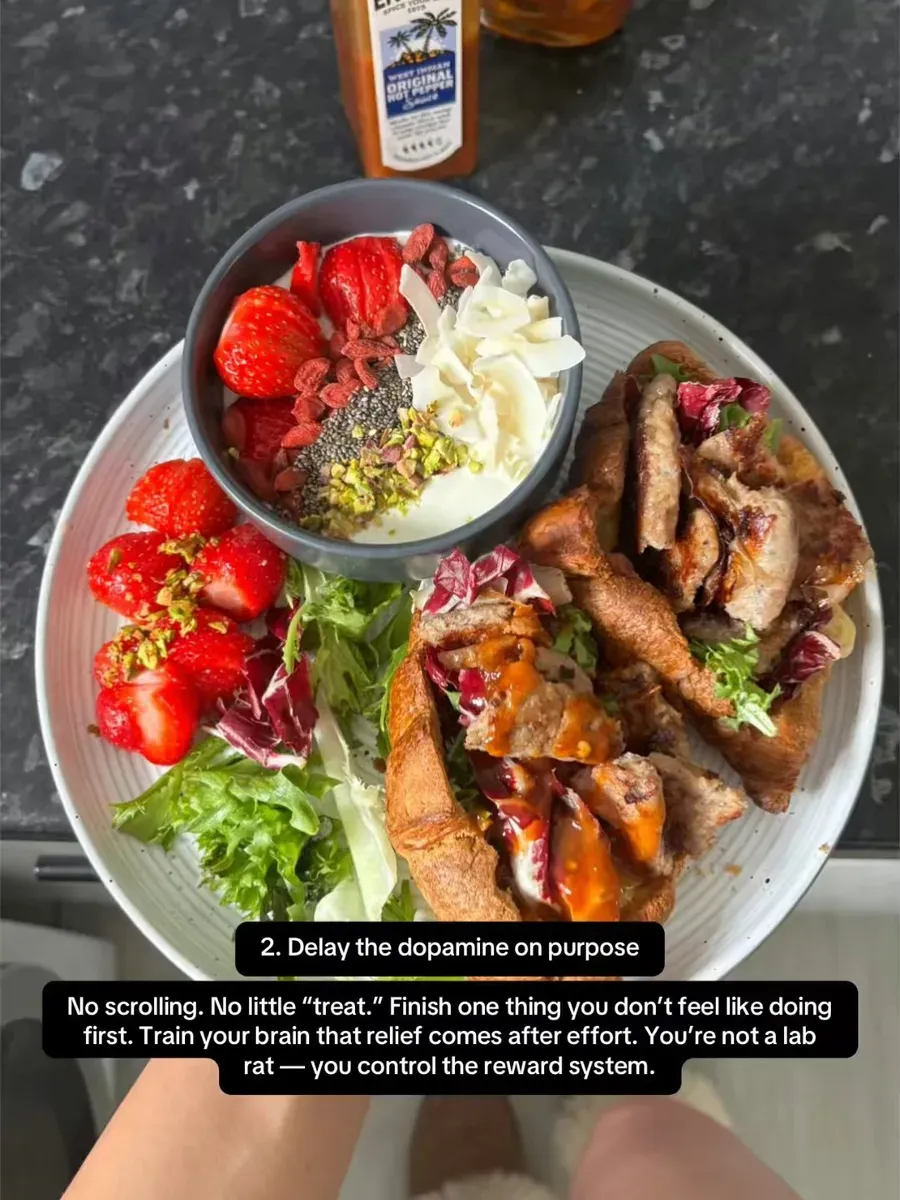
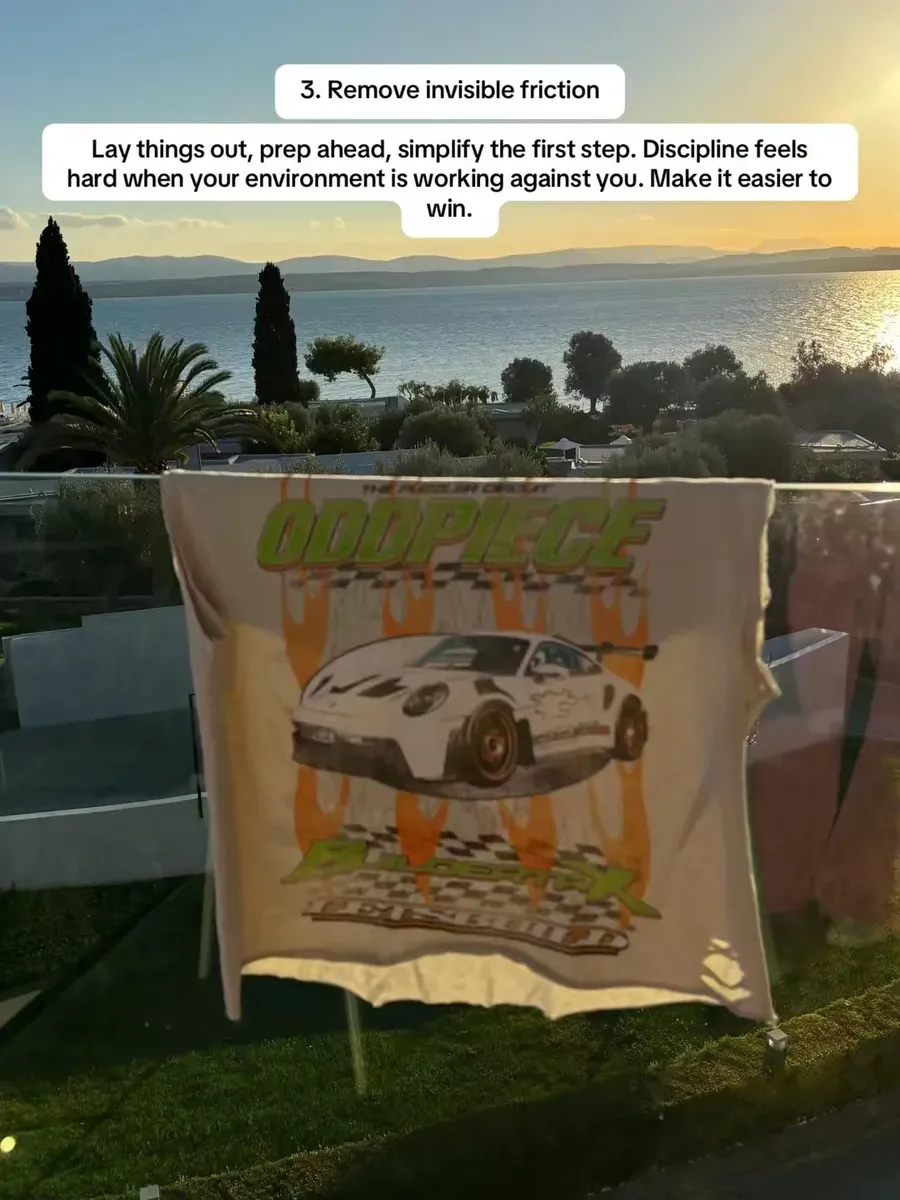
Productivity

B2B App
B2B App

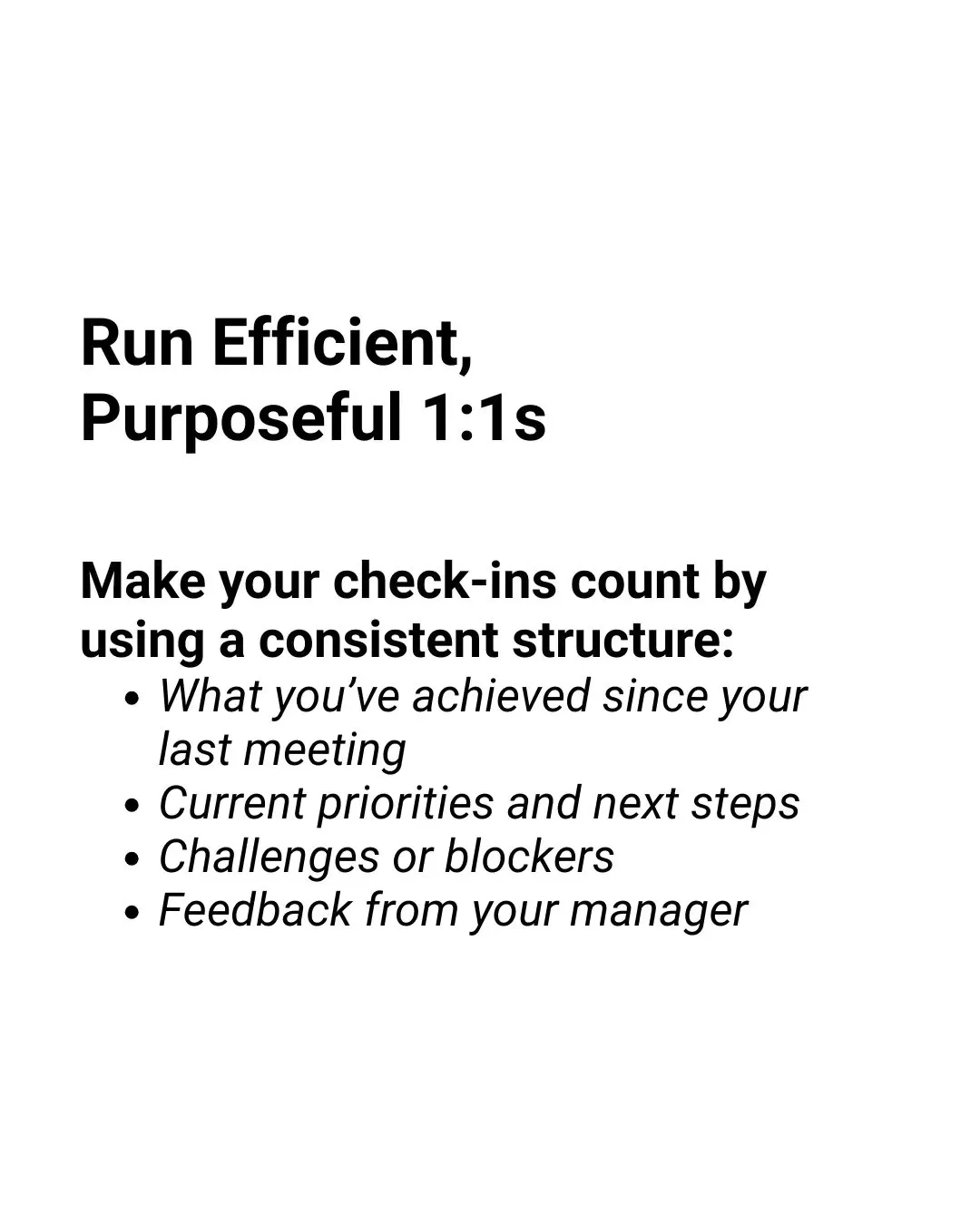
B2B App



B2C App

B2C App
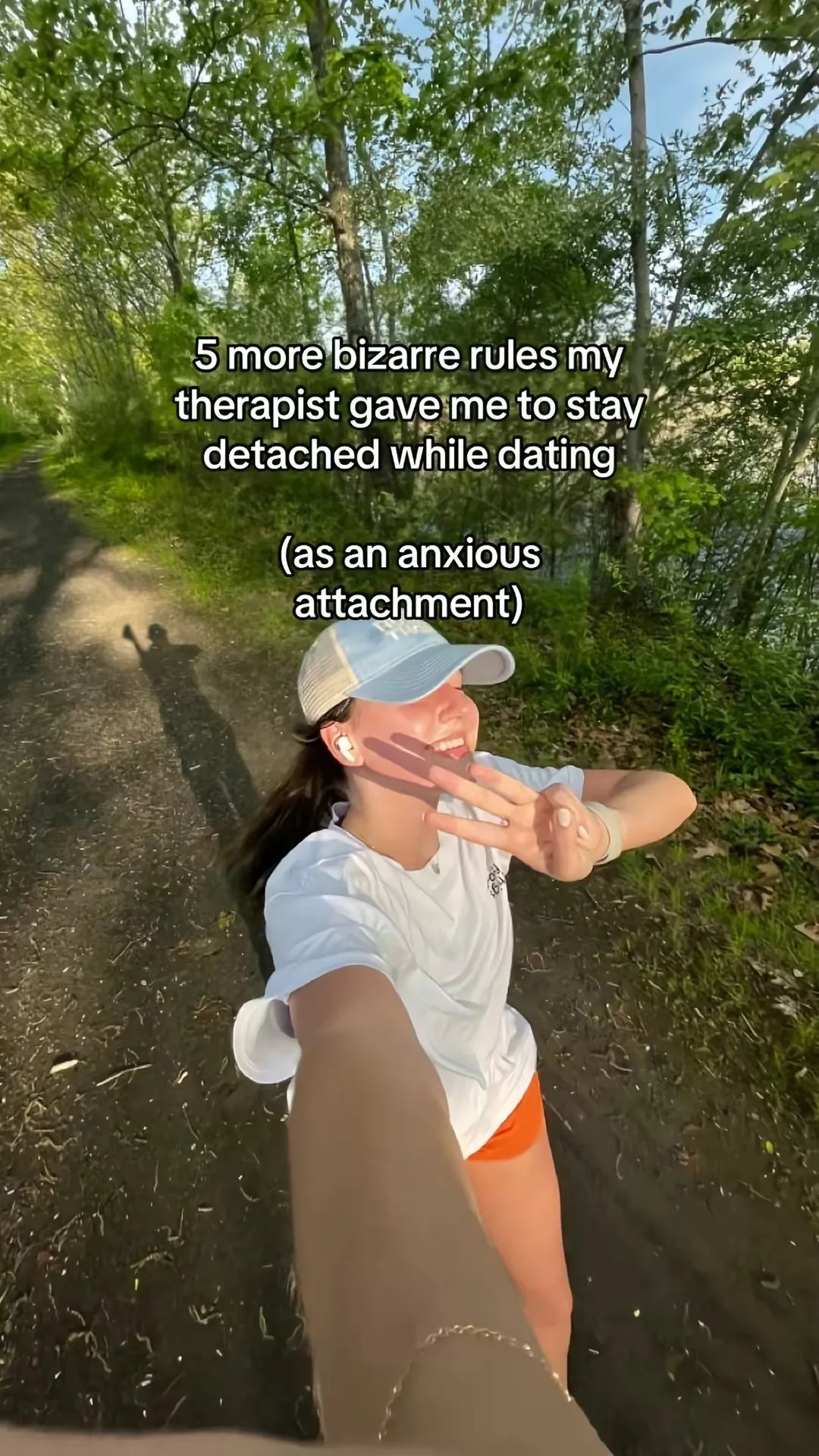
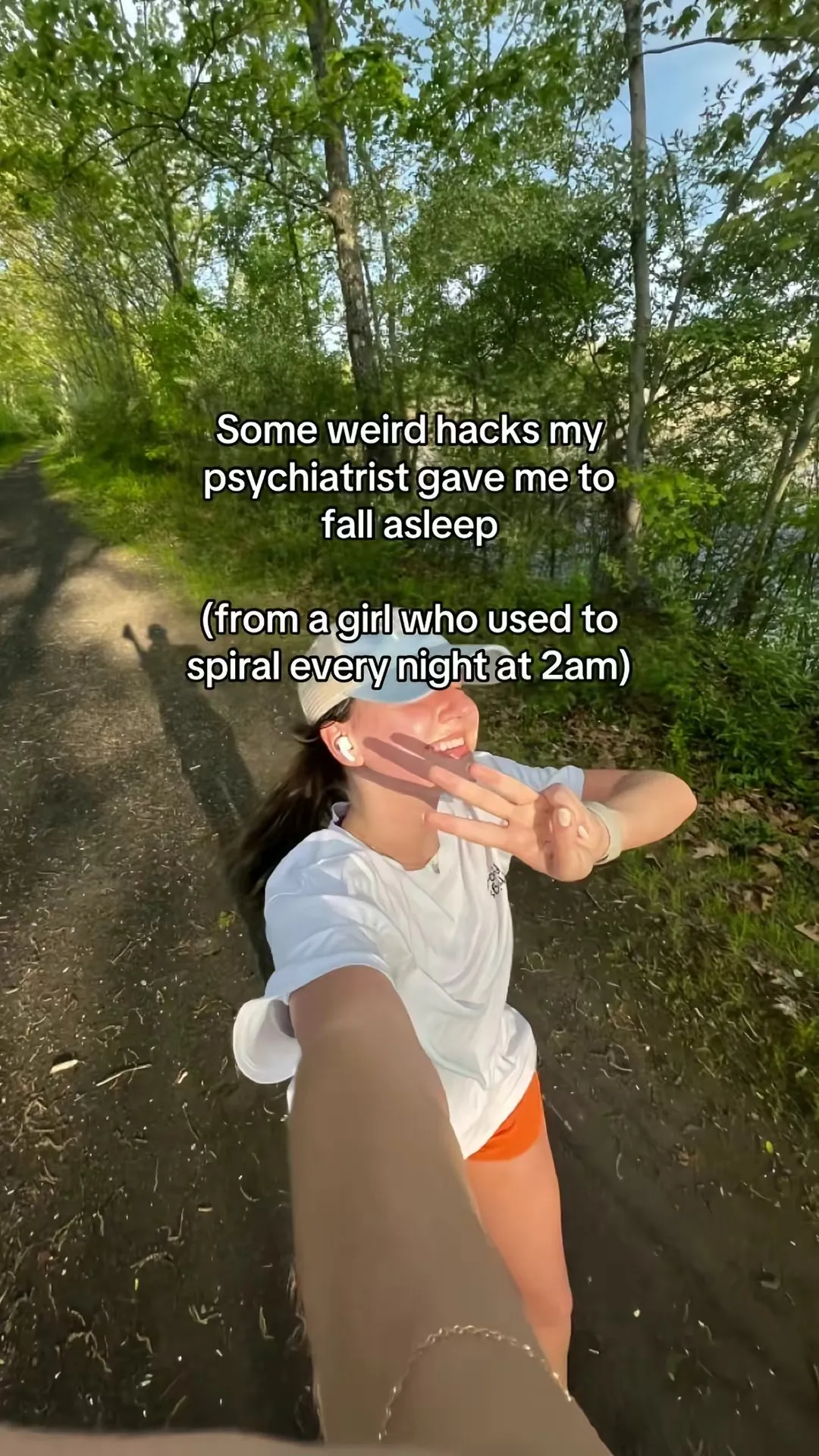

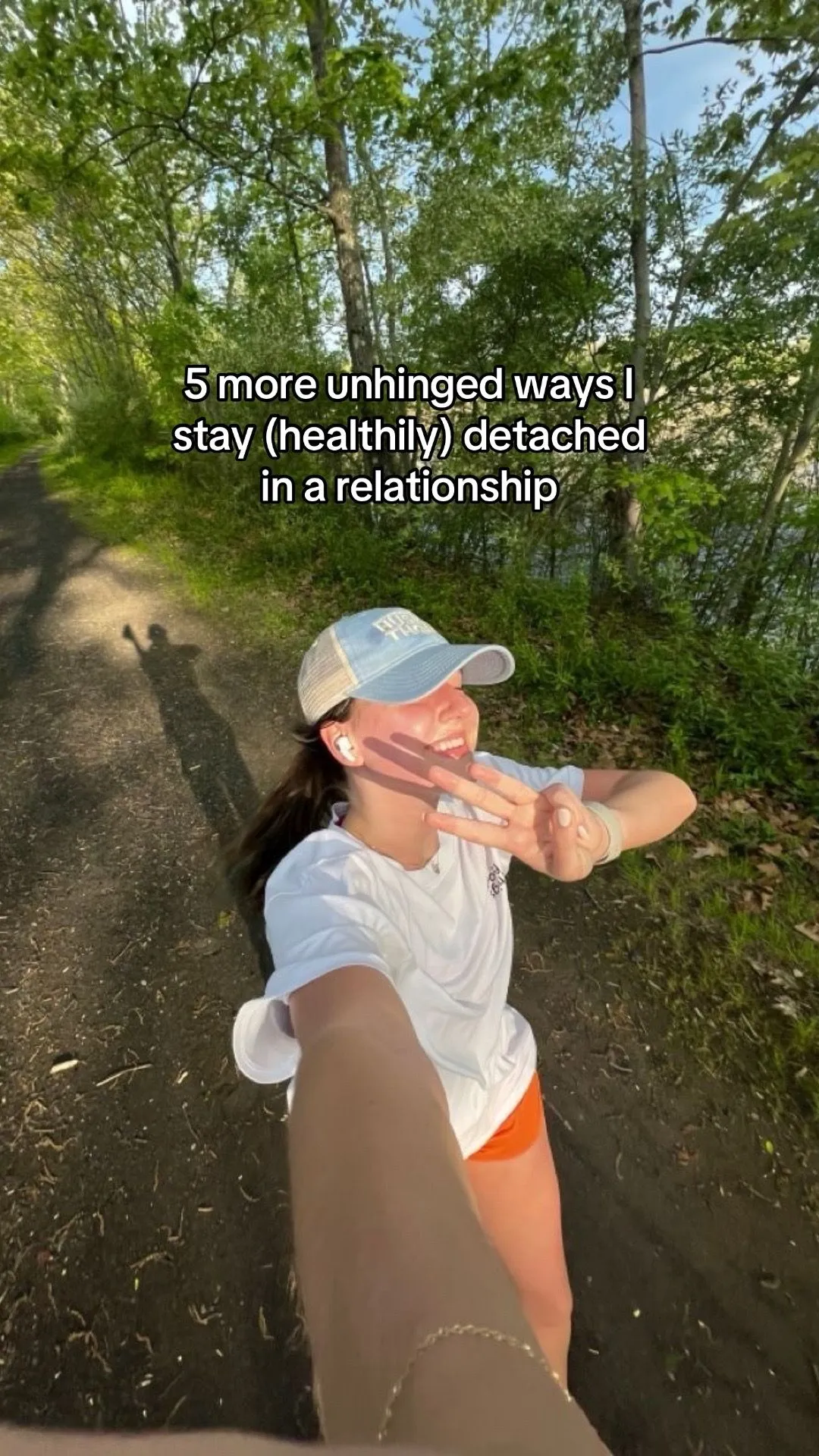
B2C App



B2C App


B2C App



B2C App




B2C App


B2C App
From a trending slideshow to a finished carousel in one workspace, with no design app in between.
Remix a trending one in Photo Slideshow, or start blank.
Remy rewrites every slide from your Brand Brain.
Use a photo collection or your own photos. Reorder slides.
Post a carousel, or download slides or a video with music.
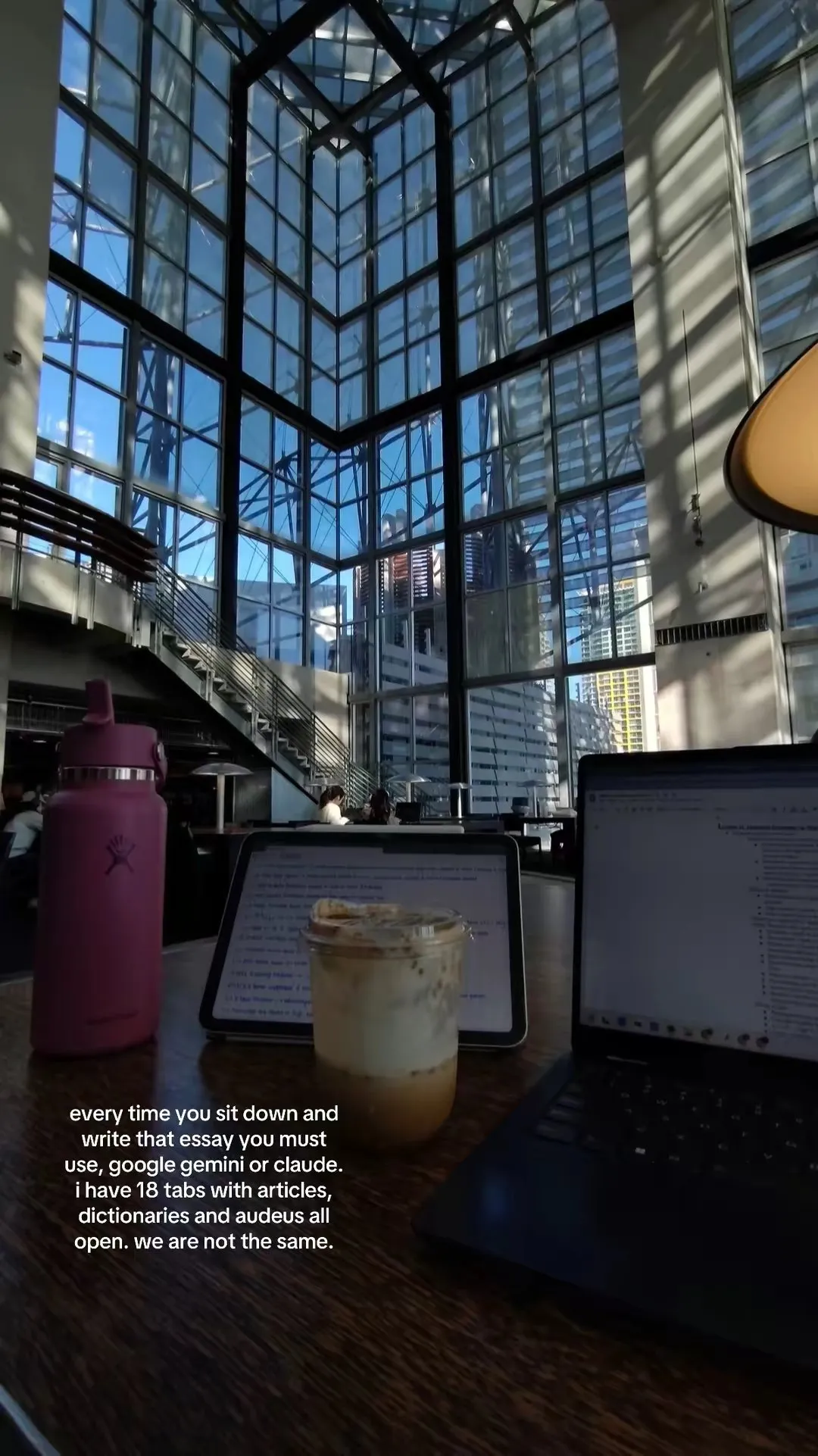
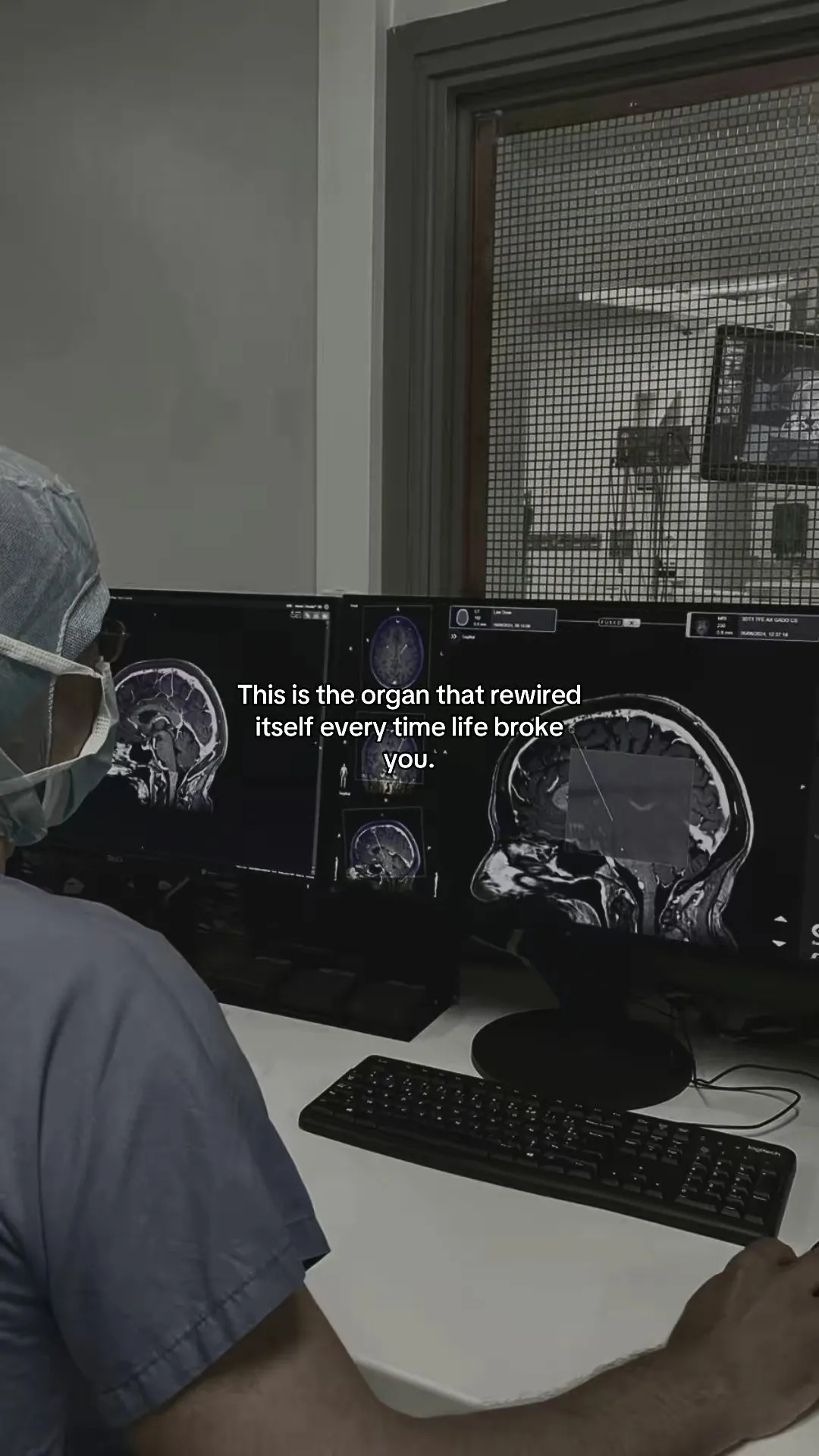
Each TikTok photo slideshow template comes from a slideshow people really posted, kept as a format: the slide count, the hook and each line’s length.
TemplatesThe hook, the points and the last slide, in your brand’s voice. Rewrite a line or ask Remy to improve it.
Brand BrainUse a photo collection, your own image set or an upload, and swap any picture from your Library.
TemplatesPost a carousel to TikTok, Instagram and Facebook, or download the pictures or one video with music.
PublishingReal slideshows people posted, kept as TikTok carousel templates: the slide count, the hook and each line’s length.
Start free trialTikTok Slideshows: straight answers about what Remy does today.
Yes. On TikTok a slideshow is a photo post: several pictures people swipe through. Remy makes the slides for you, and you can post them to TikTok as a carousel from Remy or download them and add them in the app.
Lists work best on slides: ways to use one product, mistakes your customers make, a checklist before buying, or a short story told a slide at a time. Tell Remy the angle in the focus box, for example three ways to use our serum. Keep one idea per slide and give people a reason to swipe on the first.
Open Photo Slideshow in Remy, start from a trending slideshow or a blank one, and let Remy write the slides for your brand. Then pick your pictures. Post the carousel from Remy, or download the slides and add them in the TikTok app.
Add a track in Remy’s editor, then download the slideshow as one video with the music under it. Each slide stays on screen for its own length. The video is made in your browser, so use Chrome or Edge. A carousel posted from Remy goes up as pictures only, so for music in the post itself, upload the video.
Yes. Upload pictures, group them into image sets of your own, or pick from your Library, then swap any slide’s picture. Product photos, app screenshots and behind-the-scenes shots all work. Use only pictures you have the right to post.
Remy makes slides in 9:16, 4:5 or 1:1, and a trending slideshow keeps its own shape unless you change it. 9:16 fills a phone screen on TikTok, and 4:5 is a common choice for an Instagram carousel. TikTok updates its photo specs from time to time, so check its current guidance before running a slideshow as an ad.
Yes. Change the shape to 4:5 or 1:1 in the editor, check that the words still sit well on each slide, and schedule it to Instagram from Remy as a carousel. Your words and pictures stay the same, so one idea can go to both apps.
No. A Photo Slideshow is a Trend Format: Remy writes and lays out the slides without making any AI images or video. Each one counts toward your plan’s monthly Trend Formats, and editing the words or swapping pictures afterward costs nothing.
Free for 3 days
Less guessing, more winning. Remy builds your next video and image ads from the ones already working in your niche.
No card needed.