

Text on video
Built for brands, creators and agencies
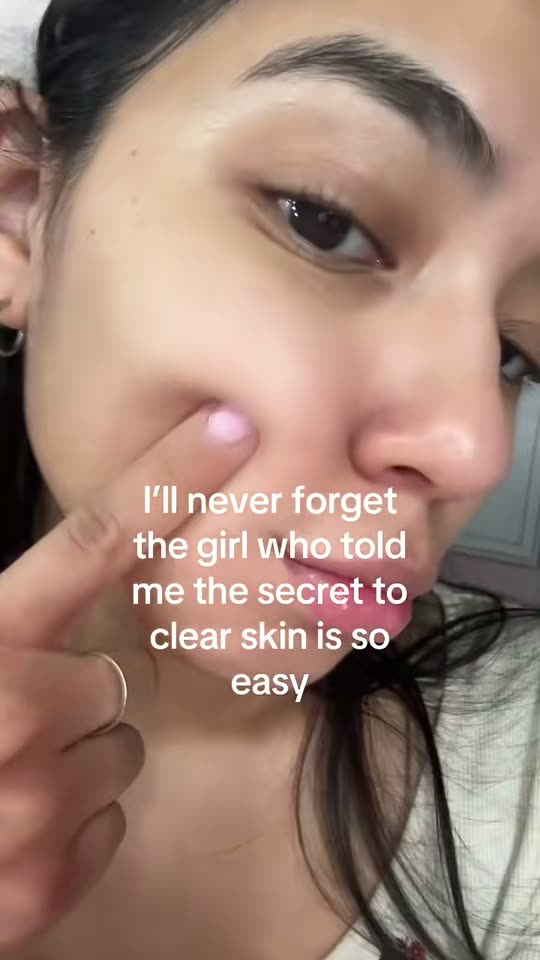
Text overlay video templates put one block of words over a short clip, the kind of post people read while the video loops. In Remy, Text on Screen sets the words over a clip from Remy’s video library or a video of your own, and formats like Walk POV make a new AI clip to go under them. Either way, Remy writes the words for your brand from your Brand Brain.
Paste your website and Remy learns your brand.Add your website to start.
Add website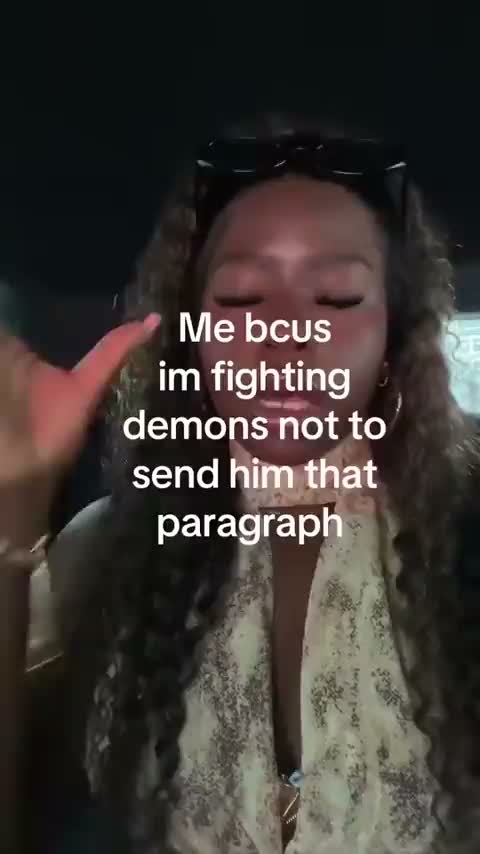
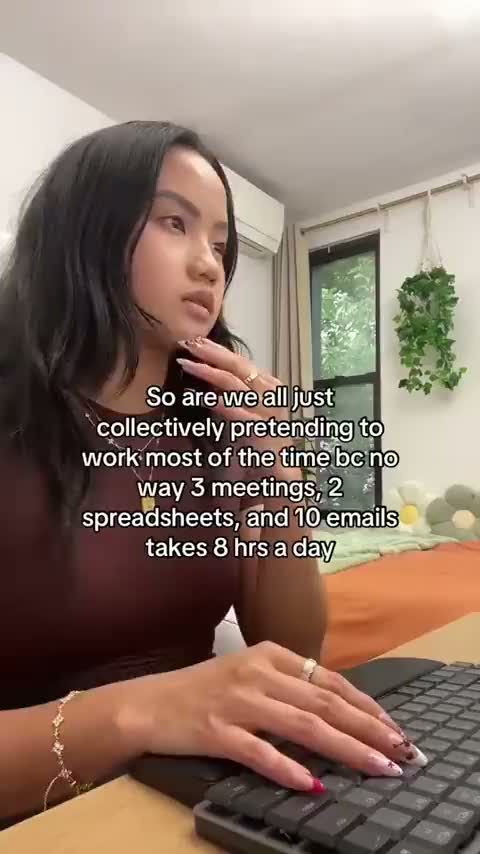

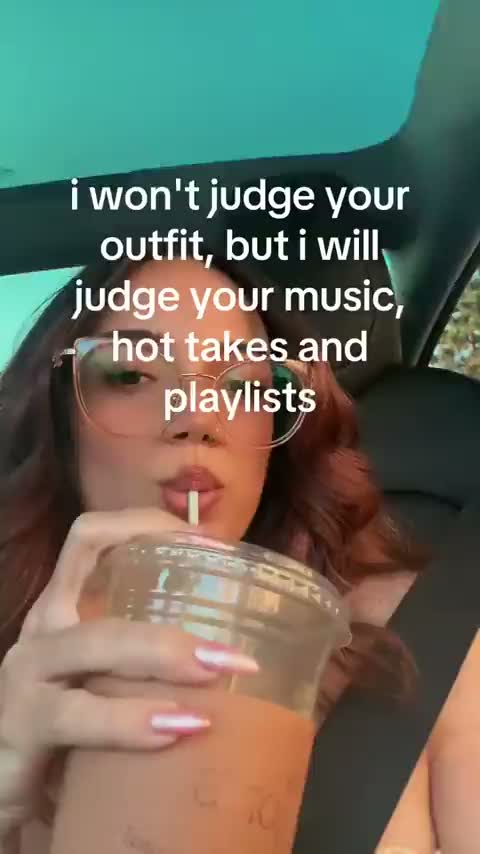
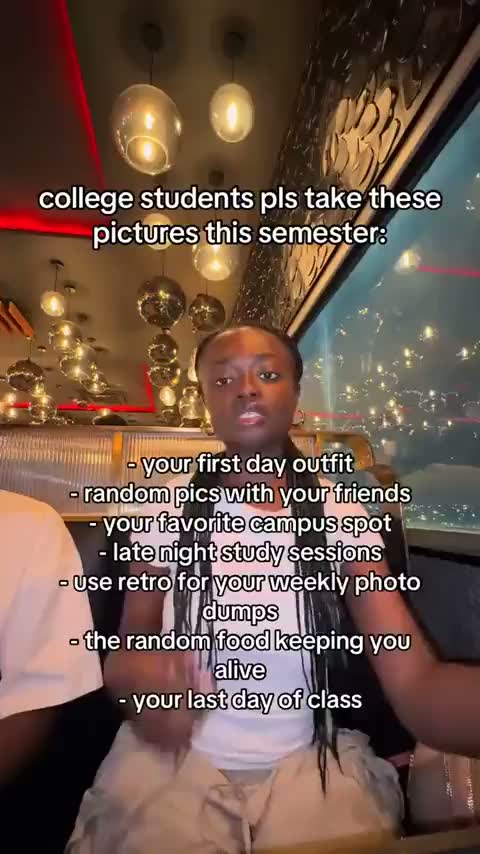
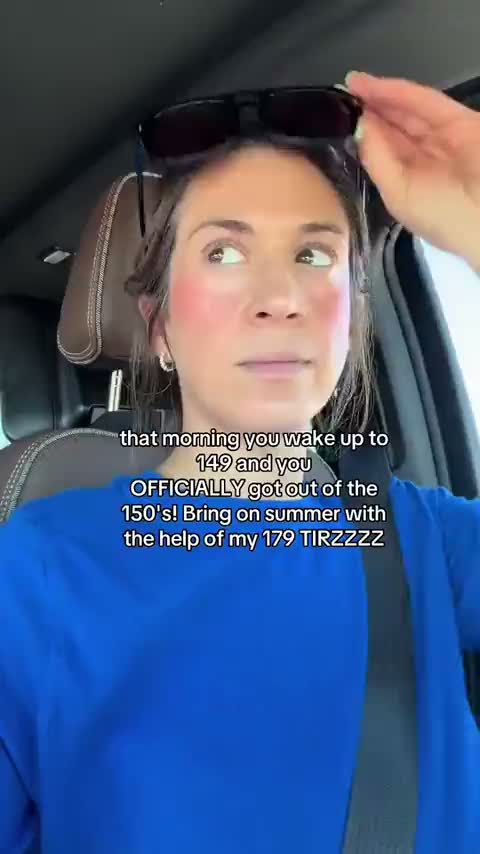
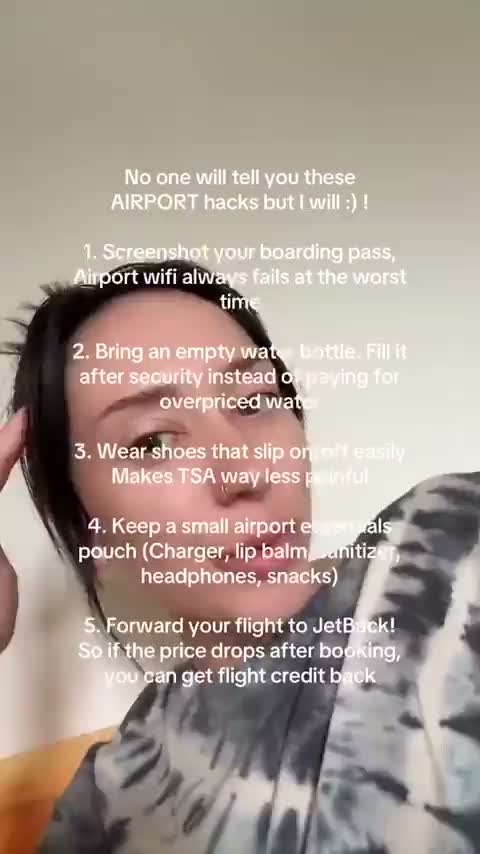
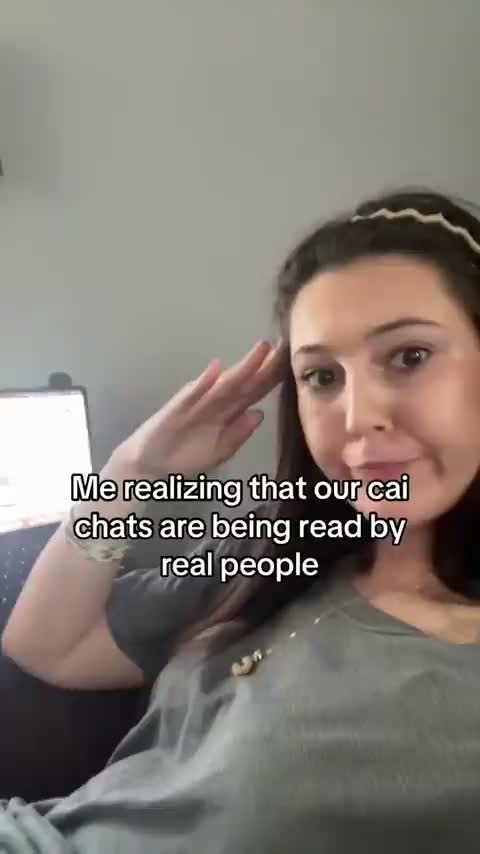
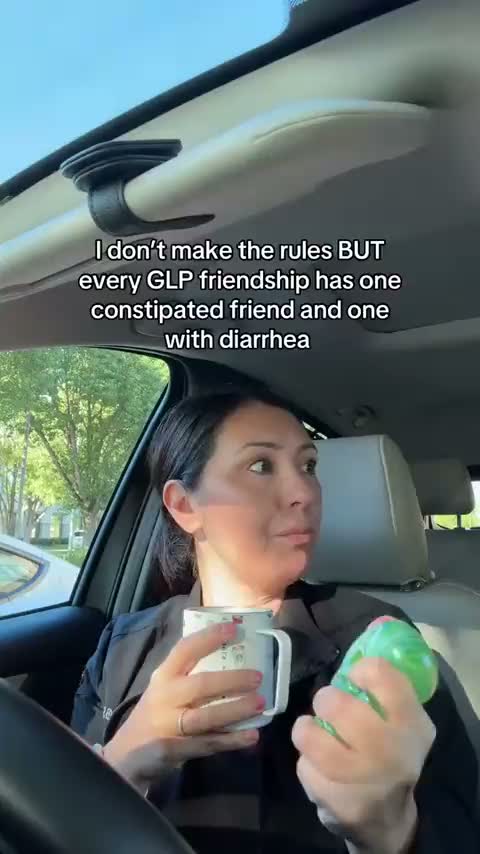
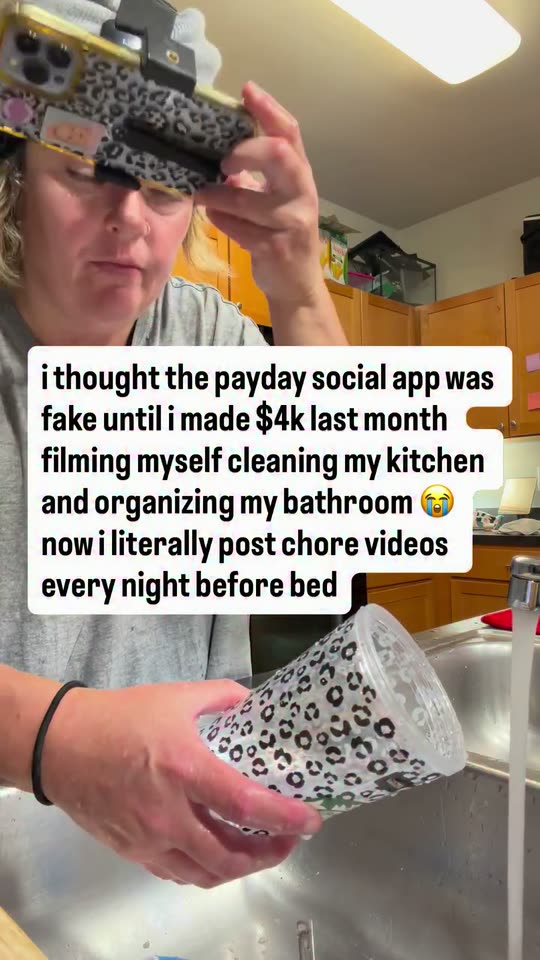
Real templates, the same ones you pick from in Remy. Choose one and Remy writes it for your brand.
Text on video
Text on video

Text on video

Text on video

Text on video

Text on video

Text on video

Text on video

Text on video
Text on Screen
Text on Screen
Text on Screen
Text on Screen
Text on Screen
Text on Screen
Text on Screen
Text on Screen
Text on Screen

Text on Screen
Text on Screen
Pick a format, let Remy write the words, then adjust the post and schedule it.
Open Text on video and pick a format, like Walk POV.
Pick a style or tone. Remy writes one block of text.
Swap the clip, edit and place the words, and add music.
Post it to TikTok, Instagram and Facebook, or download.
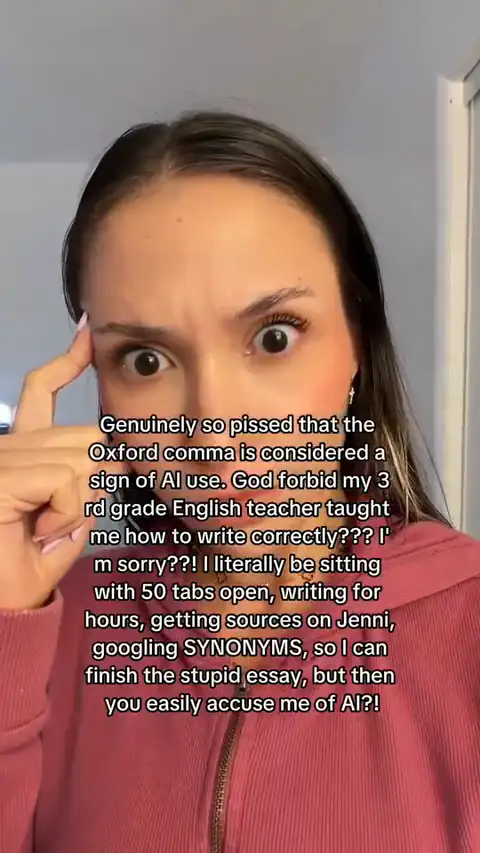
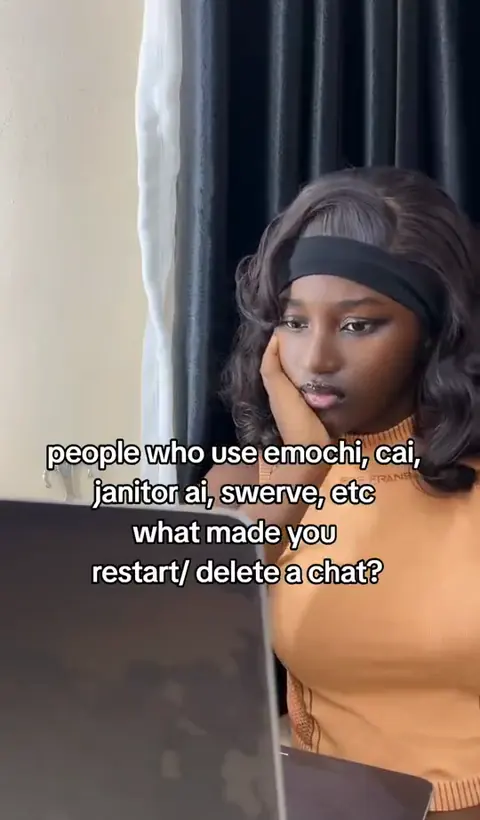
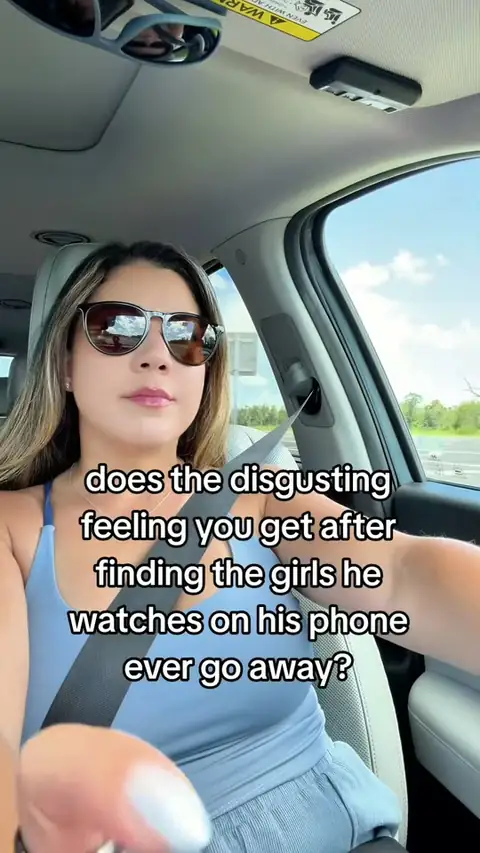
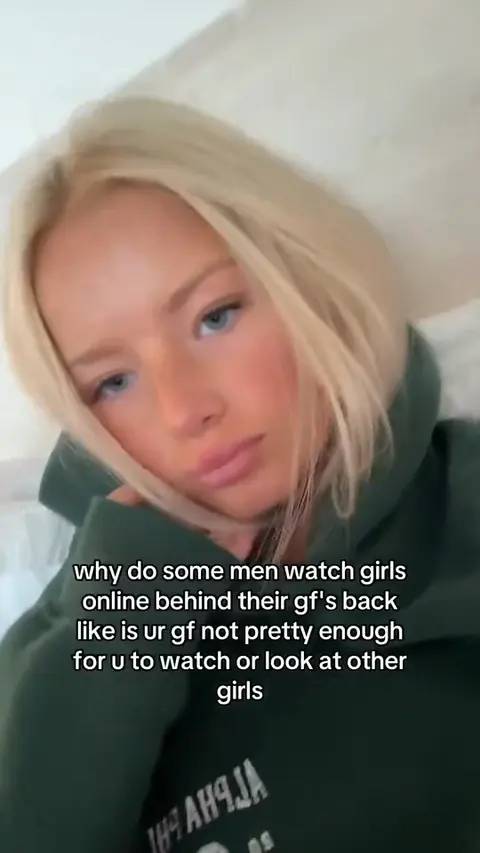
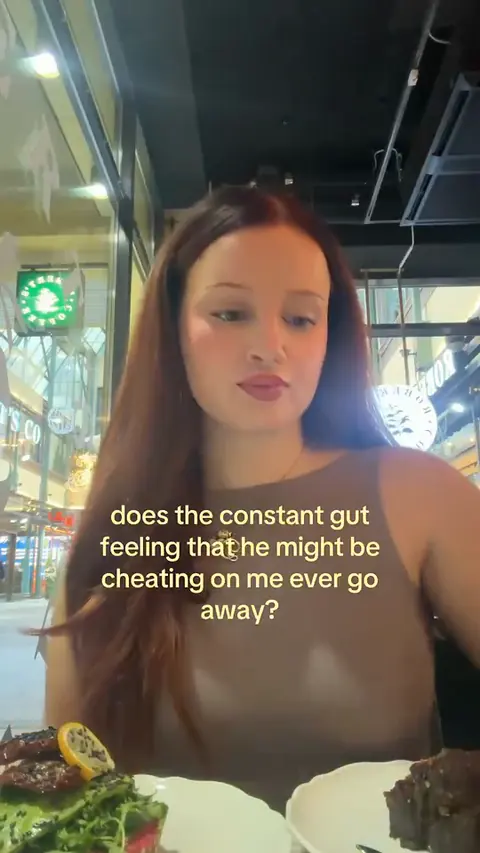
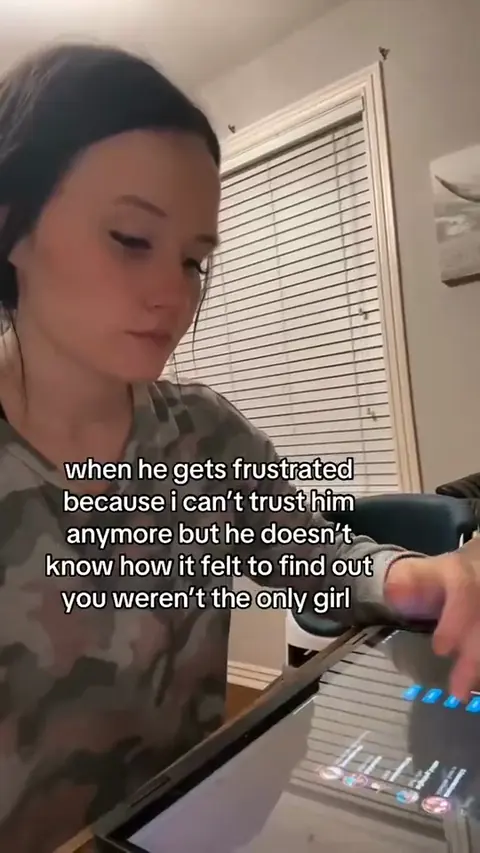
Text on Screen and Cooking and chores templates keep a real post’s format: its length, how its lines read and where they sit. Remy writes the new words.
TemplatesRemy, write it for me drafts the text from your Brand Brain. Rewrite any line, or ask Remy to improve it.
Brand BrainBold white words with a black outline read over bright and dark clips. You set their size and place.
TemplatesEvery template can make 9:16 video. Schedule it to TikTok, Instagram and Facebook with a post caption.
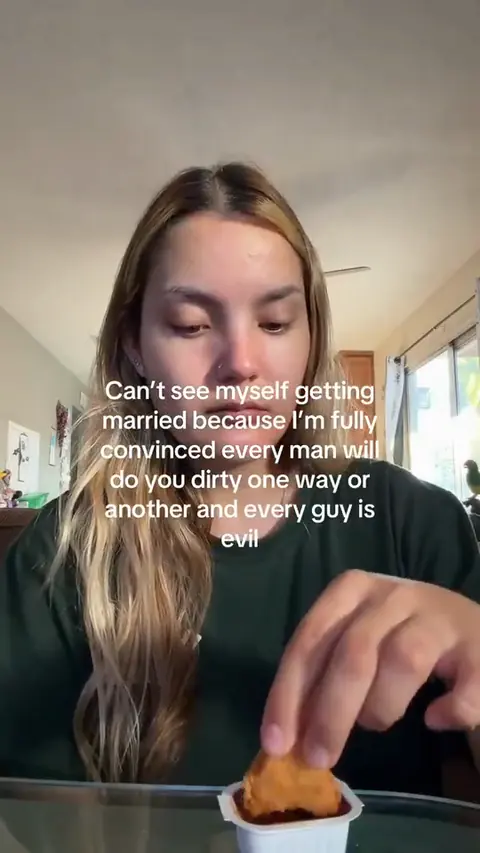
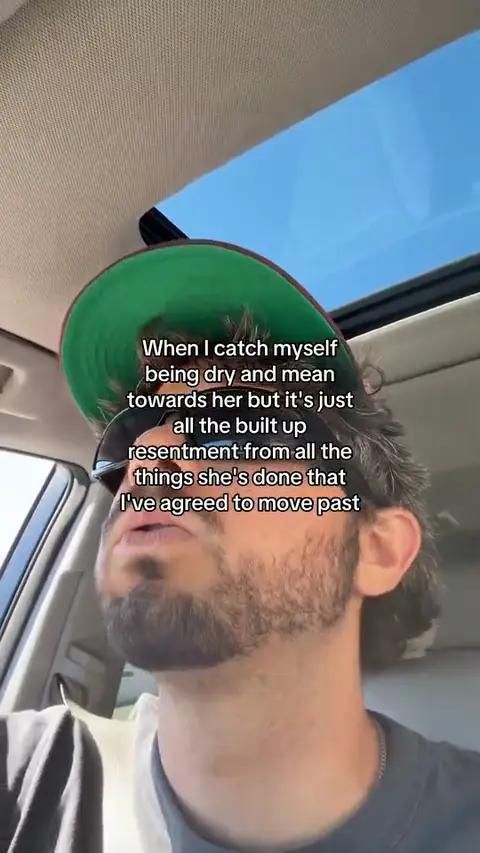
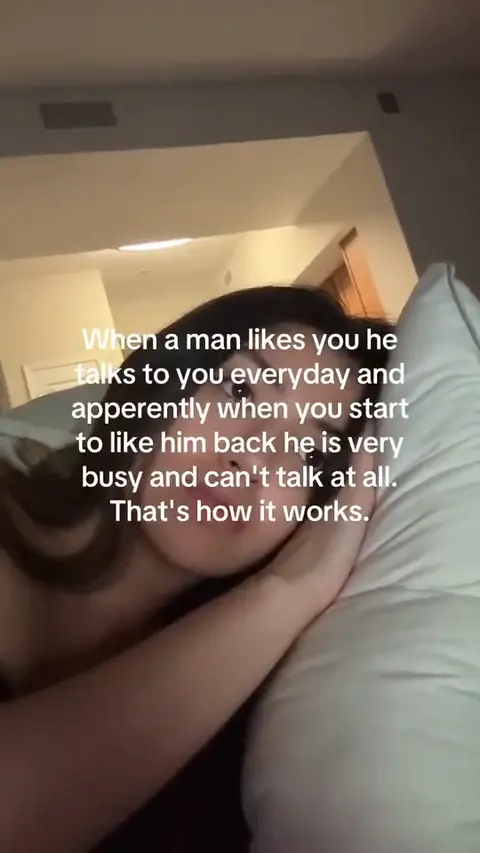
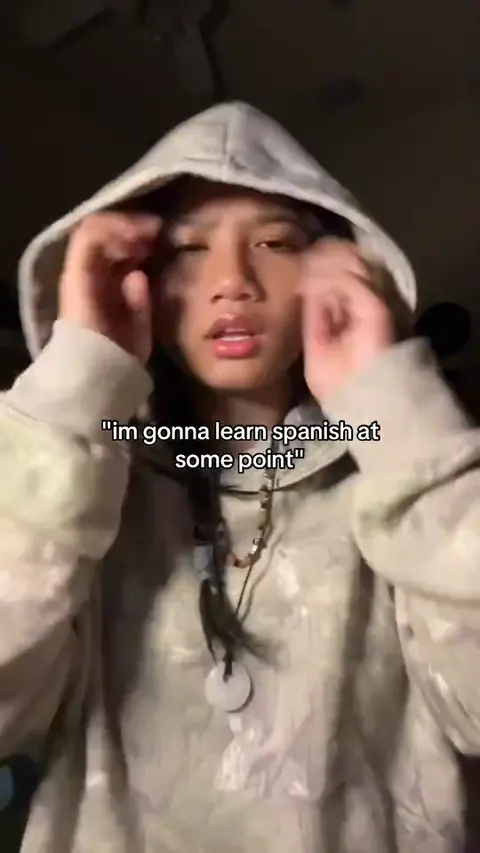
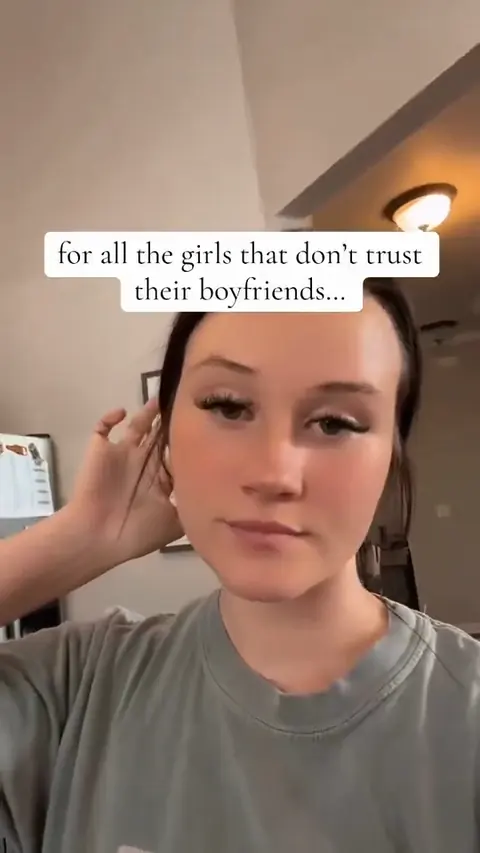
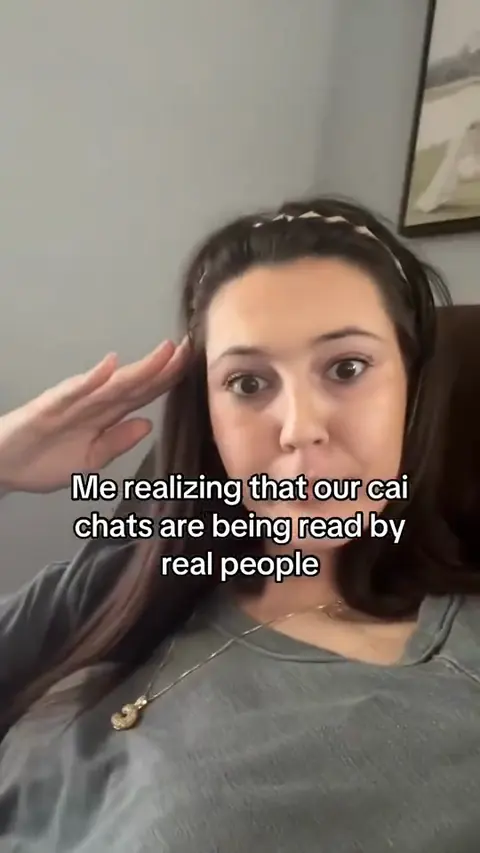
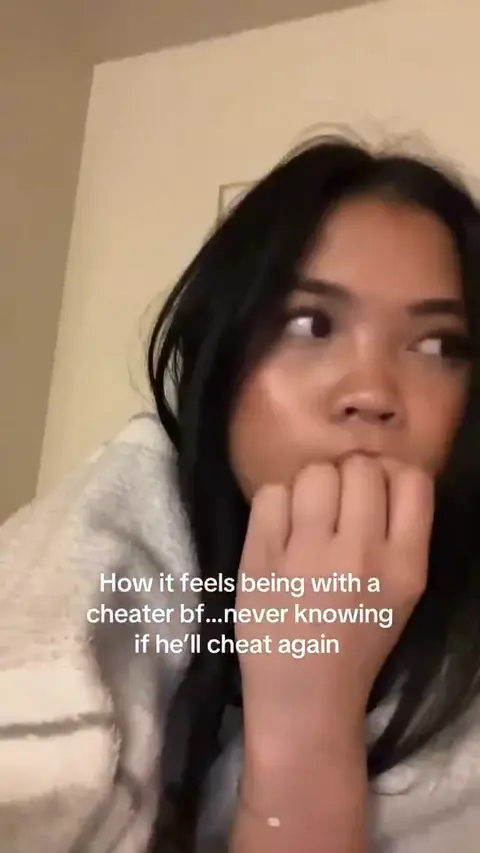
PublishingText on Screen templates come from real posts like these. Remy keeps the format and writes new words for your brand.
Start free trialText Overlay: straight answers about what Remy does today.
Long enough to read it twice at a relaxed pace. A short line needs a few seconds and a paragraph needs more. Text on Screen keeps one block on screen for the whole video and lets you choose the length. If it feels rushed, cut words before you add seconds.
One idea, said the way a person would type it: a small confession, a quick tip, a hot take or a short story with a turn. Leave hashtags out of the video and put them in the post caption, which Remy can write alongside the text.
You can type text onto a Reel in Instagram’s own editor, or use an Instagram text overlay template to have the words written for you. In Remy, open Text on Screen, let Remy write the text for your brand and set it over a clip in 9:16. Then schedule it to Instagram from Remy, or download it and upload it in the app.
Yes, in Text on Screen. Set Video to I’ll choose and pick your own footage instead of a library clip. Remy still writes the words and sets them in the same style, and because no new video is made, the post stays a Trend Format.
No. The words Remy writes always use Remy’s one text style, bold white with a black outline, so they stay readable on any clip. You can change the words, make them bigger or smaller and move them.
Yes. In Text on Screen, keep the clip’s own sound, add a music track from Remy’s Audio Library and set its volume, or mute it. You can change the sound after the words are written, without writing them again.
Yes, the same templates work on TikTok. Keep the 9:16 shape, check that the words sit clear of TikTok’s buttons and the caption at the bottom, and schedule the post to TikTok from Remy.
Text on Screen and Cooking and chores don’t: they’re Trend Formats, which count toward your plan’s monthly Trend Formats. Formats like Walk POV make a new AI clip, so they use credits based on the model and length. You see the estimate before anything is made.
Free for 3 days
Less guessing, more winning. Remy builds your next video and image ads from the ones already working in your niche.
No card needed.