Built for brands, creators and agencies



Ecommerce video ads for the whole catalog
Ecommerce video ads are short clips that sell one product in the feed, and Remy makes them for every item you stock, not only the best seller. Upload a product photo, then animate it, put it in an AI creator’s hands or set a promo line over a clip. It works with any store platform, because Remy reads your public website.
Paste your website and Remy learns your brand.Add your website to start.
Add website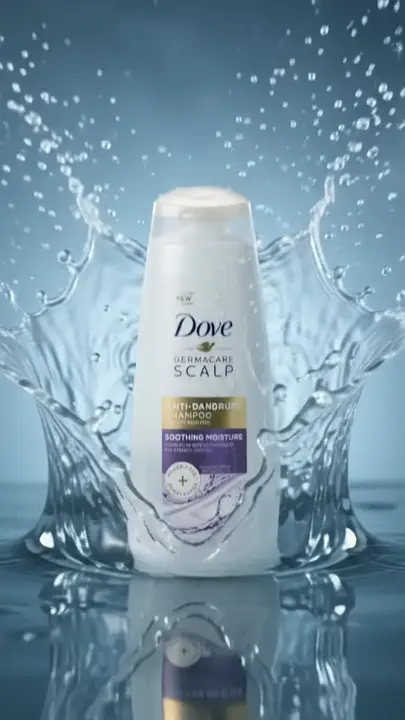






How to make ecommerce video ads
One product photo is enough to start. Then do the same for the next product, and the one after.
Let Remy read your website
Paste your store’s address, whatever platform it runs on.
Choose a product and angle
Upload its photo, then add a creator or an offer line.
Generate, then make versions
Make changes gives a new setting and keeps the original.
Plan the month
Schedule the month’s posts on the Calendar.
Video ad
Your product, a creator and a few words. Remy makes the video in AI Studio.
AI video ads for ecommerce, product by product
Ecommerce UGC ads with an AI creator
Product in Hand, Cart Finds, Keep Return and Travel Essentials put your item in an everyday moment. Pick from 700+ AI avatars to suit your buyer.
AI avatarsMotion from a plain packshot
Image to video turns a product photo into a short clip. Wan 3.0 Prime keeps a first test low-cost.
AI StudioVariants without starting over
Make changes turns a result into a new version, like another room or colorway. The original stays.
Make changesA queue of ready posts on Home
Recommended for you holds ready posts written from your Brand Brain. Keep the ones that fit.
Day-one posts



Ecommerce ads across a range
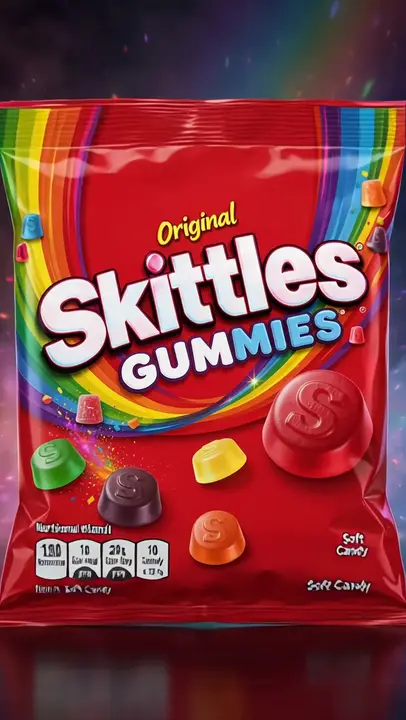
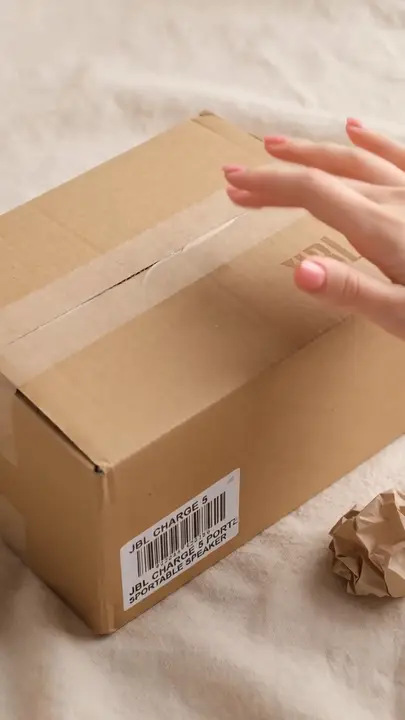
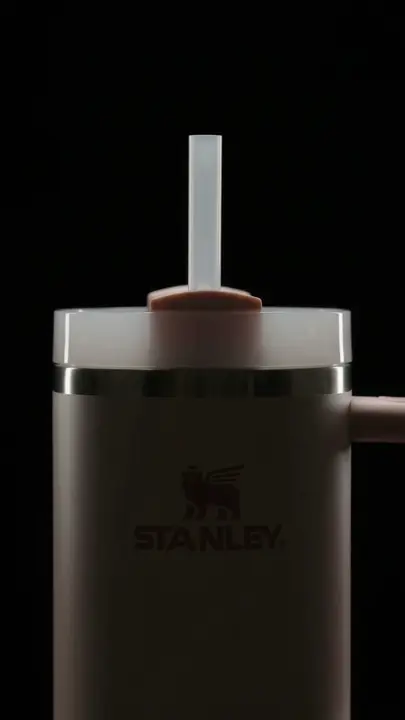
Snacks, beauty, jewelry and shopping moments: real ads and AI creators, one product at a time.
Start free trialKeep exploring
- ShopifyTo get AI ads for Shopify stores in Remy, paste your store’s address.
- DropshippingA dropshipping ad maker turns a product you’ve never held into an ad you can test.
- AI Video AdsAn AI video ad generator makes a video ad from a written prompt, a product photo or a few reference images.
- AI UGC AdsAn AI UGC ad generator makes videos that look like a creator filmed them on a phone, without hiring a creator.
- AI Static AdsAn AI static ad generator makes still image ads from a written prompt or from a photo of your product.
- Facebook AdsRemy is a Facebook video ad maker that starts from your website: it learns what you sell, shows you real ads from Meta’s ad library, and makes video ads in the shapes Facebook uses.
Questions, answered
Ecommerce: straight answers about what Remy does today.
It depends on the job, so Remy gives you three video models instead of one. Wan 3.0 Prime is the low-cost way to try an idea. Kling 4 can also edit a clip you already have, and Seedance 2.5 is the highest-priced of the three.
No. Remy doesn’t connect to your store platform, a product feed or a marketplace, so products don’t sync in. Brand Brain reads your public website to learn the range, and you upload the photos you want in each ad.
Not always, so treat AI scenes as lifestyle content, not a replacement for accurate product shots. Models can shift a logo, a pattern or a proportion, so compare each result with the real item. If one detail is wrong, ask for an image edit or use Make changes on the video instead of starting over.
Start with one product photo. In Remy you can turn it into a short AI clip, hand it to a creator template that holds and talks about it, or put an offer line over a library clip. Remy writes the script from your Brand Brain, and you check every result against the real product before you post it.
Build volume from a few strong ideas rather than from blank pages. Make one ad per product, then add new hooks and Make changes versions. Text-led Trend Format posts don’t need new AI video, so they’re the quick way to add volume.
You can make the images, but not upload them from Remy. Remy doesn’t connect to any marketplace. Make product images in shapes like 1:1 and 4:5, download them, and check each marketplace’s own image rules, since many want a plain product shot for the main image.
No. Remy doesn’t run split tests, set budgets or choose audiences. It gives you several versions of a creative quickly, and you test them in your ad account. Analytics reports on your connected accounts and the organic posts you publish through Remy.
Free for 3 days
You steer. Remy rows.
Less guessing, more winning. Remy builds your next video and image ads from the ones already working in your niche.

No card needed.