Built for brands, creators and agencies
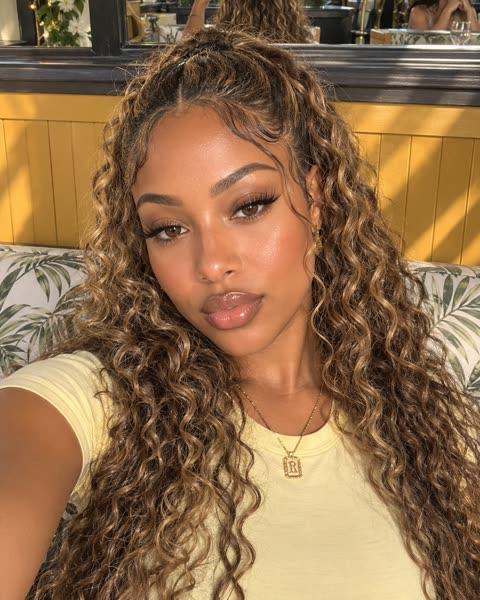


A YouTube video ad maker for 16:9 and Shorts
Remy is a YouTube video ad maker: it makes 16:9 widescreen ads and 9:16 Shorts for your product with Kling 4, Wan 3.0 Prime or Seedance 2.5, written from your website. YouTube isn’t one of the places Remy publishes, so you download the MP4, upload it to your channel and pick it as the ad’s video in Google Ads.
Paste your website and Remy learns your brand.Add your website to start.
Add website
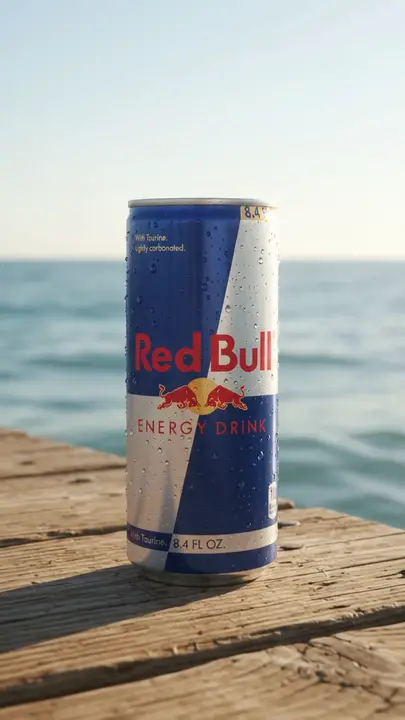
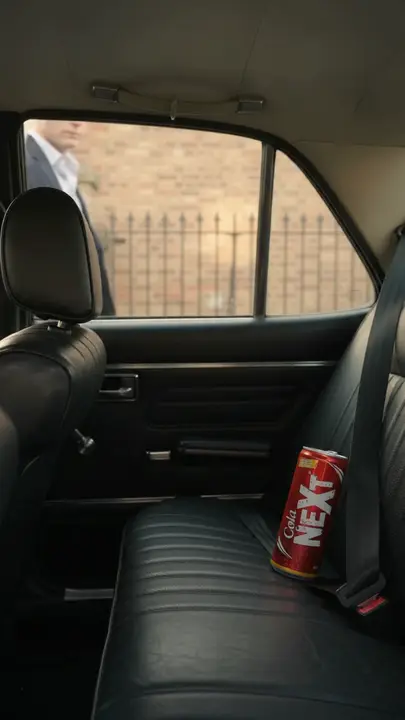
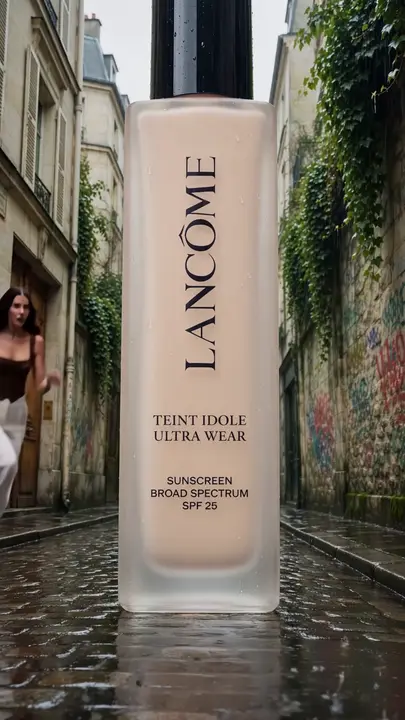
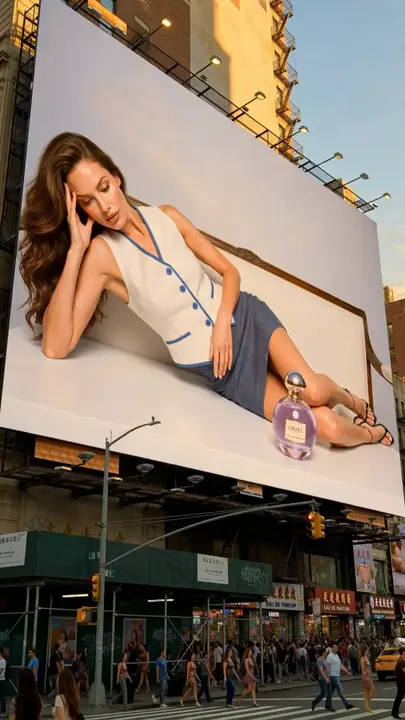
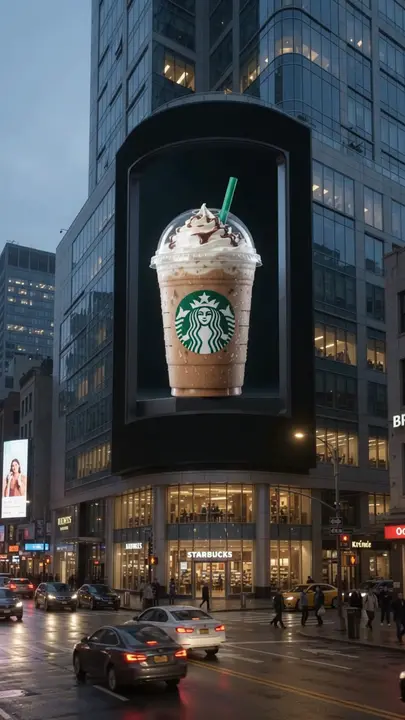
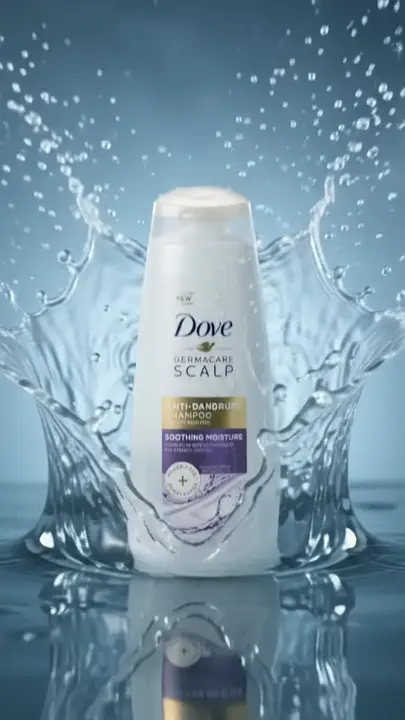
How to make YouTube ads with Remy
Research, generate, then upload: as a YouTube ad maker, Remy does the first two and hands you the file for the third.
Look up a competitor’s site
Open YouTube / Google in Research, add a site and country.
Pick the shape
Choose 16:9 for a widescreen ad or 9:16 for Shorts.
Generate the video
Describe a scene, animate your photo, or add an AI avatar.
Download and upload
Upload the MP4 to YouTube, then pick it in Google Ads.
Video ad
Your product, a creator and a few words. Remy makes the video in AI Studio.
What you get from the AI YouTube ad generator
Google’s ad library, by website
YouTube ads sit in Google’s ad library, which Remy searches by website and country. Enter a competitor’s domain to see the ads it runs on Google and YouTube.
Ad researchWidescreen and vertical video
Kling 4, Wan 3.0 Prime and Seedance 2.5 make 16:9 and 9:16 video, up to 30 seconds a clip.
AI StudioNew takes, first one kept
Make changes gives you a new version of a clip. The first take stays in your Library, linked to it.
Make changesVertical formats for Shorts
UGC Talking Head and Text on Screen make 9:16 video, with words from your Brand Brain.
TemplatesYou do the upload
You upload the MP4 to YouTube yourself. Remy publishes to TikTok, Instagram and Facebook only.
Publishing
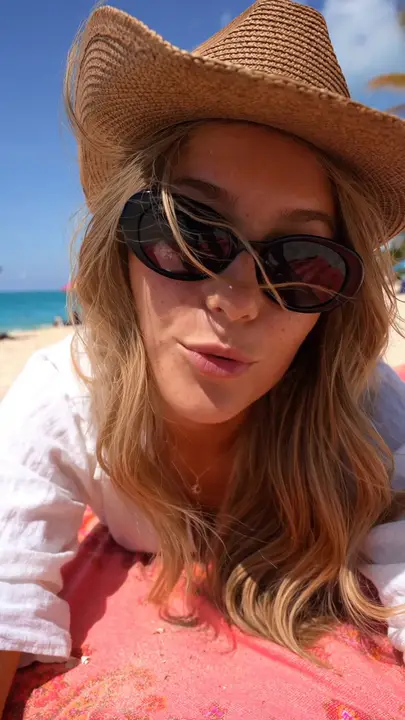
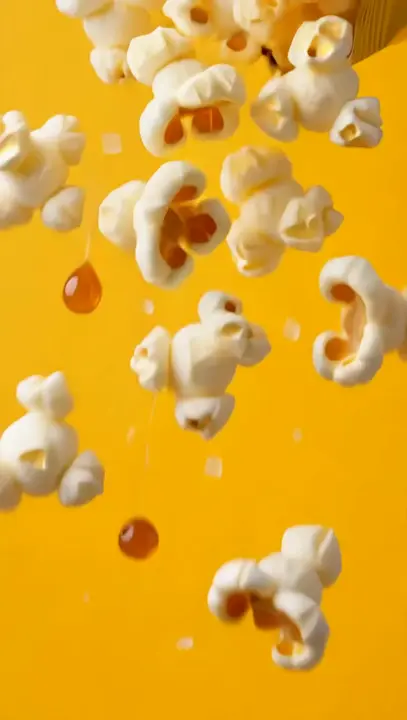
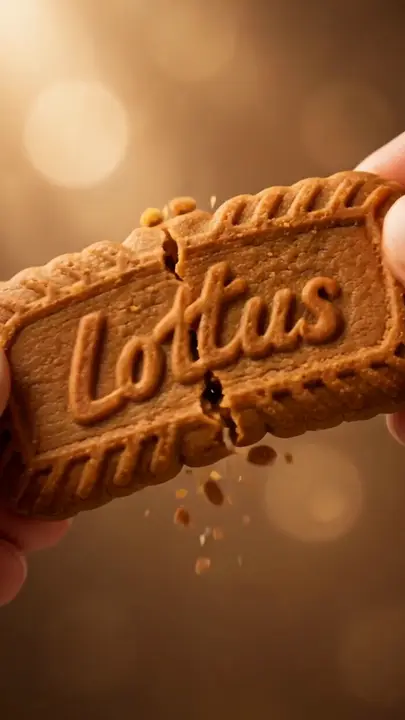
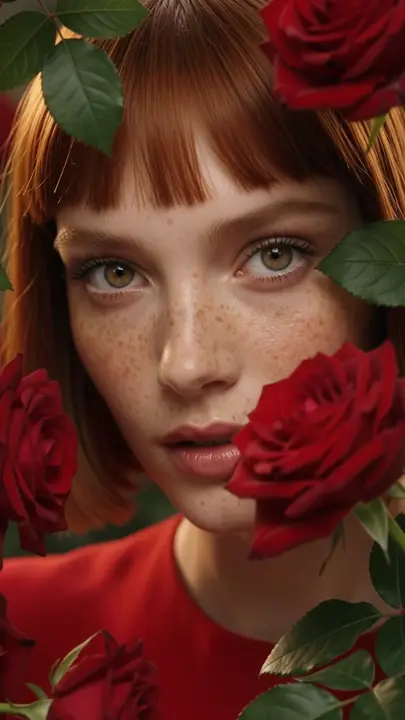
Shorts ads made with Remy
This YouTube ad creative is vertical, the shape YouTube Shorts ads play in. For a widescreen ad, pick 16:9 in AI Studio before you generate.
Start free trialKeep exploring
- AI Video AdsAn AI video ad generator makes a video ad from a written prompt, a product photo or a few reference images.
- Product Image to VideoProduct image to video AI turns a still photo of your product into a short moving clip.
- Ad ResearchA competitor ad spy tool shows you the ads other brands are running so you can study their hooks, offers and formats.
- TikTok AdsRemy is a TikTok ad maker that turns your website into 9:16 videos built to fit the feed: AI creators talking to camera, POV text videos, chat stories and memes.
- SaaSTikTok marketing for SaaS is short videos that name a problem and show your product solving it.
- AI Talking HeadAn AI talking head video generator makes a video of a person speaking to the camera from a script you type.
Questions, answered
YouTube Ads: straight answers about what Remy does today.
It makes the video: 16:9 widescreen ads and 9:16 Shorts, written from your website and made from a prompt, your product photo or an AI avatar. It also searches Google’s ad library for a competitor’s YouTube ads. You upload the MP4 to YouTube and run it in Google Ads.
In Research, open the YouTube / Google tab, type the competitor’s website and choose a country. Remy lists the ads Google shows for that site, and you can save them to your Library or open Remix this for the hook and scenes. Google’s library has no keyword search, so you need the website.
Google takes widescreen 16:9, vertical 9:16 and square 1:1 video for YouTube ads, and Shorts are 9:16. Length limits and file rules depend on the ad format and change over time, so check the current specs in Google Ads before you plan the cut. Remy’s video models make all three shapes.
Make a 9:16 video in Remy, from a template or AI Studio, and keep the words clear of the bottom of the frame, where YouTube shows the title and buttons. Download the MP4, upload it to your channel, then choose it in a Google Ads video campaign. Your campaign settings decide where it can show, Shorts included.
Yes. Image to video starts the clip from your photo, so the product on screen is the one you sell. The clip keeps the photo’s shape, so start from a wide photo for 16:9 or a tall one for Shorts. A clean product shot made in AI Studio works well as the first frame.
Start with Remy’s trial: it runs 3 days with no card and includes 10 AI credits and 50 Trend Formats, and AI Studio shows each video’s price before you make it. Uploading to your channel costs nothing. Running it as an ad does: you set the budget in Google Ads and pay Google directly.
No. Remy publishes and schedules to TikTok, Instagram and Facebook only. For YouTube, download the MP4 from Content, upload it in YouTube Studio yourself, and add the title and description there. Remy’s Analytics doesn’t track YouTube videos, so use YouTube’s own numbers.
No. Remy has no link to Google Ads, so you set budgets, bids, keywords and audiences there yourself. Remy’s part is the creative: the research, the script and the video. Your ad spend goes to Google and never passes through Remy.
Free for 3 days
You steer. Remy rows.
Less guessing, more winning. Remy builds your next video and image ads from the ones already working in your niche.
No card needed.