Built for brands, creators and agencies
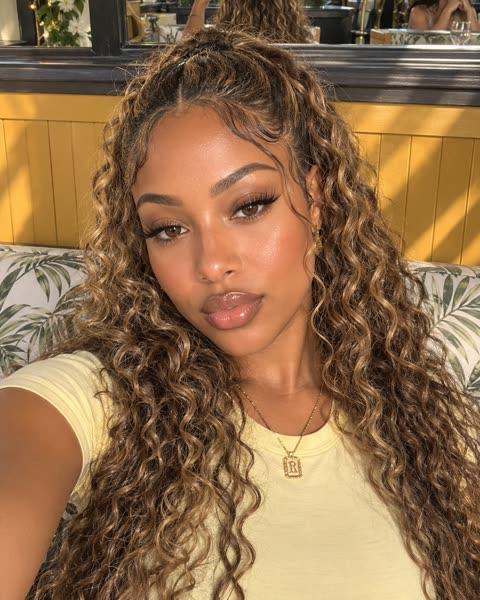


An AI static ad generator for product shots
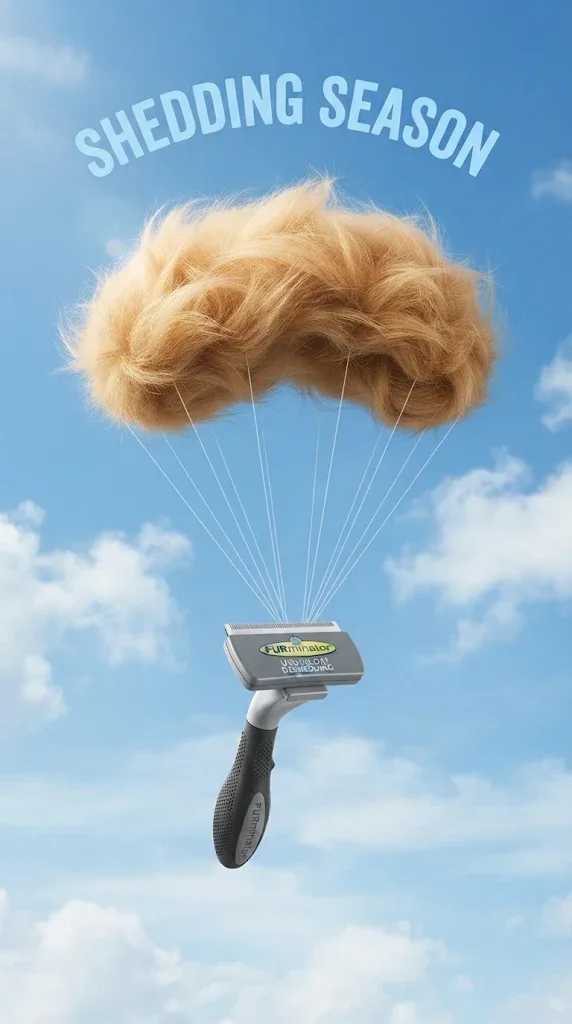
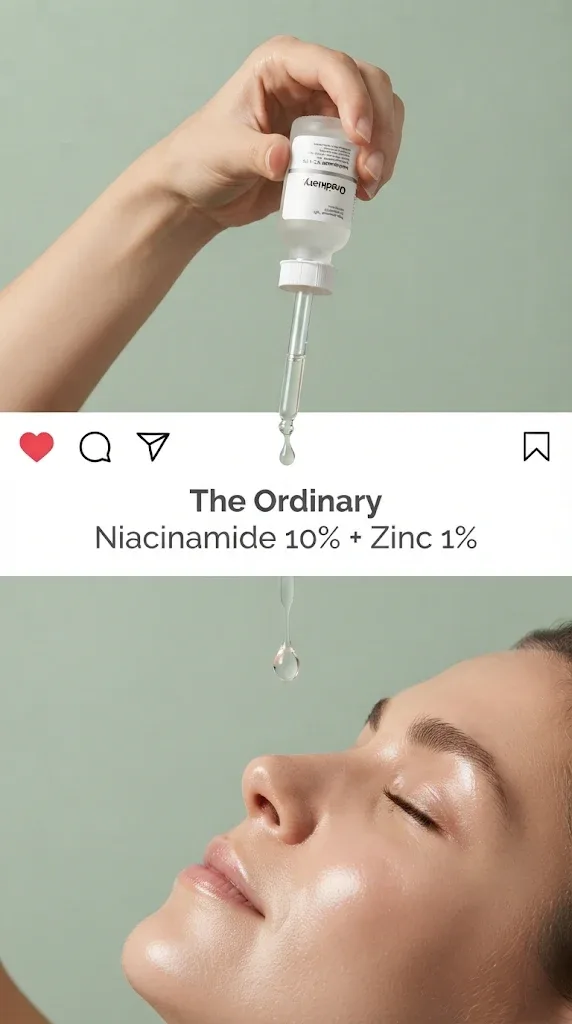
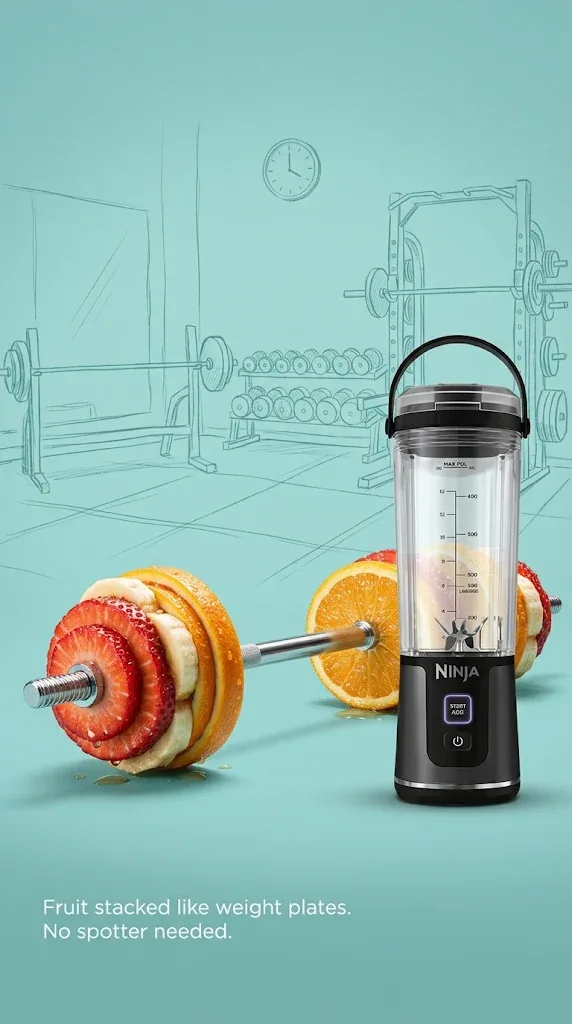
An AI static ad generator makes still image ads from a written prompt or from a photo of your product. In Remy’s AI Studio you create a new scene with Nano Banana 2, Nano Banana Pro, GPT Image 2.5 or Seedream 5 Pro, or edit a shot you already have, and pick the shape for a feed, a story or a banner.
Paste your website and Remy learns your brand.Add your website to start.
Add website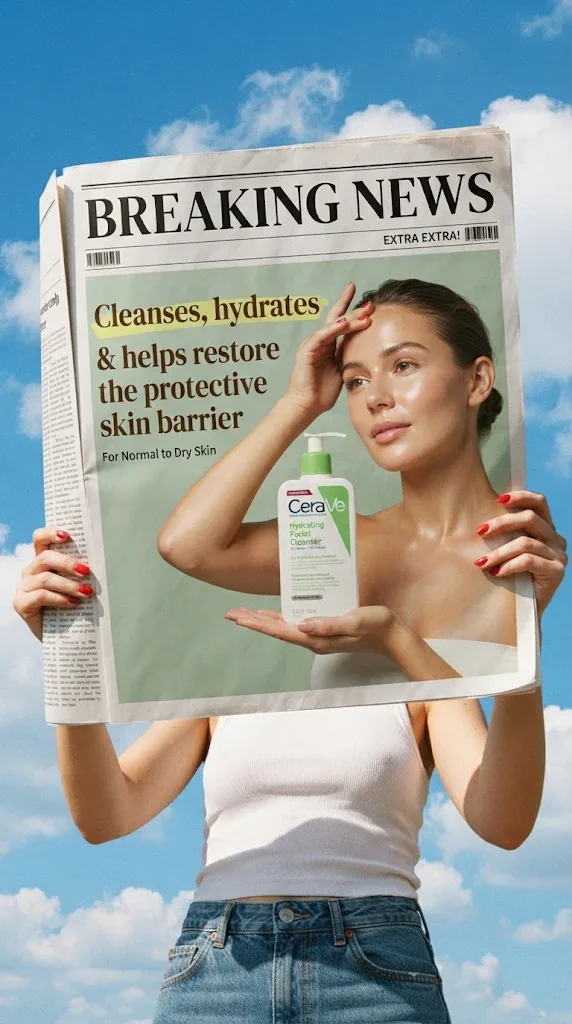
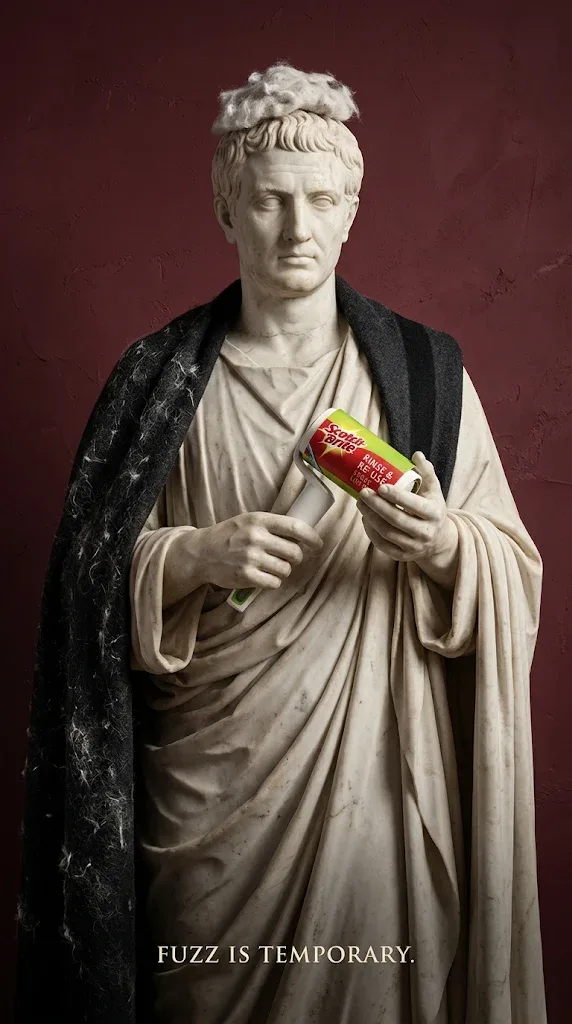
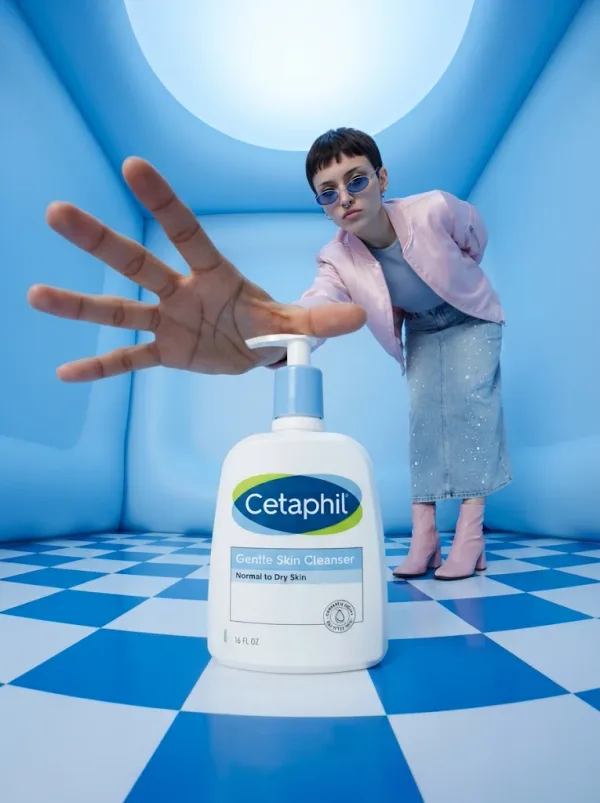
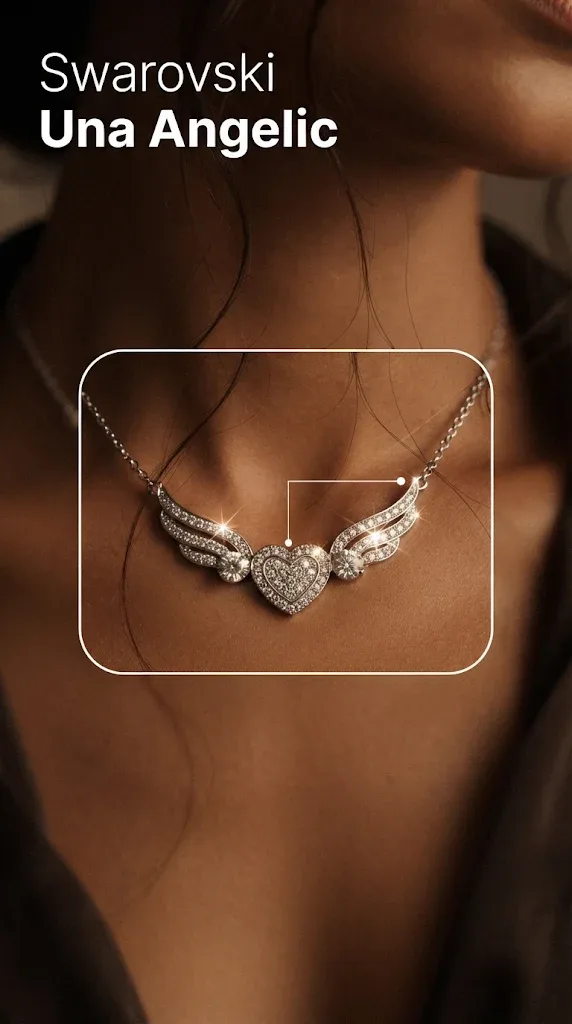
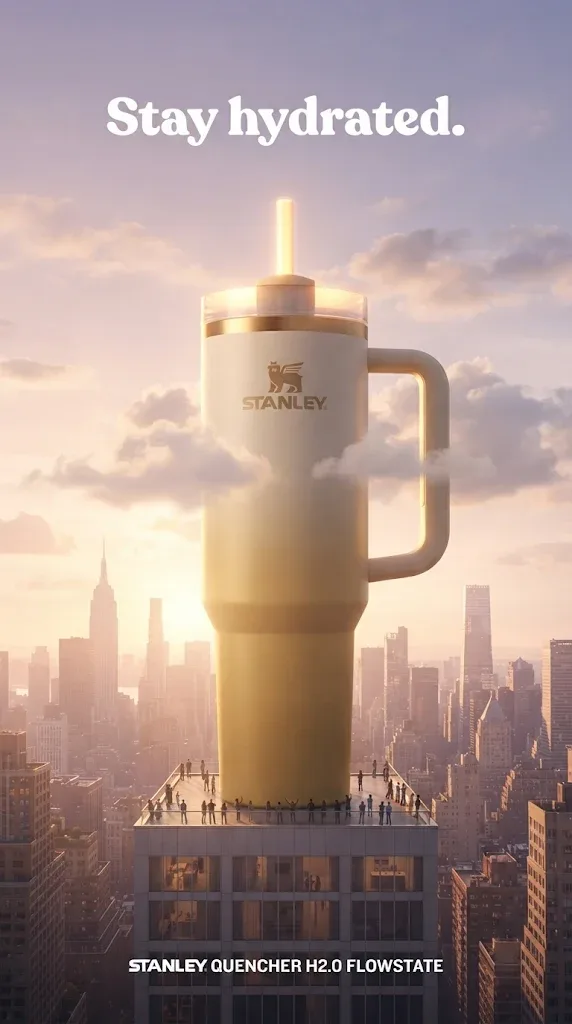
How to make static ads with AI
Create a new picture or change one you already have, in the shape the placement needs.
Open AI Studio, pick Image
Start from the Static ad quick start or a blank prompt.
Create or edit
Describe a scene, or upload a product photo to change.
Pick the shape
4:5 or 1:1 for feeds, 9:16 for stories, 16:9 for banners.
Refine it and use it
Make changes for new versions, then download or post it.
Static ad
Describe the ad you want, then change anything about it in words. Every result is yours to change again.
What’s in the AI static ad generator
Nano Banana, GPT Image and Seedream
Nano Banana 2 goes from quick drafts up to 4K, Nano Banana Pro makes finished images from 1K to 4K, and GPT Image 2.5 and Seedream 5 Pro both create and edit.
AI StudioEdits of your real photos
Upload a product shot and change the background, light or setting. Add an avatar to put a person in it.
AI StudioShapes for every placement
Square, 4:5, 9:16, 16:9 and more, depending on the model, chosen before you generate.
AI StudioMake changes
Ask for warmer light or a tighter crop. You get a new version, linked to the original.
Make changes
Keep exploring
- Product Image to VideoProduct image to video AI turns a still photo of your product into a short moving clip.
- AI Ad GeneratorAn AI ad generator from your website turns your URL into ads that already know your brand.
- AI Video AdsAn AI video ad generator makes a video ad from a written prompt, a product photo or a few reference images.
- Facebook AdsRemy is a Facebook video ad maker that starts from your website: it learns what you sell, shows you real ads from Meta’s ad library, and makes video ads in the shapes Facebook uses.
- Pinterest AdsRemy is a Pinterest ad maker that turns your product photos into tall pin images and vertical video, with words written for your brand.
- Beauty & SkincareBeauty video ads show texture, shade and routine, and Remy makes them from your product photo and your website.
Questions, answered
AI Static Ads: straight answers about what Remy does today.
Static ads are single still images, as opposed to video or carousel ads. On social feeds they’re usually a product photo or a scene with a short message. They’re quick to make and change, which is why advertisers often test many versions of one idea as statics.
Mostly. Edits start from your real photo, so the overall shape and colors carry over, but logos and label text can come out slightly different. Zoom in before you publish, and use Make changes or try another model if a detail is off.
To place your real product in a new scene, edit your photo with Nano Banana 2, GPT Image 2.5 or Seedream 5 Pro. For a new image from a prompt alone, Nano Banana Pro makes finished pictures from 1K to 4K. Try two on the same idea before you settle.
Open AI Studio, choose Image, and describe a scene or upload your product photo and describe the change you want. Pick the shape and a resolution, check the price on the Generate button, and generate. Use Make changes for new versions, then download the image or post it.
Image models can draw short words, and GPT Image 2.5 is the one to try for readable text in a picture. Still, check every letter. For prices and offers, put the exact words in the ad’s text fields or caption instead of trusting generated lettering.
For Meta feeds, square 1:1 and vertical 4:5 are the common shapes, and Stories and Reels use 9:16. Pick the shape in AI Studio before you generate so the scene is framed for it. Check Meta’s current ad specs for pixel sizes and file limits, since they change.
Yes, outside Remy. Download the image and upload it in your ads manager; Remy doesn’t create campaigns, set budgets or choose audiences. Check the platform’s policies on text, claims and AI-generated content first. You can also post them organically to TikTok, Instagram and Facebook from Remy.
Free for 3 days
You steer. Remy rows.
Less guessing, more winning. Remy builds your next video and image ads from the ones already working in your niche.
No card needed.