Built for brands, creators and agencies


Product image to video AI, from one photo
Product image to video AI turns a still photo of your product into a short moving clip. In Remy’s AI Studio you upload the photo, describe the motion, and pick Kling 4, Wan 3.0 Prime or Seedance 2.5 with a length up to 30 seconds. The clip keeps your photo’s shape, and the price shows before you generate.
Paste your website and Remy learns your brand.Add your website to start.
Add website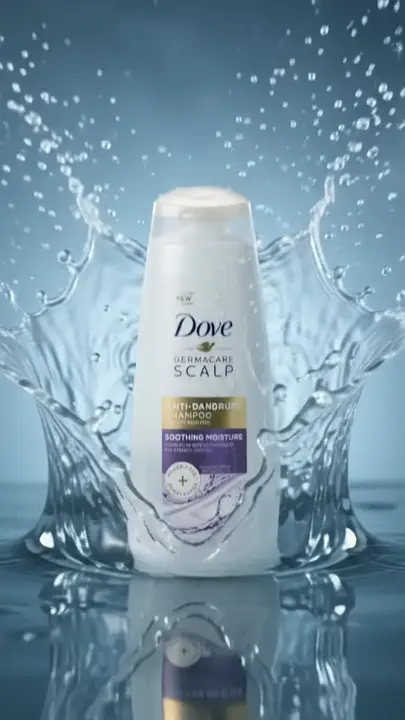

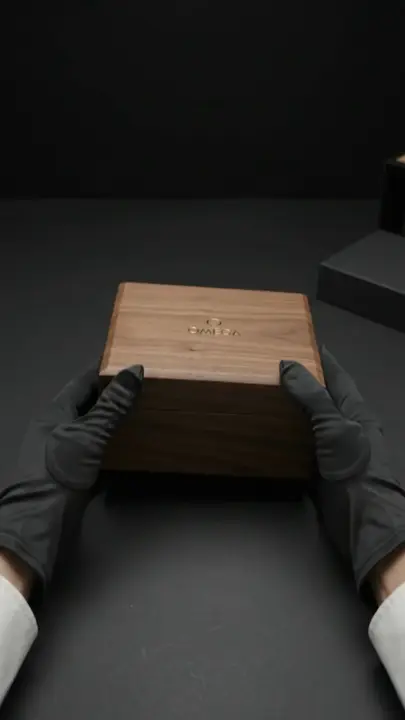
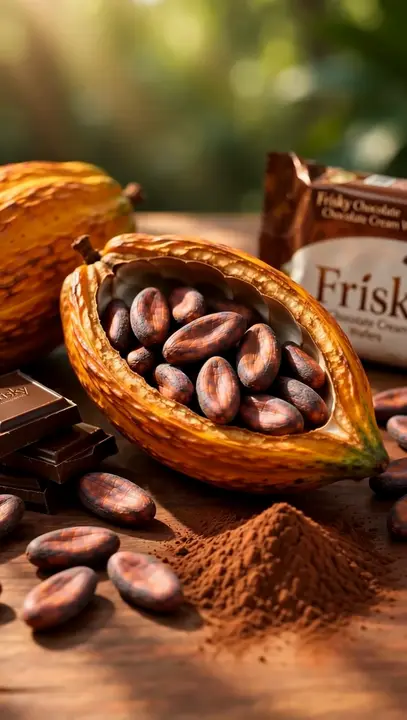
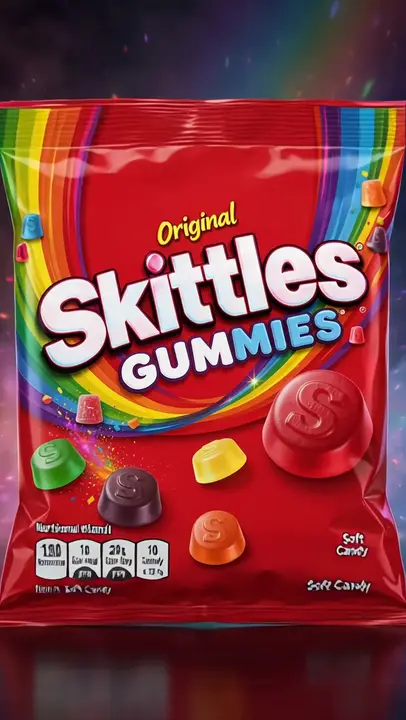
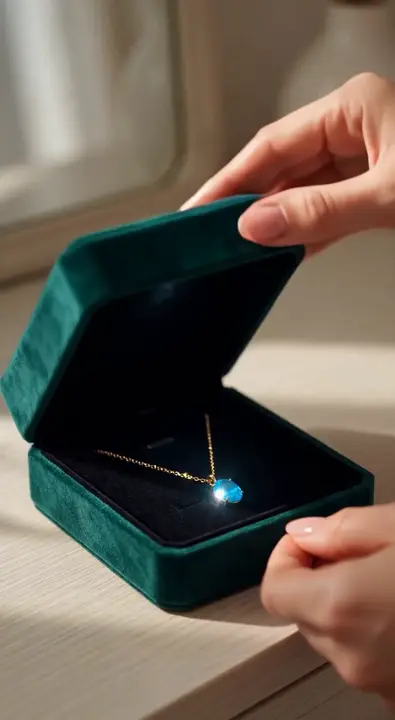
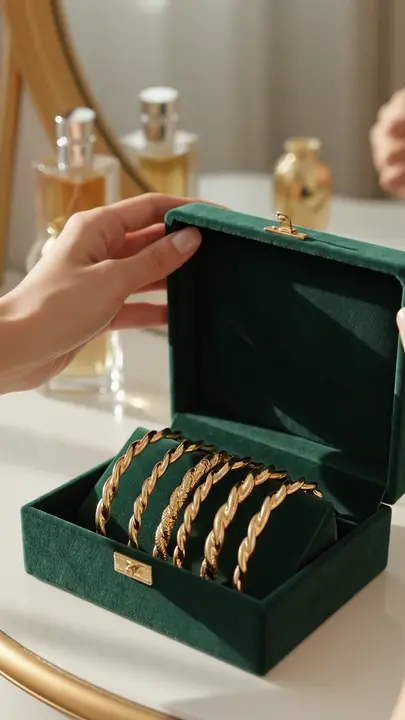
How to turn product photos into video
Start from the photo you already have. Describe the motion, not the product.
Pick your best photo
A sharp, well-lit shot that fills the frame.
Upload it as the start
In AI Studio, pick Video and add the photo.
Describe the motion
A slow push-in, or a hand lifting the bottle.
Choose model and length
Kling 4, Wan 3.0 Prime or Seedance 2.5.
Check it and post it
Check the label, then schedule or download it.
Video ad
Your product, a creator and a few words. Remy makes the video in AI Studio.
What product image to video AI gives you
Your product as the first frame
The model works from your photo instead of inventing the product from a description, and the clip keeps the photo’s shape.
AI StudioKling 4, Wan 3.0 Prime or Seedance 2.5
Wan 3.0 Prime for low-cost tests, Kling 4 for sound on every clip, Seedance 2.5 for another take.
AI StudioA better photo first, if needed
Make a clean product image with Nano Banana Pro, or move your phone shot onto a new background.
AI StudioNew takes, original kept
Make changes asks for a different motion or pace and keeps the first clip.
Make changes
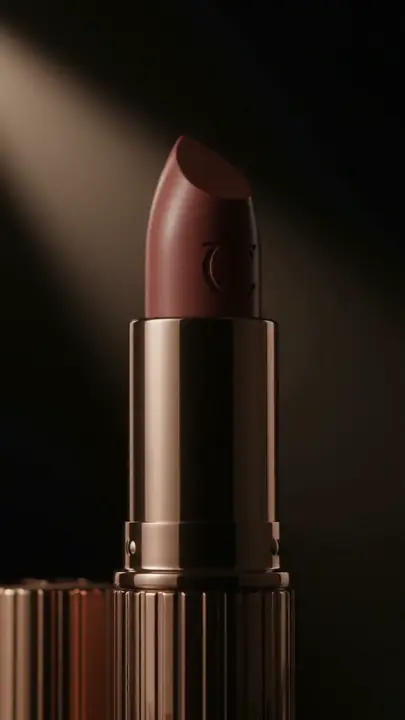
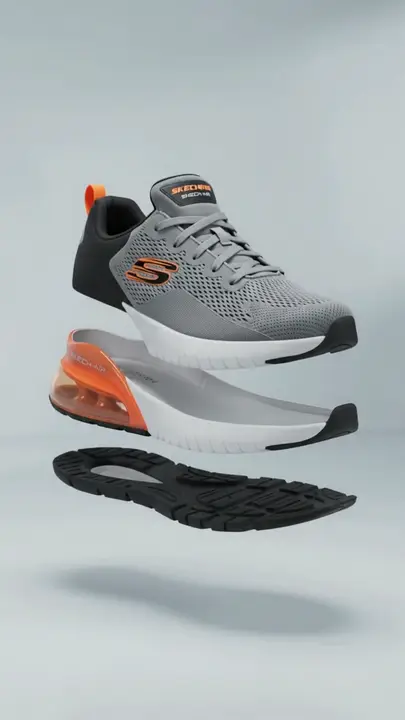
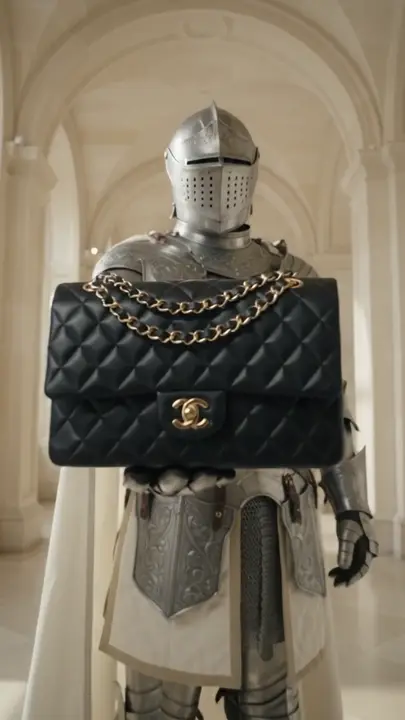
Product photos in motion
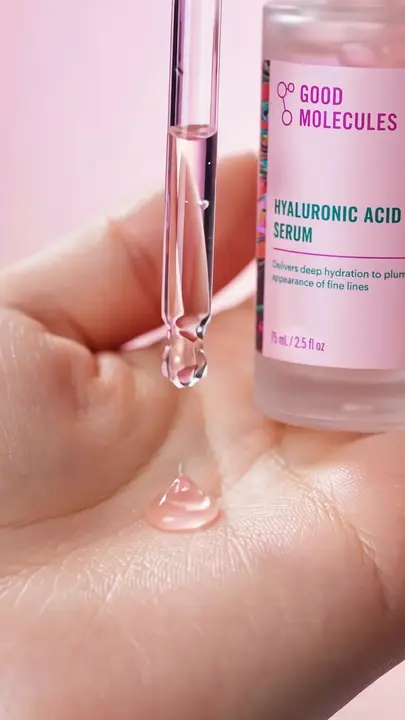
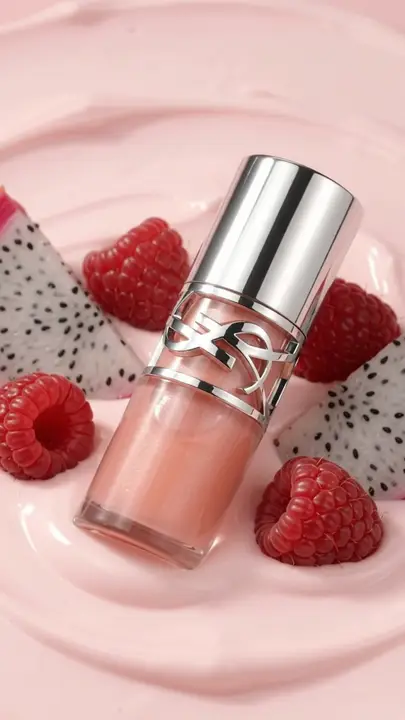
Product ads made with Remy where the product moves: a pour, a turn, a lid lifting, a cream on a hand.
Start free trialKeep exploring
- AI Video AdsAn AI video ad generator makes a video ad from a written prompt, a product photo or a few reference images.
- AI Static AdsAn AI static ad generator makes still image ads from a written prompt or from a photo of your product.
- AI Ad GeneratorAn AI ad generator from your website turns your URL into ads that already know your brand.
- ShopifyTo get AI ads for Shopify stores in Remy, paste your store’s address.
- DropshippingA dropshipping ad maker turns a product you’ve never held into an ad you can test.
- Instagram Reels AdsRemy is a reel ad maker: it writes a hook and script from your website, then makes 9:16 video with an AI creator, text over a clip or your own demo footage.
Questions, answered
Product Image to Video: straight answers about what Remy does today.
Not perfectly. The model redraws every frame, so the shape and colors carry over well, but small text, fine print and detailed logos can shift as things move. Gentle motion, like a slow push-in, changes the least. Watch every result before you post it.
The same shape as the photo you start from: a vertical photo makes a vertical clip, a wide one a wide clip. To get 9:16 for TikTok or Reels, crop the photo first or make a new one in that shape in AI Studio.
Upload the photo in AI Studio as the starting image for a video, describe the motion you want, and choose a model, length and resolution. Check the price on the Generate button and generate. The clip lands in Your creations, where you can make another take or schedule it.
Use Remy as an image to video ad generator: animate the photo first, then treat the clip like any other ad. Start from a vertical photo for TikTok and Reels or a wide one for YouTube, write a caption with the offer, and post it or download it. Keep prices in the caption, where the words stay exact.
A sharp, well-lit photo where the product fills a good part of the frame, on a plain or simple background. Busy scenes and tiny products give the model less to hold on to. Crop the photo to the shape you want before uploading, since the video follows it.
Yes. Instead of one starting photo, add your product photo and an avatar from the Creators library as references, and describe the scene. The model uses both to make a clip of that person with your product. Small labels can shift, so check the product closely in the result.
The same as any video at that model, length and resolution. The price shows on the Generate button before you start, credits are taken only when the video is delivered, and they’re returned if the generation fails. Short clips at lower resolution cost the fewest credits, which suits first tests.
Publish or schedule it to TikTok, Instagram and Facebook from Remy, with a caption for each platform. Anywhere else, like YouTube, LinkedIn or Pinterest, means downloading the MP4 and uploading it yourself.
Free for 3 days
You steer. Remy rows.
Less guessing, more winning. Remy builds your next video and image ads from the ones already working in your niche.

No card needed.